
FLUX.3 Klein Image Generator
Turn a written brief into an image, or upload photos and describe what to change with FLUX.3 Klein. Choose the composition, output size and format in one workspace; sign in and check the displayed credit cost before creating.
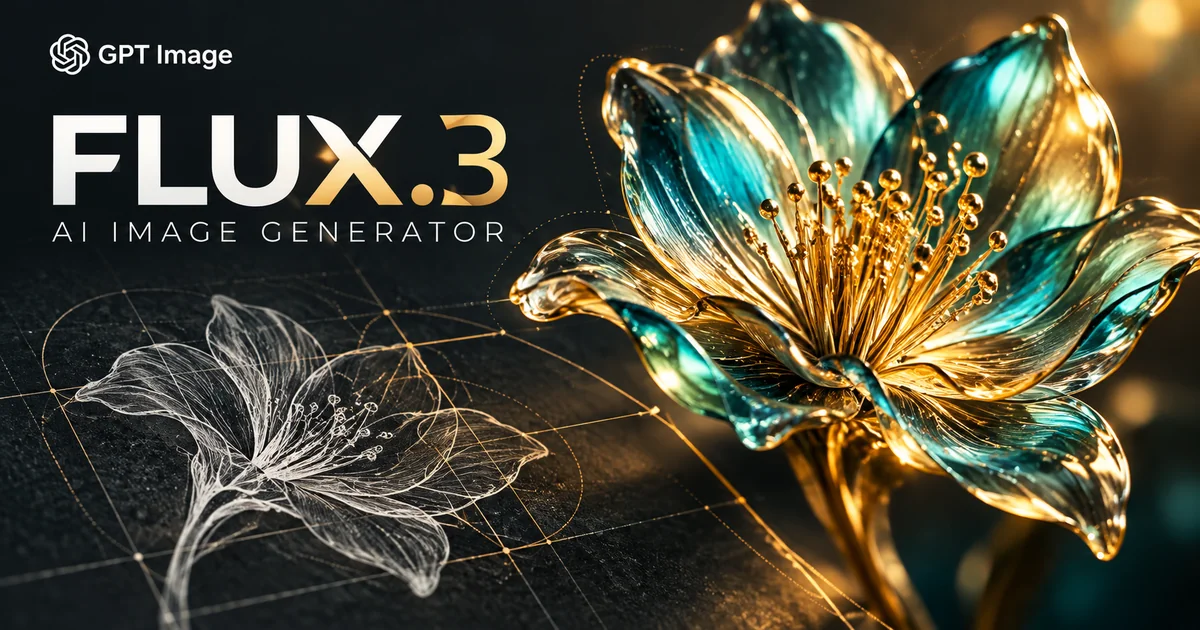
What is FLUX.3 Klein?
FLUX.3 Klein is a Black Forest Labs image model for text-to-image generation and reference-based editing. On GPT Image 2.5, start from a description or up to 10 images and request one PNG or JPEG at 1K, 2K or 4K. Use it for product scenes, visual concepts and photo variations, then review the output before sharing. This page serves the Klein image model, not FLUX 3 video or audio generation.
From your idea to an image you can use
Generate from a focused description
Start with the subject and the moment you want to show. Add the setting, lighting and camera angle, then specify the visual style. For a product, include its material and leave room around it. Review the first composition before changing the brief for another attempt.
Edit a photo with a clear instruction
Choose a clear source photo and describe the edit alongside the elements to retain. For example, ask for a new setting while keeping the product’s shape and viewpoint. Check the resulting edges, faces, labels and proportions against the original because other details may also change.
Combine up to 10 reference images
Add up to 10 JPG, PNG or WEBP images, each no larger than 10 MB. Tell the model which reference supplies the subject, environment or colour palette. A smaller, consistent set can be easier to interpret; the upload limit does not promise exact preservation.
Choose a composition for the destination
Pick 1:1 for a square, 4:3 or 3:2 for landscape, 3:4 or 2:3 for portrait, and 16:9 or 9:16 for wider or vertical layouts. Auto uses 1:1 for text-only requests and follows the references for edits. If you plan to add a headline, describe where to leave space.
Select 1K, 2K or 4K and a file format
Select 1K, 2K or 4K and save as PNG or JPEG. Each request creates one image, with pixel dimensions determined by resolution and ratio. A larger output is useful for larger placements, but inspect it at full size: higher resolution cannot fix misspelt text or distorted details.
Check lettering and fine detail
Keep requested text short and separate it clearly from the rest of the prompt. Inspect spelling, hands, reflections and repeated details in the finished image. Add critical lettering in a design editor when a poster or product label needs exact typography.
Build product and campaign concepts
Explore a product on a tabletop, a seasonal setting or a palette for a campaign. Change one prominent element at a time and compare the product outline, packaging and logos with the reference. A convincing image alone does not establish an exact product match or rights to a brand.
Review, download and use the result
Before submitting, sign in and review the displayed estimate and balance. Inspect the finished image, download it from the result and open the saved file before sharing or editing. Confirm rights to the source material and the applicable model and service terms before publication.
FLUX.3 Klein questions
FLUX.3 Klein Image Generator FAQ
User reviews
"I start a product concept with one clear reference and compare the bottle outline before moving on. Keeping the brief focused makes it easier for me to judge the background and lighting."
Maya Chen
Fictional user
"For a background change, I describe the new setting and the product details that should stay. I compare the outline and reflections with the reference before choosing a version."
Alex Morgan
Fictional user
"For packaging concepts, I treat the image as a composition draft. Exact labels and brand lettering go into my design file afterward, where I can check them carefully."
Noah Kim
Fictional user
"I start a product concept with one clear reference and compare the bottle outline before moving on. Keeping the brief focused makes it easier for me to judge the background and lighting."
Maya Chen
Fictional user
"For a background change, I describe the new setting and the product details that should stay. I compare the outline and reflections with the reference before choosing a version."
Alex Morgan
Fictional user
"For packaging concepts, I treat the image as a composition draft. Exact labels and brand lettering go into my design file afterward, where I can check them carefully."
Noah Kim
Fictional user
Create your next image with FLUX.3 Klein







 +1k
+1k