
GPT Image 2.5
  • Home
  • AI Image Prompts
  • Pricing
  • Assets
Models
GPT Image 2.5 FlareGPT Image 2.5 SunburstGPT Image 2Nano Banana 2Nano Banana 2 LiteNano Banana ProNano Banana 2.1Seedream 5.0 LiteSeedream 5.0 ProSeedream 5.0 FlashGrok Imagine Image 2.0Qwen Image 3.0MiniMax H3 MaxMiniMax H3MiniMax H3 Max TurboGemini OmniGemini Omni 1.1 FlashVeo 3.1Seedance 2.5Seedance 2Seedance 2 FastSeedance 2 MiniWan 3.0 VideoWan 3.0 Video PrimePixVerse V6PixVerse V6 MaxVidu Q4
GPT Image 2.5GPT Image 2.5

PixVerse V6 Max Video Generator

PixVerse V6 Max Video Generator

Build a short clip from your idea or a reference image, then choose the output settings that suit your project.
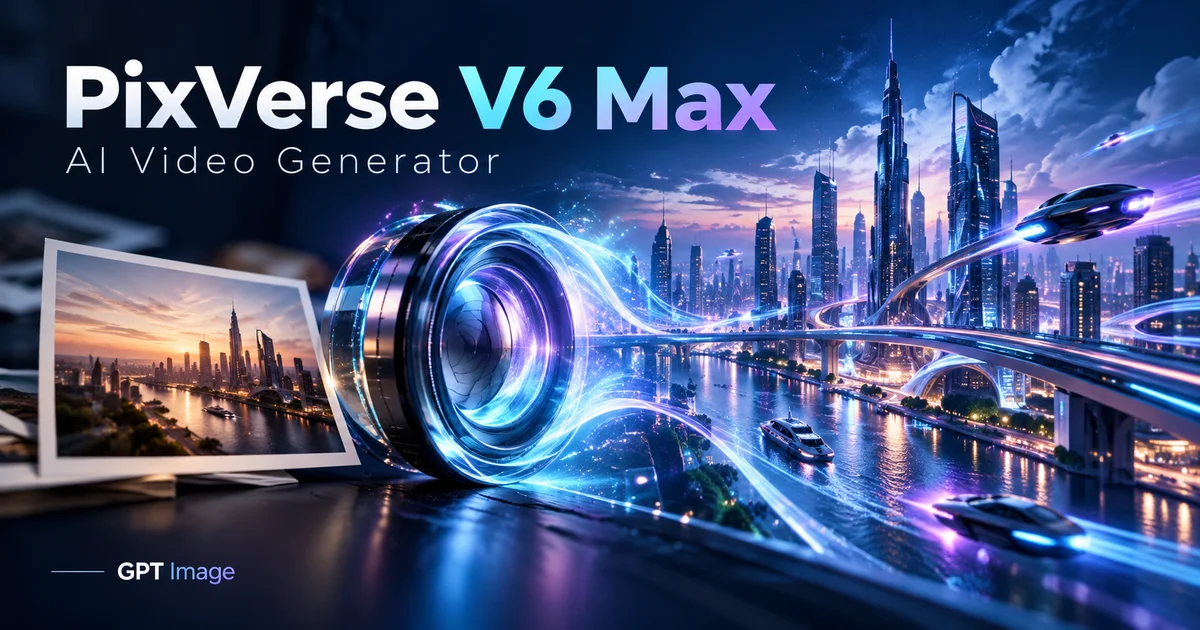
PixVerse V6 Max Video Generator
About

PixVerse V6 Max Video Generator

Build a short clip from your idea or a reference image, then choose the output settings that suit your project.

PixVerse V6 Max Video Generator

Plan a shot with PixVerse V6 Max

Choose a workflow and prepare your next edit.

Core Features Overview

Plan one clear shot

Write the subject and the change you want to see. Add the location, lighting and camera direction only when they help explain the shot. A focused prompt is easier to refine after the first result.

Start with an image

For image animation, upload one JPG, PNG or WebP no larger than 20 MB and no more than 10000 pixels on either side. Crop it first: its shape determines the video shape. Describe the movement while identifying what should remain in place.

Set the output

Choose a whole-number duration from 1 to 15 seconds and 360p, 540p, 720p or 1080p. Text prompts can use eight shapes, including 9:16 and 21:9; an uploaded image supplies the shape for image animation.

Choose whether to add sound

Sign in, describe the scene in 1–5000 characters, and choose whether the clip should include generated audio. The optional seed can help compare attempts. This model does not accept an uploaded soundtrack or a separate ending frame.

Budget before generating

At five seconds, 720p costs 53 credits without audio and 72 with it; 1080p costs 106 or 135. The estimate changes with length, quality and audio, so review it after changing settings.

Inspect the finished clip

Play the complete result and check the subject, background motion and any sound. Download the file before adding captions, trimming or combining it with other shots. Results vary, so inspect them before sharing.

PixVerse V6 Max questions

PixVerse V6 Max Video Generator FAQ

Enter a text prompt, optionally with one reference image. The prompt should explain the action you want in the clip.
Use a JPG, PNG or WebP up to 20 MB and 10000 pixels per side. Crop it to your intended video shape before uploading.
Choose an integer from 1 to 15 seconds. The default is five seconds at 720p; the available qualities range from 360p to 1080p.
Text-to-video supports eight ratios, including 9:16 and 21:9. Image-to-video takes its shape from the uploaded image.
You can enable generated audio. It changes the credit estimate; this integration does not accept a separate soundtrack.
Length, resolution and audio determine the total. Five seconds at 720p costs 53 credits without audio or 72 with audio; at 1080p it costs 106 or 135.
No. Max here supports text-to-video and one-image animation, without video extension, end-frame transitions or multi-clip controls.
Review the whole result, including movement and audio, and confirm you may use the input material. The supplied demonstration is not a recorded generation test on GPT Image 2.5.

Explore More AI Video Models

Veo 3.1

Veo 3.1

New

Veo 3.1 represents Google DeepMind's most advanced AI video generation technology, featuring groundbreaking native audio generation that creates synchronized sound effects, dialogue, and environmental audio alongside video content.

Try now
Wan 2.6

Wan 2.6

New

Wan 2.6 is Alibaba's video generation model delivering high-quality videos with diverse style support, smooth motion, and cinematic output from text prompts and reference images.

Try now
Sora 2

Sora 2

Sora 2 is OpenAI's flagship video generation model capable of producing high-quality videos from both text descriptions and image inputs. It understands complex scene compositions, character interactions, camera movements, and real-world physics to deliver cinematic results. Sora 2 represents a major leap in AI video generation with improved temporal consistency, longer duration support, and more faithful prompt interpretation.

Try now
Vidu Q4 Video Generator

Vidu Q4 Video Generator

New

Vidu Q4 is a video model developed by ShengShu Technology. Image-to-video turns one image into a 3–16 second clip, while reference-to-video combines 1–15 images into a 3–16 second clip. Optional audio and up to three voice references let you explore scenes in which appearance, movement and sound work together.

Try now
Kling 4.0 Video Generator

Kling 4.0 Video Generator

New

Create 3–30-second videos from text, first and last frames, or visual references. Choose 720p or 1080p and review motion, sound and credits before developing your next edit.

Try now
Kling 2.6

Kling 2.6

Kling 2.6 is Kuaishou's latest AI video generation model, recognized for its exceptional motion quality and cinematic output. Built on advanced spatiotemporal modeling, Kling 2.6 produces videos with fluid character movement, dynamic camera transitions, and rich visual detail. It supports both text-to-video and image-to-video generation, making it a versatile tool for creators seeking professional-quality AI video content.

Try now

Create with PixVerse V6 Max

Create short videos from a written scene or one image. Pick the length, resolution and optional audio before generating on GPT Image 2.5.
Create with PixVerse V6 Max

GPT Image user 1
GPT Image user 2
GPT Image user 3
GPT Image user 4
GPT Image user 5
GPT Image user 6
GPT Image user 7
GPT Image user 8
GPT Image user 1GPT Image user 2GPT Image user 3GPT Image user 4GPT Image user 5+1k
GPT Image 2.5GPT Image 2.5

GPT Image 2.5 is an AI image platform for image generation, editing, and practical AI photo tools.
Create professional visuals with natural-language instructions and choose from multiple AI image models for different creative tasks.

Email

AI Image Generator

  • GPT-Image 2
  • Nano Banana 2
  • Seedream 5.0
  • Grok 4.2 Image
  • Nano Banana Pro

AI Video Generator

  • Seedance 2
  • Veo 3.1
  • Grok Video
  • Kling 2.6
  • Video Effects

AI Image Tools

  • AI Product Photo
  • Remove Background
  • Image Upscaler
  • Photo Restoration
  • AI ID Photo
  • Anime Filter

About Us

  • FAQ
  • Showcases
  • Pricing
© 2024 GPT Image 2.5, All rights reserved
Privacy PolicyTerms of ServiceRefund PolicyRefund Request
DeutschEnglishEspañolFrançais繁體中文日本語한국어Türkçe简体中文עבריתPolski
HomeAI Image ToolsAssetsProfile





