
Grok 4.2 Image
xAI's latest AI image generator with real-time web search for accurate visual references, multi-turn conversational editing, and batch generation. Create images from text, refine with natural language, and iterate through dialogue.
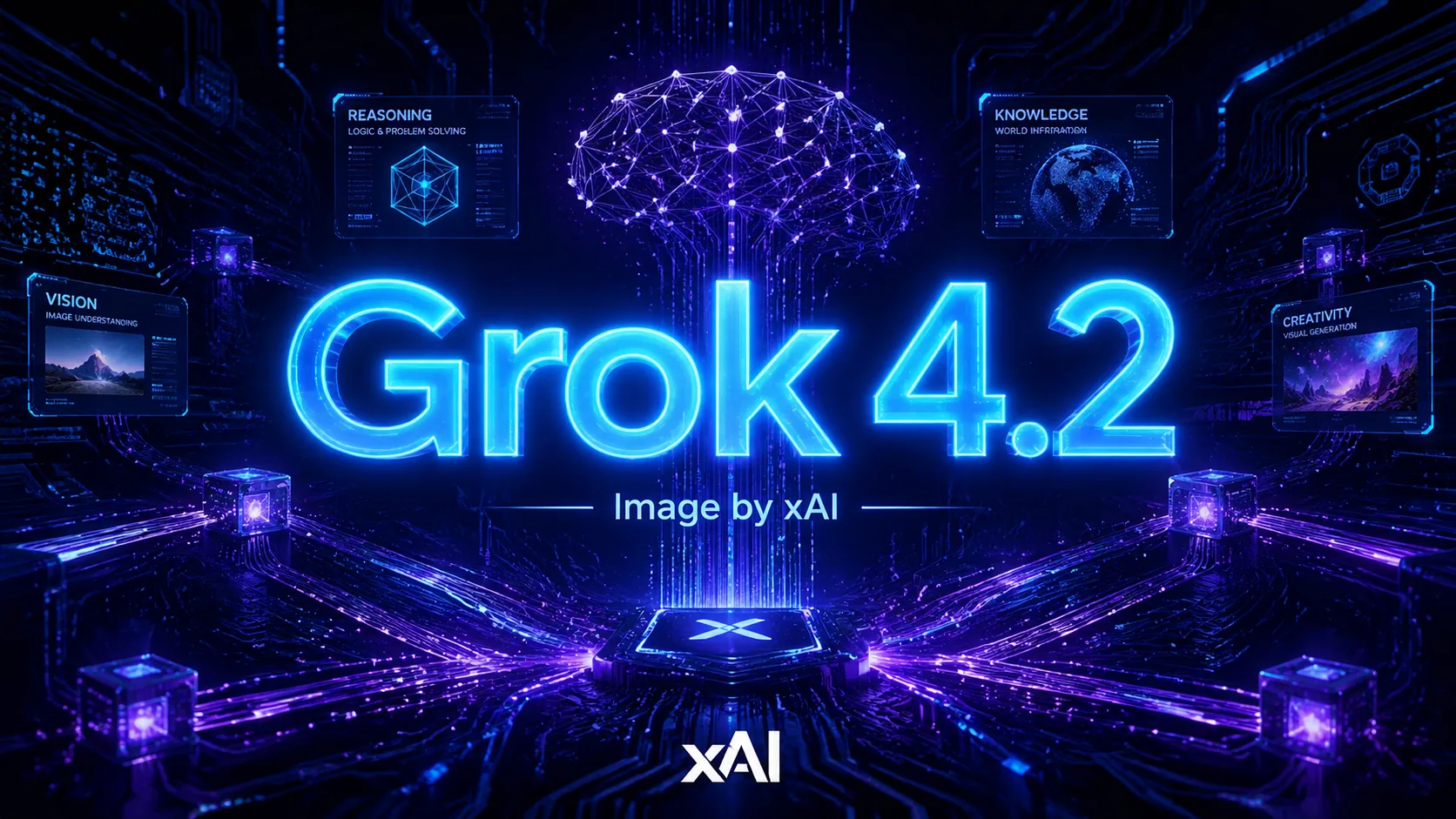
About Grok 4.2 Image
Grok 4.2 Image is xAI's advanced image generation model, part of the Grok 4.2 family featuring a 256K context window and real-time web search integration. It supports text-to-image generation with full prompt understanding and multi-turn image editing through natural conversation. The model can generate multiple images in batch, control aspect ratios and resolutions, and leverage Grok's real-time knowledge for up-to-date visual references. Unlike isolated image models, Grok 4.2 Image benefits from xAI's deep integration with live web data.

Key Features of Grok 4.2 Image
Real-Time Web Search
Grok 4.2 Image searches the live web during generation, incorporating current events, trending topics, and up-to-date visual references into your images — no stale training data limitations.
Multi-Turn Conversational Editing
Edit and refine images through natural back-and-forth conversation. Change colors, adjust compositions, swap elements, or evolve a concept across multiple dialogue turns without starting over.
256K Context Window
A massive 256K token context window allows the model to maintain conversation history, reference multiple uploaded images, and keep complex creative directions consistent across long sessions.
Batch Image Generation
Generate multiple images in a single API call with consistent style and quality. Perfect for A/B testing creative concepts, producing variations, or scaling content production.
Flexible Aspect Ratios & Resolutions
Full control over aspect ratio and resolution for every generation. Create anything from social media squares to wide banners and tall posters without cropping or upscaling.
Image Upload & Edit
Upload existing photos and modify them through natural language. Change backgrounds, add elements, adjust colors, or completely transform the style while preserving subject integrity.
Grok 4.2 Image FAQ
Grok 4.2 Image FAQ
What Users Say About Grok 4.2 Image
"I asked for a visual about a breaking news story and then refined it across five turns — adjusting the layout, swapping colors, adding text overlays. The conversation flow meant I never lost my starting point."
James Wilson
Social Media Manager
"I asked for a visual about a breaking news story and then refined it across five turns — adjusting the layout, swapping colors, adding text overlays. The conversation flow meant I never lost my starting point."
James Wilson
Social Media Manager
Generate with Real-Time Web Intelligence







 +1k
+1k