Vidu Q4 Video Generator

Vidu Q4 Video Generator

Animate a single image or bring multiple visual references together in one video. Choose 540p to 4K, describe the action and camera movement, and enable audio when your scene needs sound.

Vidu Q4 Video Generator
About

What is Vidu Q4?

Vidu Q4 is a video model developed by ShengShu Technology. Image-to-video turns one image into a 3–16 second clip, while reference-to-video combines 1–15 images into a 3–16 second clip. Optional audio and up to three voice references let you explore scenes in which appearance, movement and sound work together.

What is Vidu Q4?

Vidu Q4 features

Choose the input workflow that fits your scene.

Choose a workflow for your shot

Start with one image or combine several references.

Use image-to-video to add camera movement and action to a product image, portrait or landscape. Choose reference-to-video when a scene needs several visual sources for subjects, style or setting. Describe one clear action and the intended camera movement so the scene has a readable focus.

Prepare clear visual and voice references

Use references that contribute distinct information.

Image-to-video accepts one image and inherits its aspect ratio. Reference-to-video accepts 1–15 images; choose useful views and avoid contradictory appearances. You may add up to three MP3 voice references, each 3–12 seconds and no larger than 50 MB. Use recordings you have permission to upload.

Set duration, composition and sound

Match the settings to the destination of your video.

Upload your source images, describe the action, and choose a resolution from 540p, 720p, 1080p, 2K or 4K. Single-image clips run 3–16 seconds; reference clips run 3–16 seconds with 16:9, 9:16, 1:1, 4:3 or 3:4 framing. Audio is optional and switched off by default. Review the current credit estimate before submitting.

Create clips for editing and sharing

Explore motion, atmosphere and optional synchronized sound.

Use the resulting clip as a scene in a social video, a product presentation or a visual storyboard. Higher resolution can suit a larger viewing surface, while a shorter clip helps you explore a focused action. When audio is enabled, review the image and sound together before deciding how the clip fits your project.

Review the whole result before choosing

Check continuity, motion and any generated audio.

Watch the clip from beginning to end. Compare subject details with your references, look for changes in faces, hands or products, and check camera motion and scene transitions. If sound is enabled, listen for voice character, timing and unwanted audio. Reference identity and lip synchronization are not guaranteed; revise the input or description when needed.

Download and finish your video

Treat the clip as material for your final edit.

Download a result you want to keep, then trim it, arrange it with other shots and add captions or audio in your editor. Check the crop and legibility for the intended screen. Vidu Q4 does not establish commercial rights to your references, voices or generated content; confirm permissions and applicable terms before publication.

Official demonstrations and original scene concepts

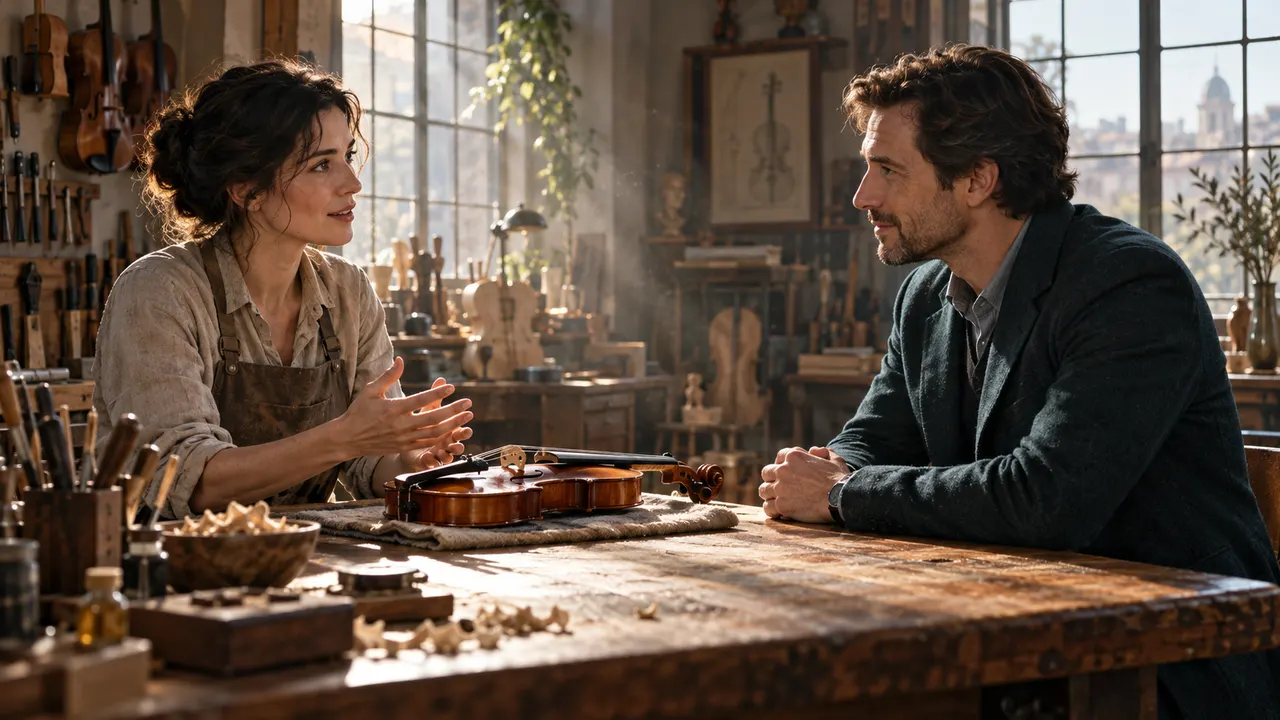
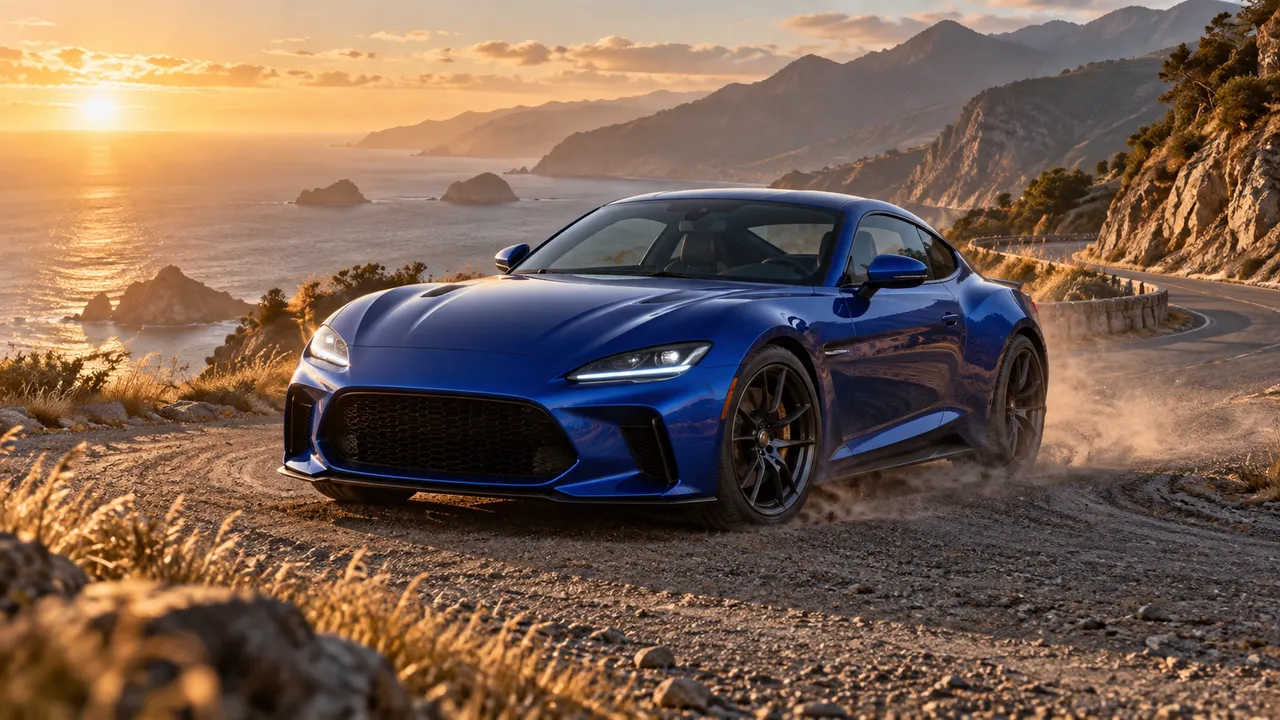
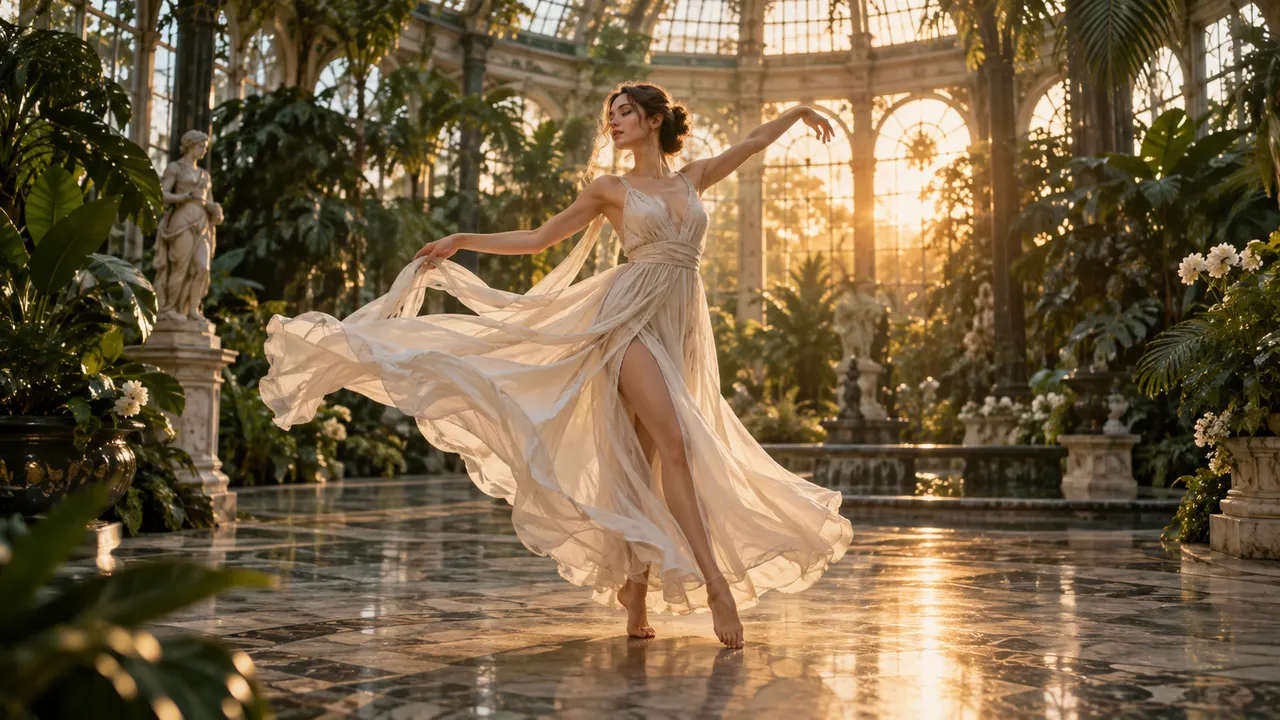
The two videos are official Vidu demonstrations. The three still images are original AI concept illustrations to help you prepare a scene; they are not Vidu Q4 outputs.

Reference-to-video demonstration

Image-to-video demonstration

A scene concept for exploring multiple visual references

Reference-led scene

A blue sports coupe on a coastal road, illustrating a possible starting frame

Motion-led scene

A cinematic scene concept for exploring camera movement and atmosphere

Cinematic scene

Vidu Q4 FAQ

Vidu Q4 Video Generator FAQ

Vidu Q4 supports single-image animation and reference-to-video. Supply an image or 1–15 reference images, then describe the action and camera movement. These are the two available workflows on this page.

Explore More AI Video Models

Veo 3.1

New

Veo 3.1 represents Google DeepMind's most advanced AI video generation technology, featuring groundbreaking native audio generation that creates synchronized sound effects, dialogue, and environmental audio alongside video content.

Try now

Wan 2.6

New

Wan 2.6 is Alibaba's video generation model delivering high-quality videos with diverse style support, smooth motion, and cinematic output from text prompts and reference images.

Try now

Sora 2

Sora 2 is OpenAI's flagship video generation model capable of producing high-quality videos from both text descriptions and image inputs. It understands complex scene compositions, character interactions, camera movements, and real-world physics to deliver cinematic results. Sora 2 represents a major leap in AI video generation with improved temporal consistency, longer duration support, and more faithful prompt interpretation.

Try now

Kling 2.6

Kling 2.6 is Kuaishou's latest AI video generation model, recognized for its exceptional motion quality and cinematic output. Built on advanced spatiotemporal modeling, Kling 2.6 produces videos with fluid character movement, dynamic camera transitions, and rich visual detail. It supports both text-to-video and image-to-video generation, making it a versatile tool for creators seeking professional-quality AI video content.

Try now

Seedance 2.0

New

Seedance 2.0 is ByteDance's most advanced AI video generation model, unveiled in February 2026. It adopts a unified multimodal audio-video joint generation architecture supporting 4 input modalities simultaneously — text, up to 9 images, up to 3 video clips, and up to 3 audio tracks. The ground-breaking @-reference system lets you tag specific elements in your prompt and bind them to uploaded references for granular control over camera movement, character appearance, audio rhythm, and visual style. Outputs reach up to 2K resolution with native synchronized audio including multilingual lip-sync, sound effects, and background music.

Try now

Grok Video

Grok Video (powered by Grok Imagine Video) is xAI's video generation model built directly into the Grok ecosystem. Powered by the proprietary Aurora engine, it converts text prompts or static images into short video clips with synchronized audio. What sets Grok Video apart is its speed — clips generate in seconds, not minutes — combined with real-time web data access for current, relevant visual references. The model prioritizes prompt adherence and natural motion coherence, making it ideal for rapid social media content, quick prototyping, and iterative creative workflows.

Try now

Bring your scene to life with Vidu Q4

Prepare your images, choose your settings and check the credit estimate before generating.
GPT Image user 1GPT Image user 2GPT Image user 3GPT Image user 4GPT Image user 5+1k