
AI Product Photo Generator
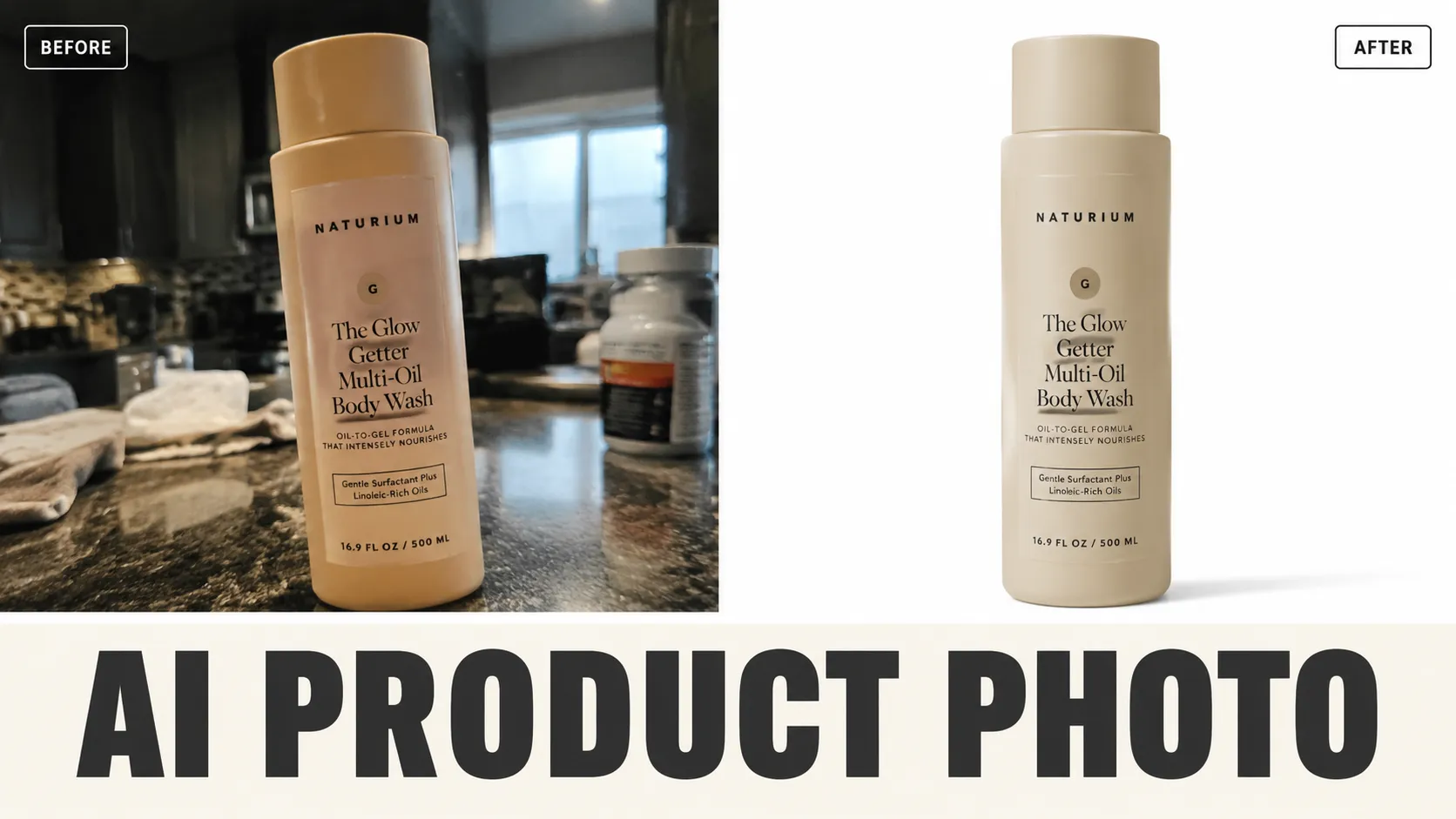
Drop in one phone-quality product shot, get listing-ready hero images with clean white background or natural lifestyle scenes — without booking a studio or hiring a photographer.
Related AI tools
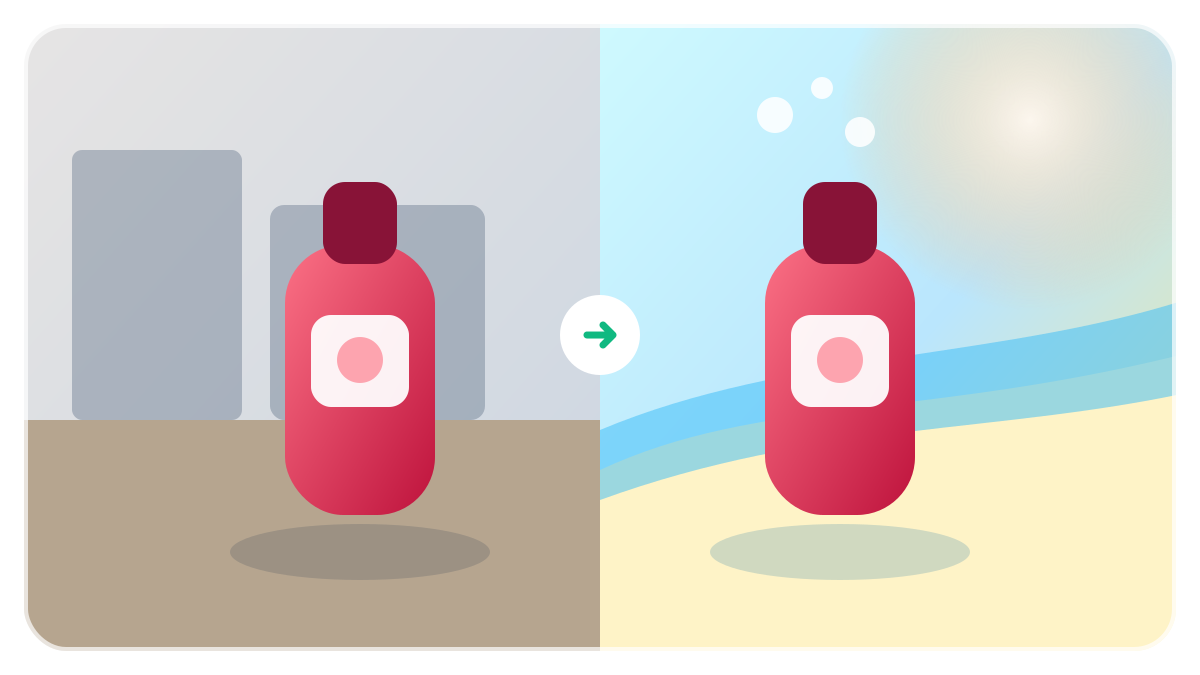
AI Background Changer
Replace a photo background from a text description while keeping the main subject naturally blended.
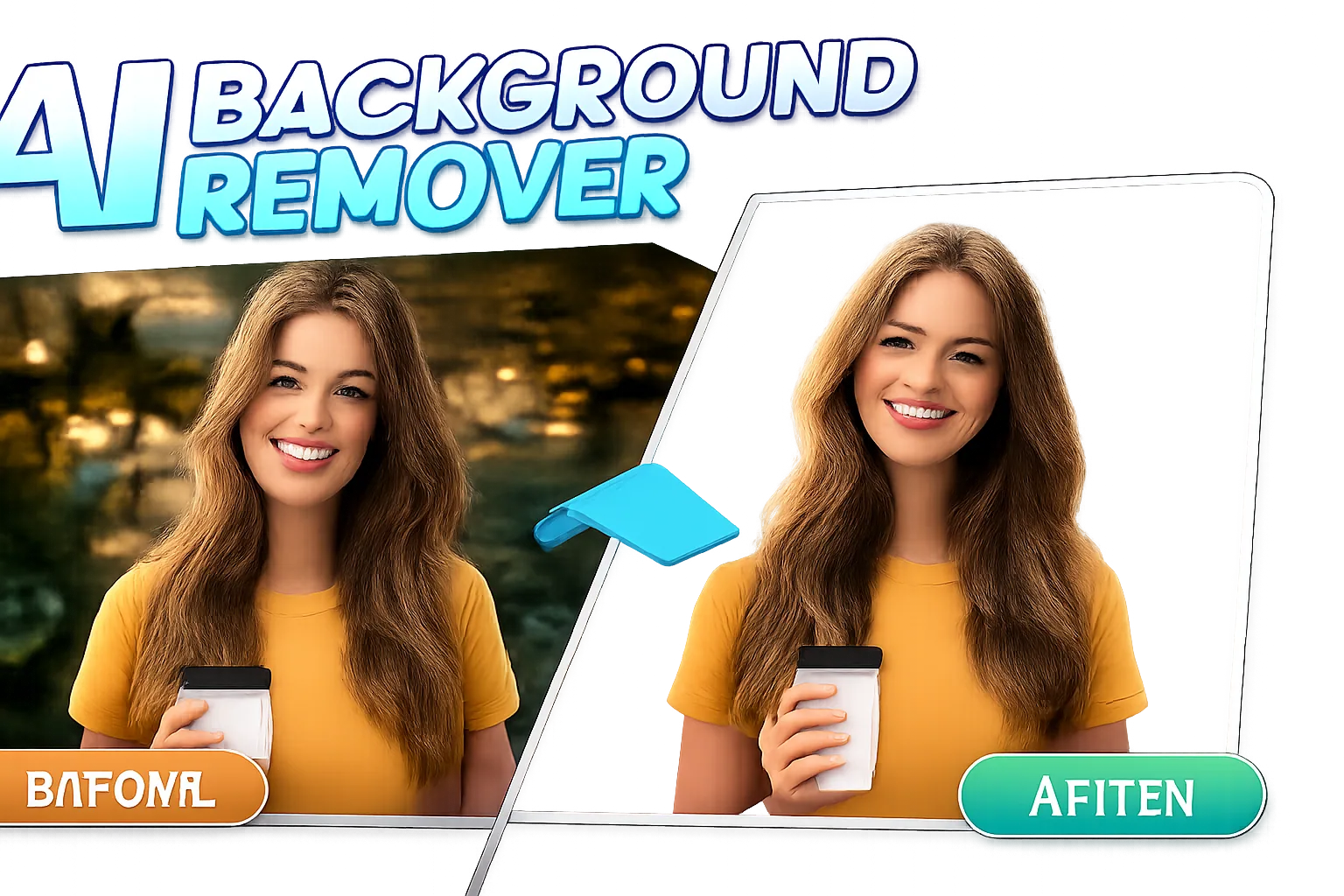
AI Background Remover
Remove and replace image backgrounds automatically with AI. Perfect for product photos, portraits, and e-commerce.
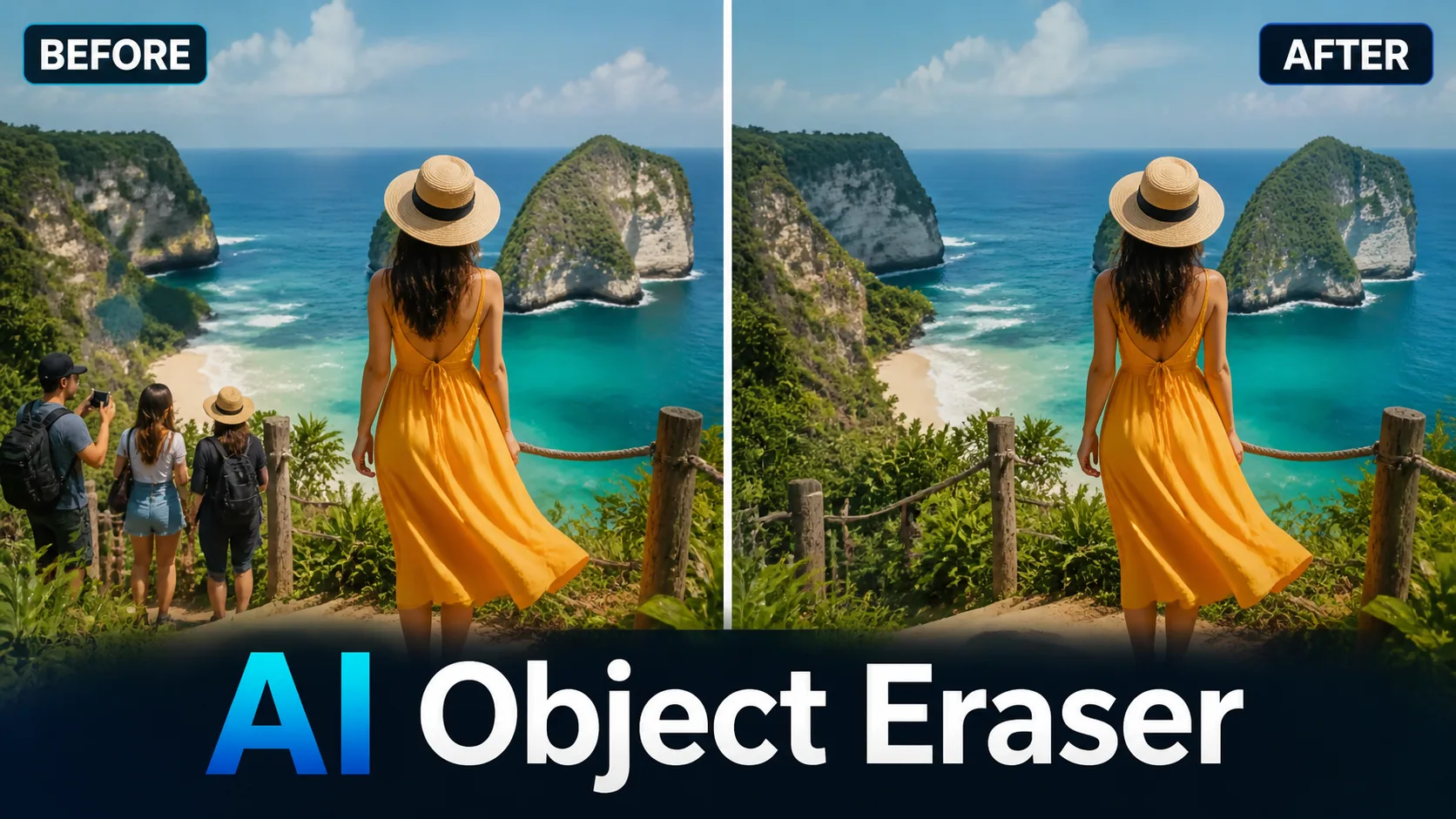
Object Eraser
Remove unwanted objects, people, text, and imperfections from photos with AI-powered inpainting.
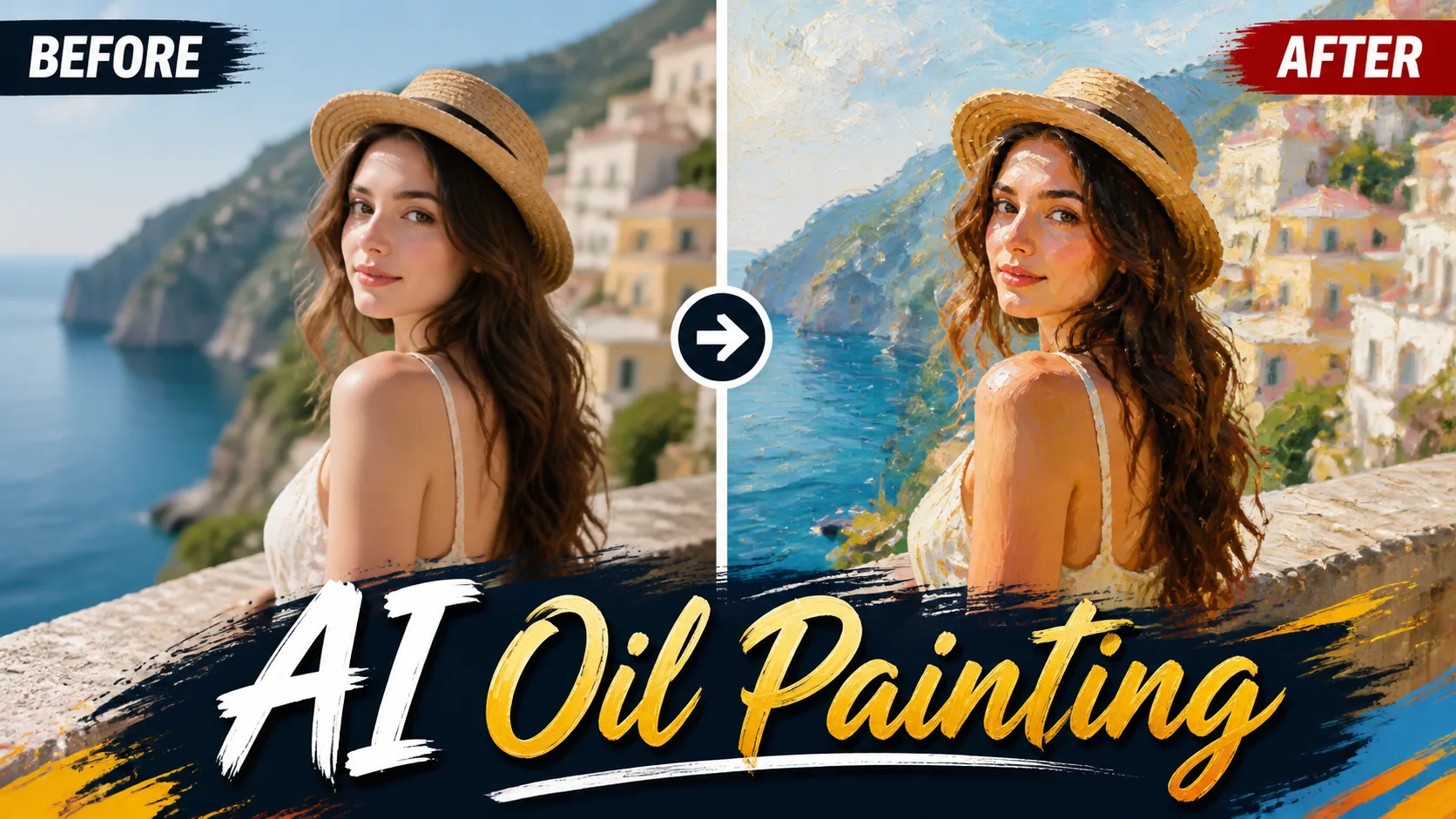
Oil Painting
Transform your photos into stunning oil paintings with realistic brush strokes and canvas texture.
What This Tool Actually Does
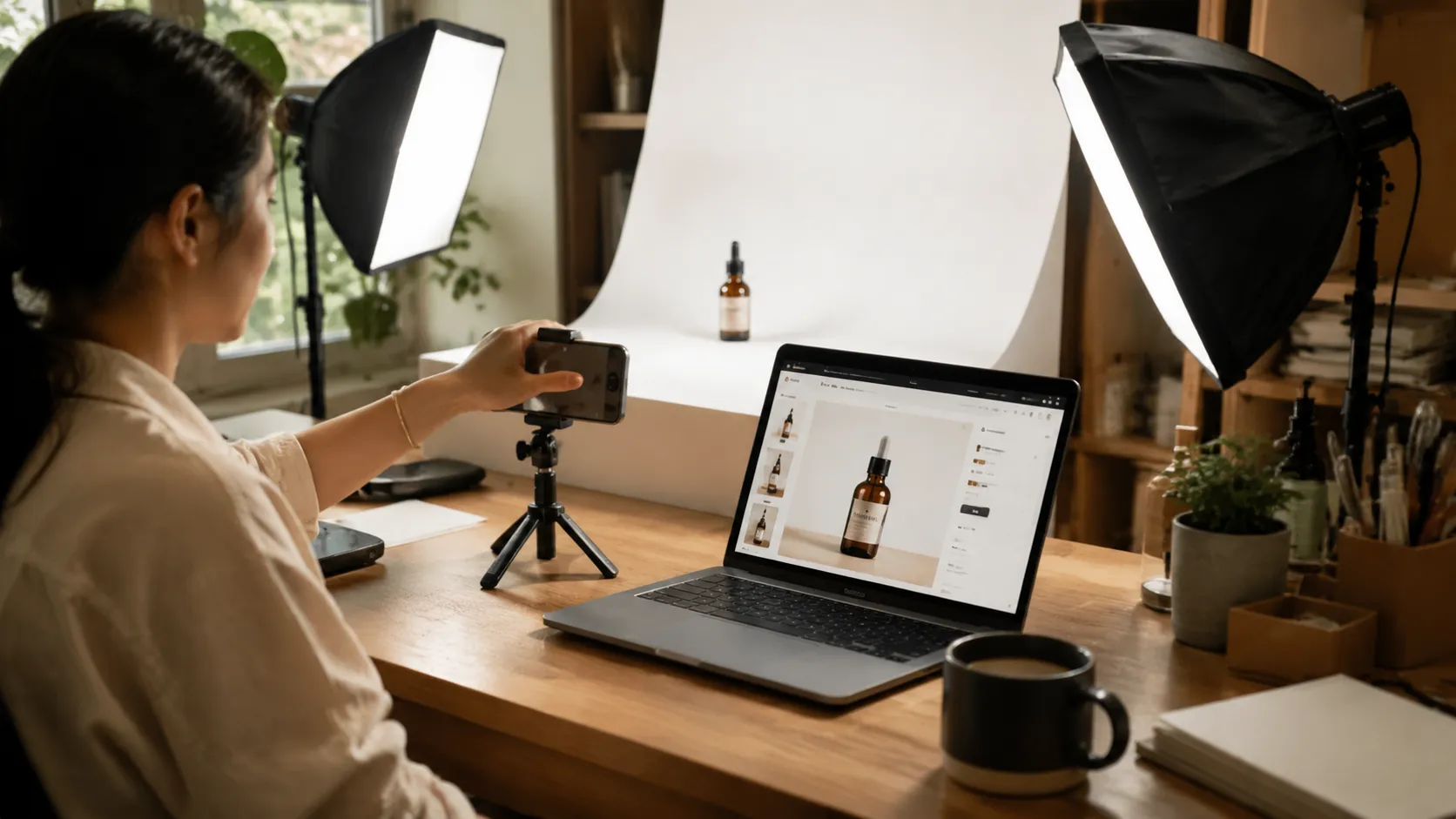
Most product-photo AI tools are marketed as one-button magic. The honest version: they're scene generators that take your product as a reference and re-render the surrounding environment. This tool does the same — with two clear modes. White BG mode is for Amazon main images and PDP heroes. Lifestyle mode is for ads, Instagram, and Shopify section banners. We built it because every team running a small Shopify or Etsy store ends up doing the same boring task: re-shooting the same hand soap on a different surface for the holiday push.
Where AI Product Photography Actually Wins (and Where It Doesn't)
After running it across a few hundred SKUs internally and with beta sellers, here's a candid breakdown:
Wins on flat, opaque products
Struggles with high-gloss reflective metal
Best for replacing repetitive seasonal shoots
Not a replacement for premium hero campaigns
How Sellers Are Actually Using It
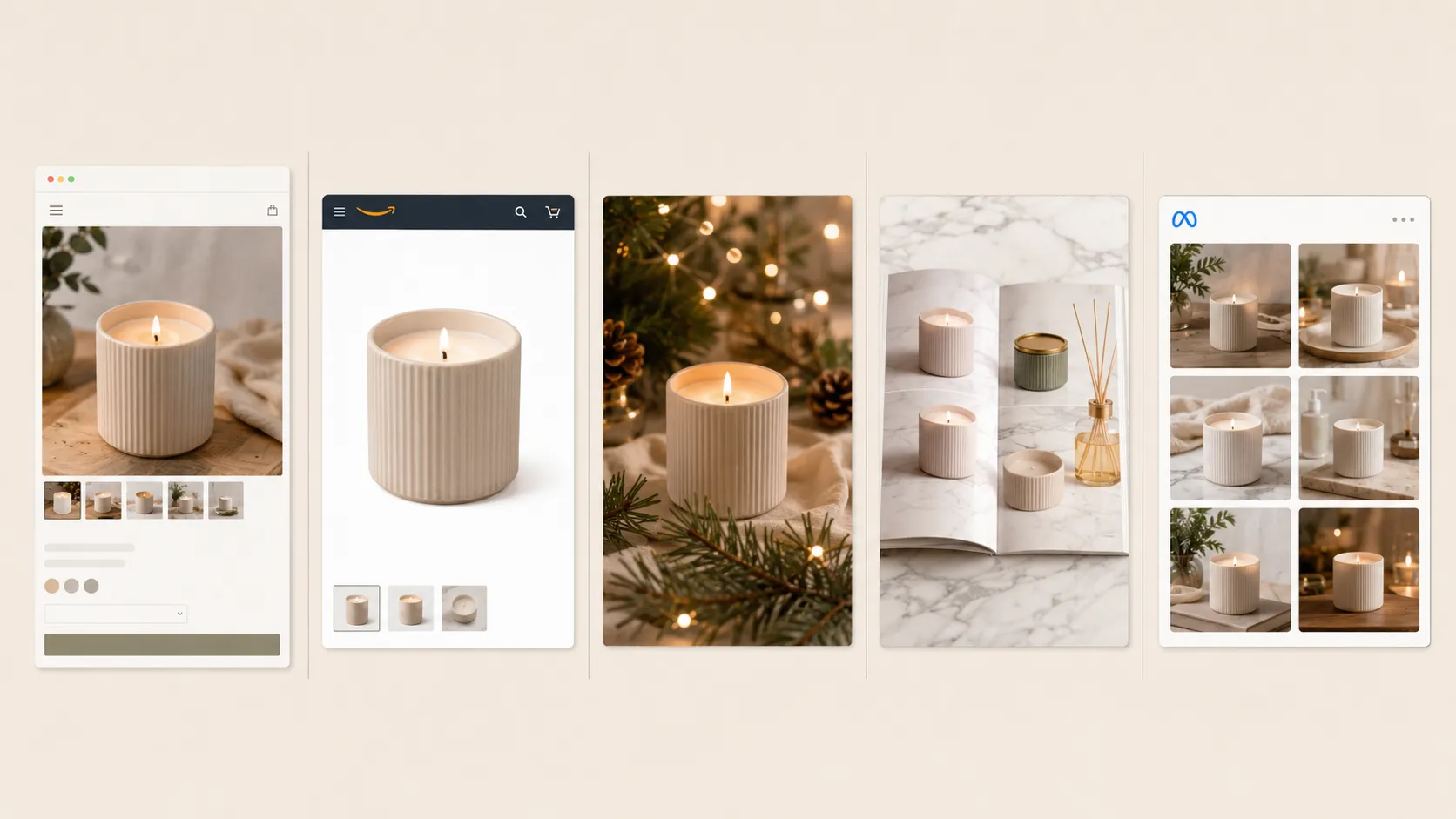
Shopify hero rotation: generate 3–5 lifestyle variants of the same product, A/B test them. Amazon main image refresh: upload existing photo, run White BG mode, replace listing image. Etsy seasonal push: use Festive scene to generate Q4 banners without re-shooting. Wholesale catalogues: batch-generate 50+ products with the same Marble Top scene for visual consistency. Ads creative testing: generate 6 variants in different scenes, hand them to Meta Ads to find the winner.
What to Upload for Best Results
Sharp focus matters more than resolution — a sharp 1MP phone shot beats a blurry 12MP one. Shoot the product roughly centered, with the front face visible. Avoid heavy props in the input (the model can't always tell what's product vs. prop). For text-heavy packaging, crop tight so labels stay readable. If your input has uneven lighting, use White BG mode first to flatten it, then re-run Lifestyle mode on the cleaned-up version — that two-pass approach saves a lot of label-rebuilding mistakes.
Honest Answers Before You Upload
From Real Sellers
"We replaced about 60% of our hero shots in two evenings. The Marble Top preset became our default for skincare. Saved roughly $1,200 vs the studio quote."
Marcus Lee
Shopify Store Owner
"The Festive preset got us through Q4. Generated 40 holiday shots for a campaign in an afternoon. Three of them needed minor color tweaks in Photoshop, the rest shipped as-is."
Priya Singh
DTC Founder
"We replaced about 60% of our hero shots in two evenings. The Marble Top preset became our default for skincare. Saved roughly $1,200 vs the studio quote."
Marcus Lee
Shopify Store Owner
"The Festive preset got us through Q4. Generated 40 holiday shots for a campaign in an afternoon. Three of them needed minor color tweaks in Photoshop, the rest shipped as-is."
Priya Singh
DTC Founder
Models We Tested With
 Image
ImageFireRed Image Edit
Open-source instruction-driven AI image editing model by Xiaohongshu FireRed team — 10 editing capabilities covering ...
 ImageNEW
GPT Image 2
Supports up to 16 reference images and 3000-character prompts for higher-consistency image generation, brand assets, ...
 Image
ImageNano Banana Pro
Professional AI Image Generator with 4K Ultra-HD Output and Perfect Prompt Understanding
 VideoNEW
Veo 3.1
Professional AI Video Generator with Native Audio Generation and Realistic Physics Rendering
 Video
VideoSora 2
OpenAI's most advanced general video generation model — create high-quality videos from text prompts and images with ...
 VideoNEW
Seedance 2.0
ByteDance's next-generation AI video model with the revolutionary @-reference system. Combine text, images, video cli...
Try AI Bald Filter, Cartoon Avatar & More — Free







 10,000+