
Turn a scene brief into a Wan 3.0 video
Choose Wan 3.0 Video in the GPTImage generator, describe one clear scene, then decide how your images, reference clips and sound should guide it.
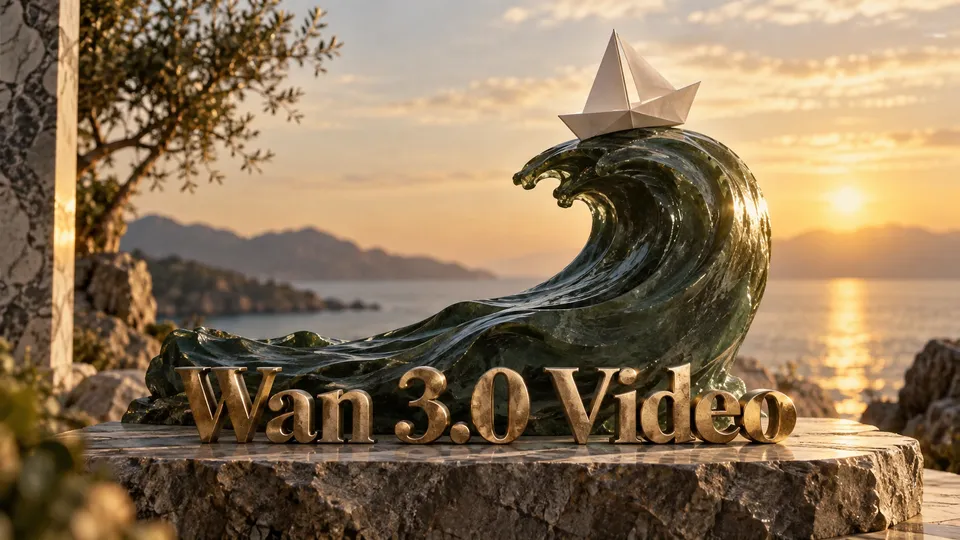
About Wan 3.0 Video
Wan 3.0 Video is the standard Wan 3.0 model available in GPTImage’s video workspace. Begin with a written scene, animate an image, or use reference material to explain the appearance and movement you want. The same workspace lets you review the selected model, upload status, output settings and credit estimate before submitting. This page describes that standard model’s current controls.
Plan your Wan 3.0 shot
From source material to a finished clip
Core Features Overview
Write a shot that can be followed
Describe the subject, its action, the setting and a camera move. A shop-window reflection at dusk needs a different brief from a product rotating on a table. Keep the sequence readable rather than placing several unrelated scenes in one request. Use the text workflow when you want the description to establish the shot.
Give each reference a clear role
An image can establish a starting composition; first and last frames can describe the intended transition. Reference mode accepts up to ten images, with video and audio inputs also available. Explain what each asset contributes instead of expecting every detail to carry over unchanged. Wait until uploads finish before reviewing the request.
Choose the frame before generating
GPTImage offers 480p, 720p and 1080p, with durations of 5, 10, 15, 20, 25 or 30 seconds. Choose adaptive framing or 16:9, 4:3, 1:1, 3:4 or 9:16 for the screen you plan to use. Leave enough time for the action and check the current estimate with those settings selected.
Review motion and sound together
Sound generation can be switched on or off. If audio matters, describe the intended atmosphere alongside the visual action, then watch and listen to the completed clip. Check subject details, motion, framing and timing before using it in an edit. Adjust one part of the brief at a time when exploring another version.
Wan 3.0 Video questions
Turn a scene brief into a Wan 3.0 video FAQ
Explore More AI Video Models


Prepare your next scene







 +1k
+1k