GPT Image 2.5
  • Home
  • AI Image Prompts
  • Pricing
  • Assets
AI Image Tools
AI Image ToolsAI Product PhotoPhoto RestorationRemove BackgroundImage UpscalerAI ID PhotoAnime Filter3D CartoonAI OutpaintingSketch to ImageWatermark RemoverPortrait FilterPixel ArtManga ColorizerImage to Line ArtGender SwapBody EditorSketch to 3DBald Filter1990s PortraitBuzz CutProfessional HeadshotGrey HairAI Studio PortraitY2K Style2D to 3DRemove WatermarkObject EraserOil PaintingWatercolorNeon GlowCyberpunkVaporwave
GPT Image 2.5GPT Image 2.5

Choose a video

MP4 / MOV · 2–30 s · ≤ 200 MB

Reference mediaOptional
Reference media
0/300/90/10

Image

JPG, JPEG, PNG, WEBP · 30MB · 0/30

Video

MP4, MOV · 200MB · 0/1

The source and reference videos can total up to 30 seconds. Changing reference media refreshes the credit estimate.

Processing options

Seedance 2.5 Video Extend
Extension direction
20s
5s30s
Output resolution

Extend Your Video with AI

Add new footage before or after an existing clip. Choose the direction and added duration, then preview the transition.
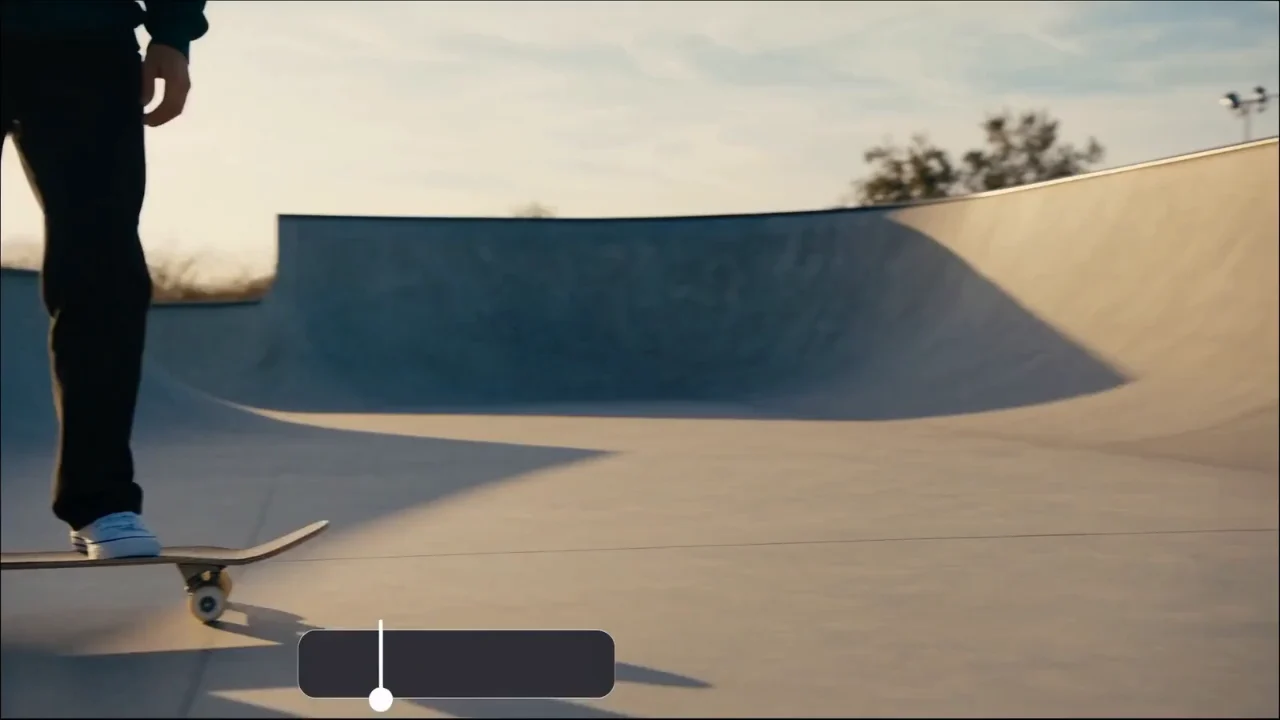
AI Video Extend
AI Video Extend
AI Video Extend

How to use it

Upload the original clip, choose a generated video from your library, or paste a direct video link.

1. Choose a video

Choose a clip with a clear first or last frame. Trim away a cut or abrupt movement at the edge you want to extend.

2. Processing options

Choose Before or After, added seconds and resolution. Describe the next movement relative to the source, and enable audio only if you want generated sound.

3. Your result

Place the result beside the source in your timeline. Play across the join at normal speed and check direction, lighting and sound before using the clip.

AI Video Extend

Core features

Extension direction

Add an opening before the first frame or continue the motion after the last one.

New video duration

Choose how much footage to add and the output resolution. Enable generated audio when the new footage needs sound.

AI Video Extend

Where to use it

Give an ending room to breathe

If a camera move ends before the product is centered, extend the ending with the same direction and speed. Use the added footage to give an end card time on screen.

Add a lead-in to an action

For a clip that starts with a door already moving, ask for the moments just before it opens. Match the hand position at the first original frame.

Frequently asked questions

Use MP4 or MOV. Local uploads allow up to 200 MB. Direct HTTPS links allow up to 24 MB. Source duration: 2–30 s.

AI Video Extend

Open the tool
GPT Image user 1
GPT Image user 2
GPT Image user 3
GPT Image user 4
GPT Image user 5
GPT Image user 6
GPT Image user 7
GPT Image user 8
GPT Image user 1GPT Image user 2GPT Image user 3GPT Image user 4GPT Image user 5+1k
GPT Image 2.5GPT Image 2.5

GPT Image 2.5 is an AI image platform for image generation, editing, and practical AI photo tools.
Create professional visuals with natural-language instructions and choose from multiple AI image models for different creative tasks.

Email

AI Image Generator

  • GPT-Image 2
  • Nano Banana 2
  • Seedream 5.0
  • Grok 4.2 Image
  • Nano Banana Pro

AI Video Generator

  • Seedance 2
  • Veo 3.1
  • Grok Video
  • Kling 2.6
  • Video Effects

AI Image Tools

  • AI Product Photo
  • Remove Background
  • Image Upscaler
  • Photo Restoration
  • AI ID Photo
  • Anime Filter

About Us

  • FAQ
  • Showcases
  • Pricing
© 2024 GPT Image 2.5, All rights reserved
Privacy PolicyTerms of ServiceRefund PolicyRefund Request
DeutschEnglishEspañolFrançais繁體中文日本語한국어Türkçe简体中文עבריתPolski
HomeAI Image ToolsAssetsProfile