
AI Buzz Cut Filter
Thinking about a buzz cut? See exactly how it looks on you before picking up the clippers. Upload a photo for an instant, realistic buzz cut preview.
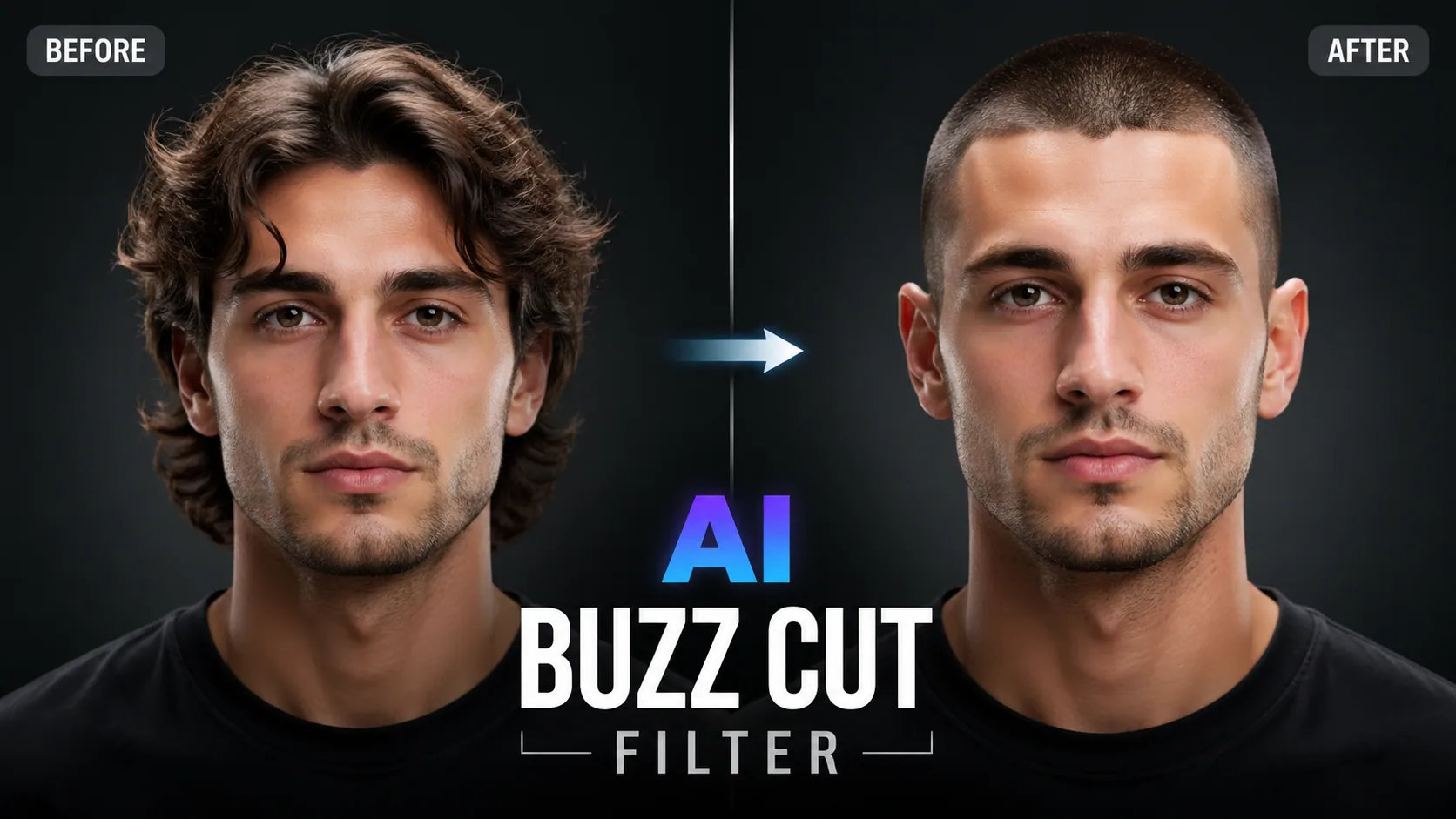
Thinking about a buzz cut? See exactly how it looks on you before picking up the clippers. Upload a photo for an instant, realistic buzz cut preview.
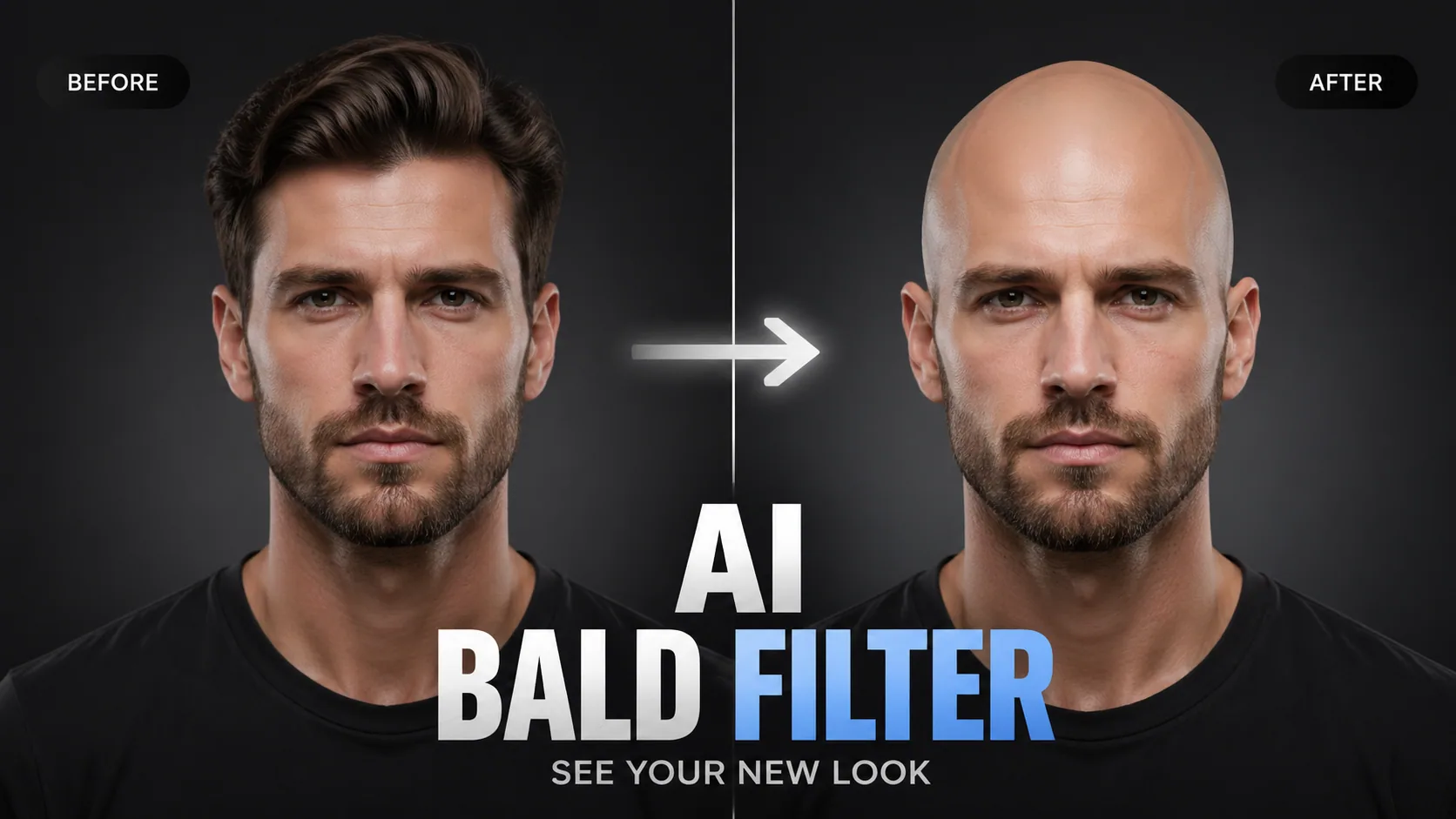
See what you'd look like bald with AI. Photorealistic hair removal that maps your head shape and skin tone.
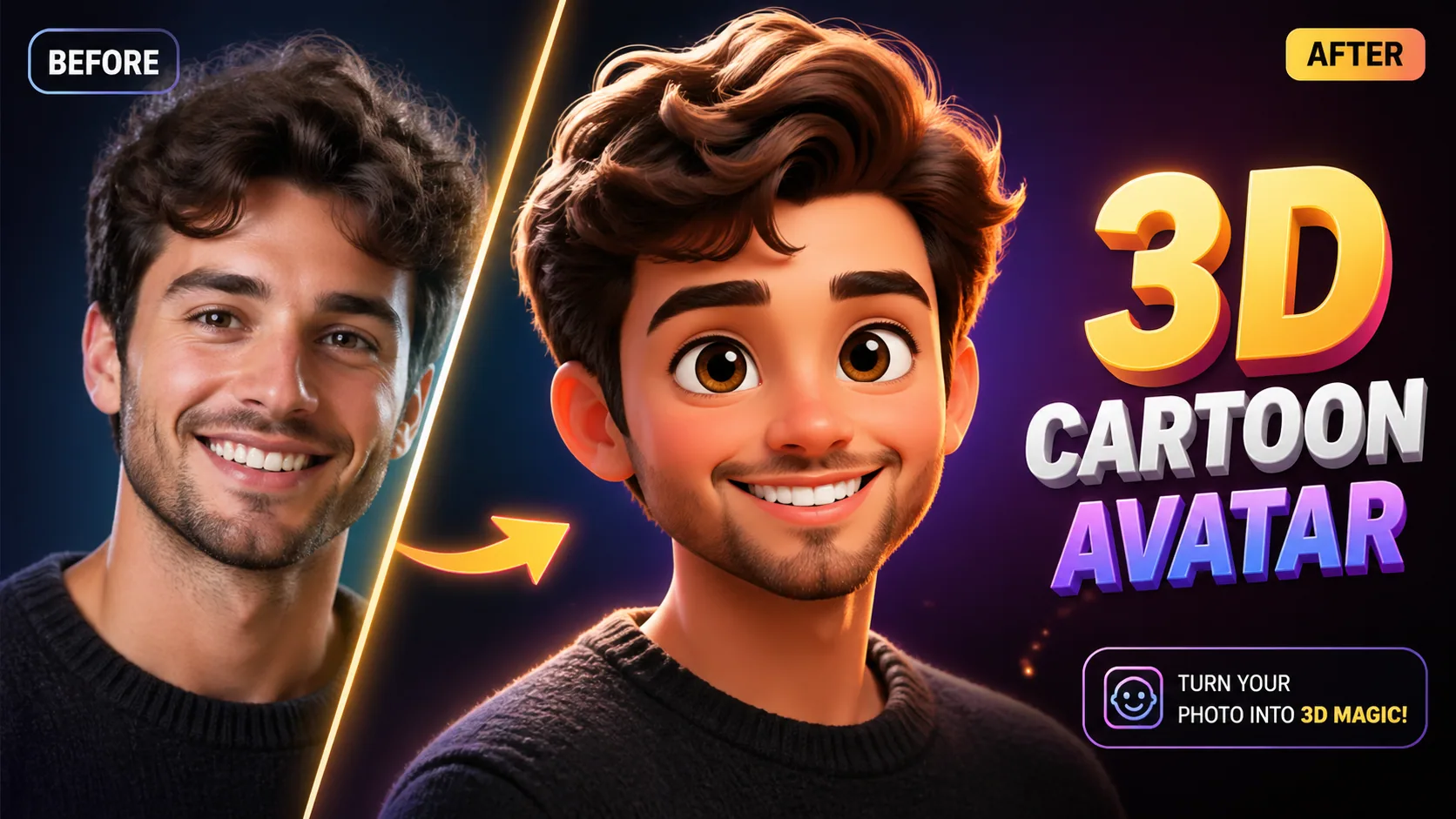
Transform photos into Pixar/Disney-style 3D characters with advanced AI reconstruction.
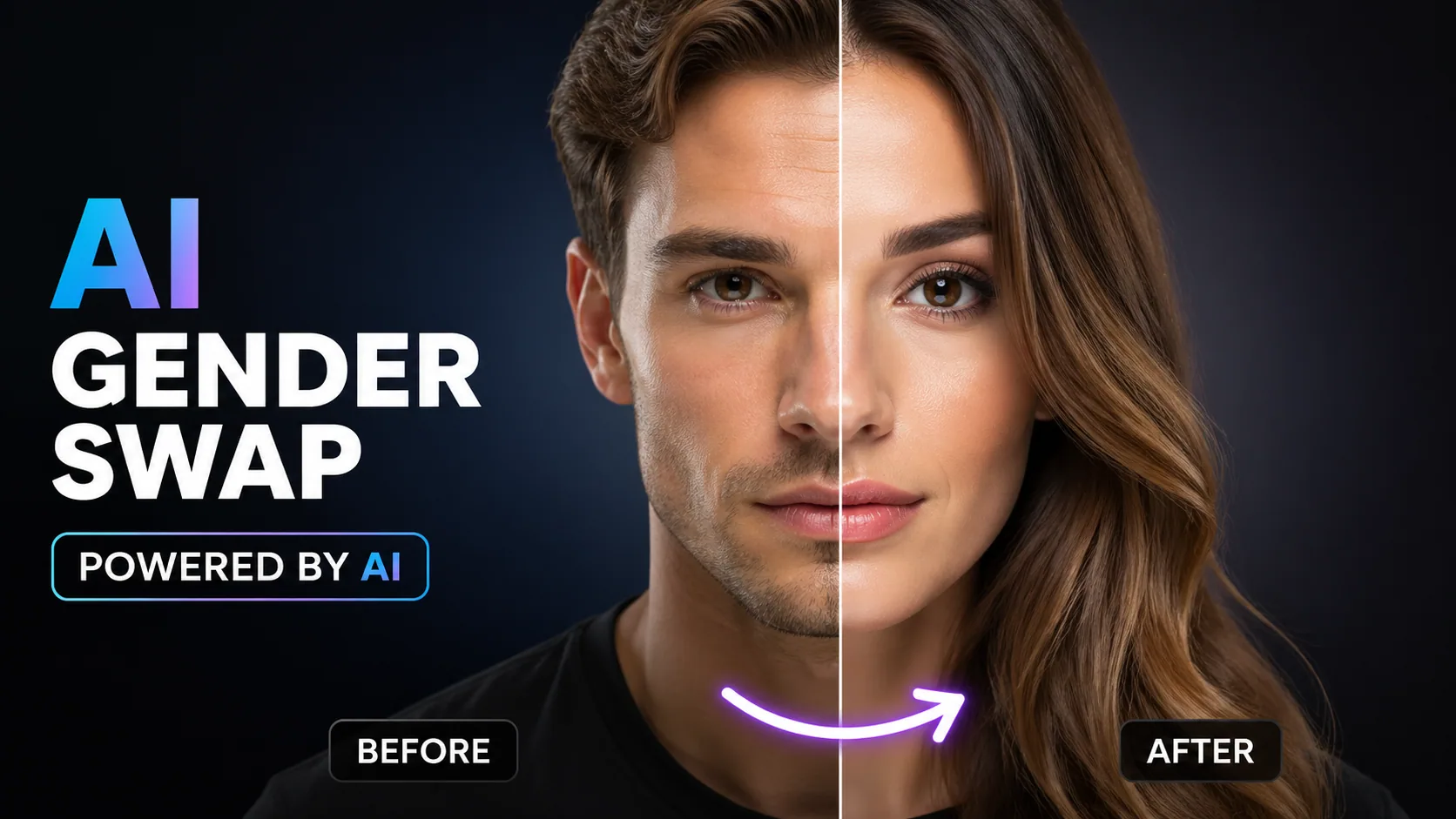
See yourself as the opposite gender with realistic AI face transformation.
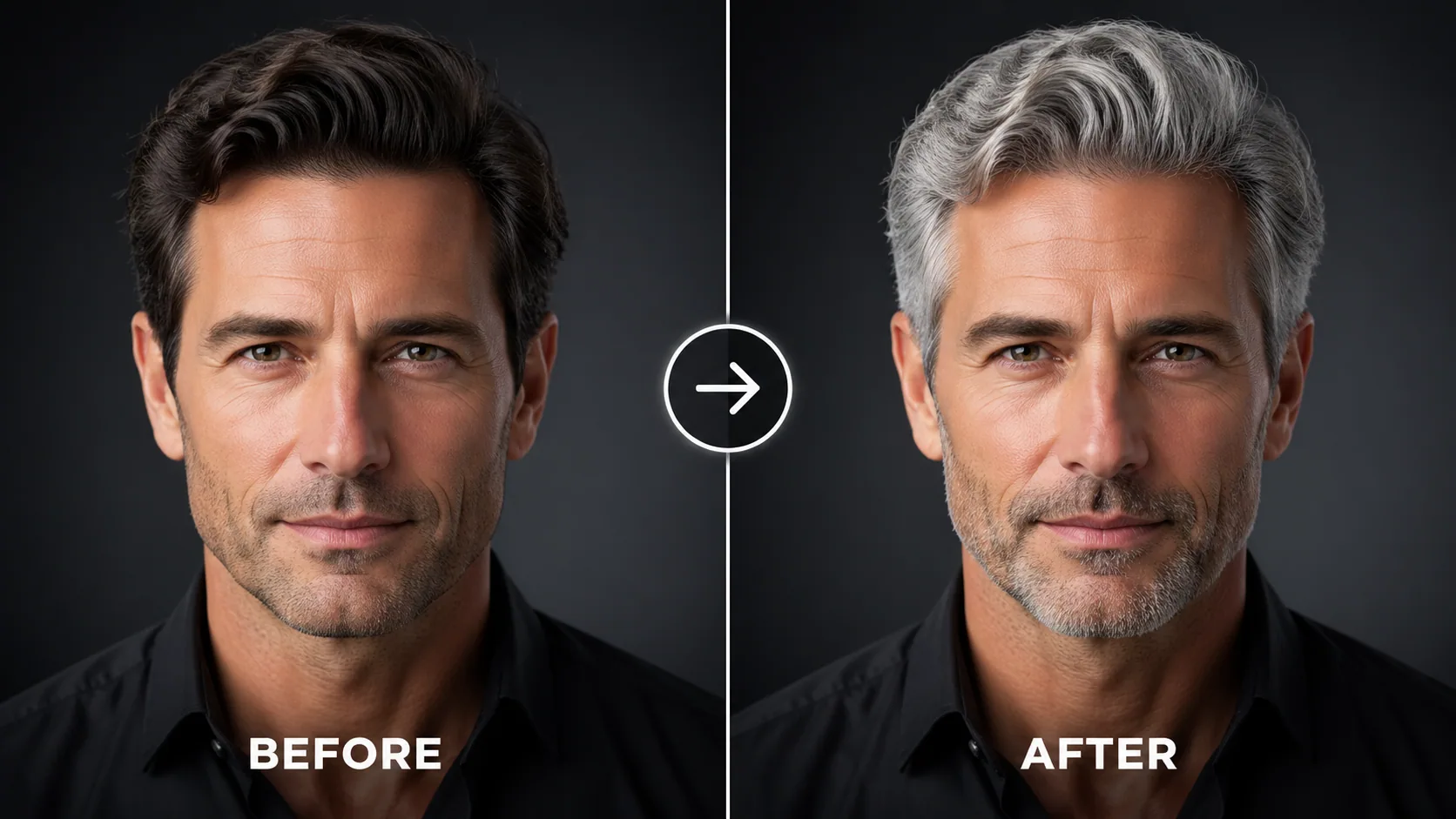
See yourself with grey, silver, or white hair. Try different shades with photorealistic AI hair color change.
A buzz cut is one of the most dramatic hairstyle changes you can make — and one of the hardest to reverse. Our AI Buzz Cut Filter eliminates the guesswork by showing you exactly how a buzz cut would look on your unique face shape and head structure. Using advanced generative AI hairstyle technology, we don't just shorten your hair in the photo — we reconstruct a realistic buzz cut that accounts for your natural hairline, head shape, and skin tone.
Unlike basic hair editing apps that produce obvious fakes, our AI-powered buzz cut preview uses deep learning models trained on thousands of real buzz cut photos to deliver salon-quality previews.
Getting your buzz cut preview is easy: 1. Upload a clear photo showing your current hairstyle. 2. Choose your preferred buzz cut style or describe it in the prompt. 3. Our AI generates a photorealistic buzz cut transformation in seconds. Download and share — or take it to your barber as a reference!
For the most accurate buzz cut simulation: 1. Use a well-lit photo with your full head visible. 2. Front-facing or slight angle photos work best. 3. Specify your preferred guard length for more precise results. 4. Try multiple styles to compare — classic, fade, crew cut, etc. All uploads are protected via SSL encryption and automatically deleted after processing.
"I've been wanting a buzz cut for months but was too scared. This tool showed me exactly how it would look and I finally went for it. Looks just like the preview!"
College Student
"Tried the buzz cut filter before my competition. The preview looked so clean that I went straight to the barber. Best decision ever — low maintenance and looks sharp."
Fitness Trainer
"I've been wanting a buzz cut for months but was too scared. This tool showed me exactly how it would look and I finally went for it. Looks just like the preview!"
College Student
"Tried the buzz cut filter before my competition. The preview looked so clean that I went straight to the barber. Best decision ever — low maintenance and looks sharp."
Fitness Trainer

Open-source instruction-driven AI image editing model by Xiaohongshu FireRed team — 10 editing capabilities covering ...

Supports up to 16 reference images and 3000-character prompts for higher-consistency image generation, brand assets, ...

Professional AI Image Generator with 4K Ultra-HD Output and Perfect Prompt Understanding

Professional AI Video Generator with Native Audio Generation and Realistic Physics Rendering

OpenAI's most advanced general video generation model — create high-quality videos from text prompts and images with ...

ByteDance's next-generation AI video model with the revolutionary @-reference system. Combine text, images, video cli...




 10,000+

