
AI 3D Cartoon Avatar
Bring your photos to life with our cinematic 3D reconstruction. One click to transform your reality into a professional animation masterpiece.
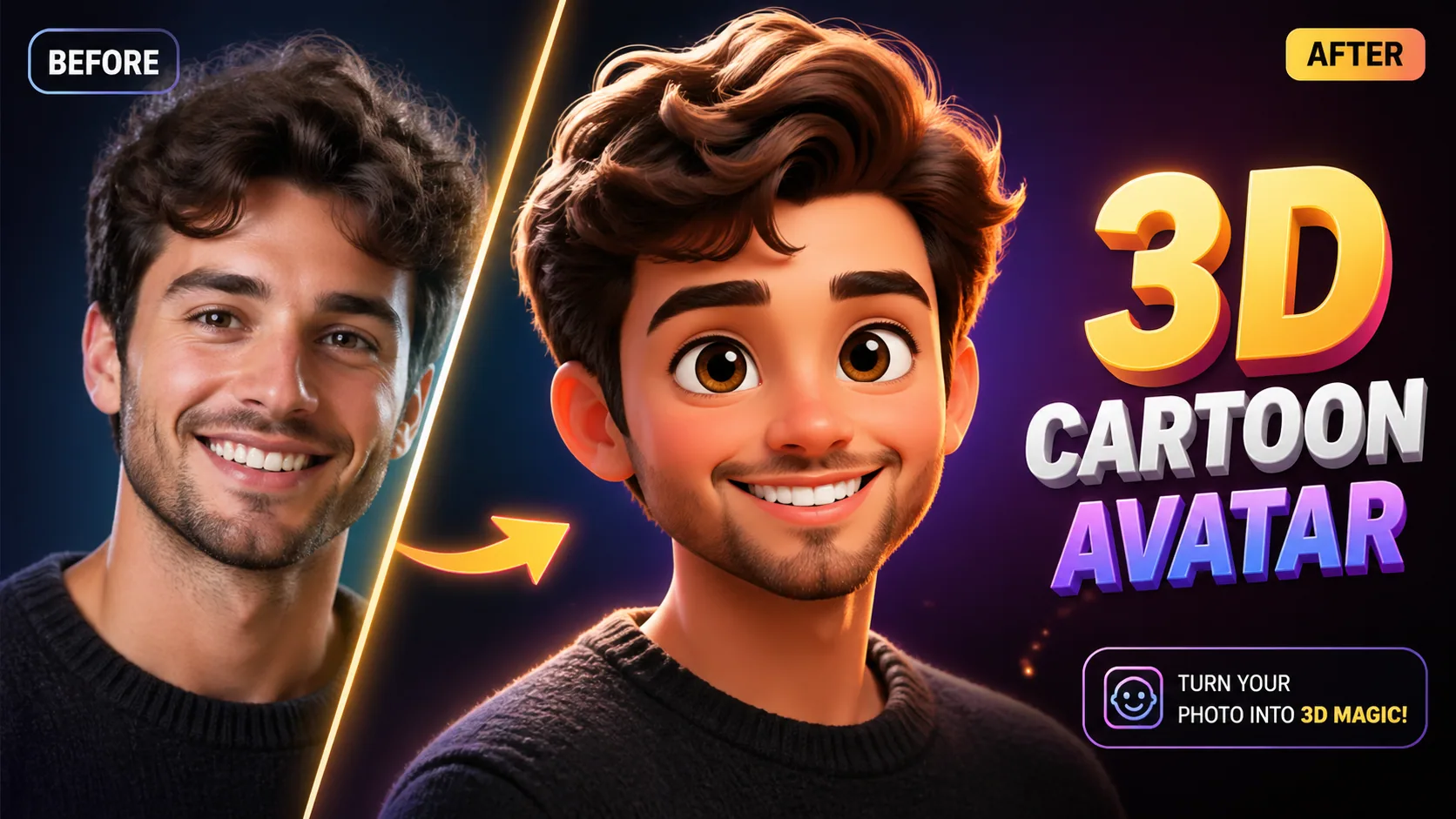
Bring your photos to life with our cinematic 3D reconstruction. One click to transform your reality into a professional animation masterpiece.
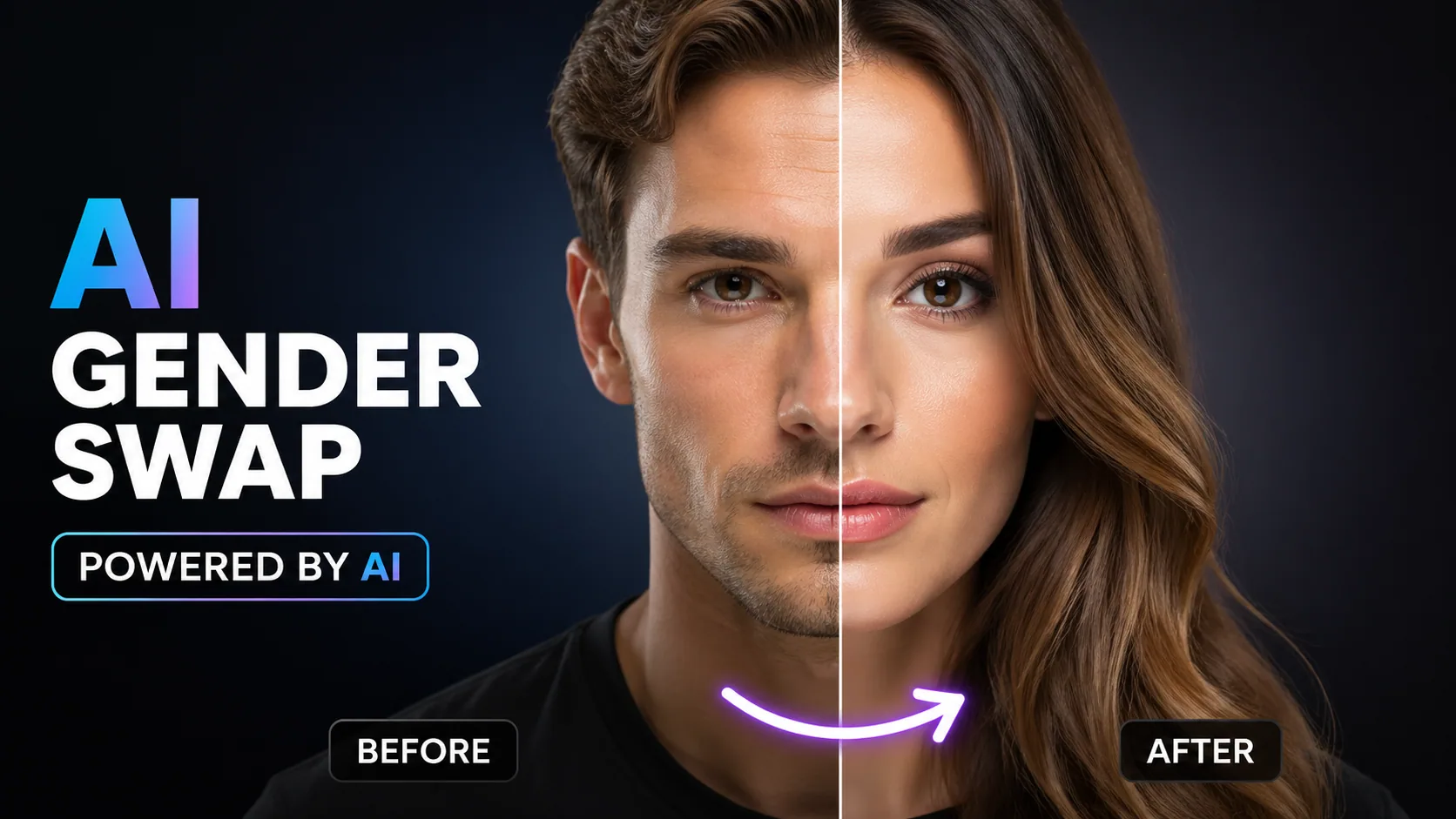
See yourself as the opposite gender with realistic AI face transformation.
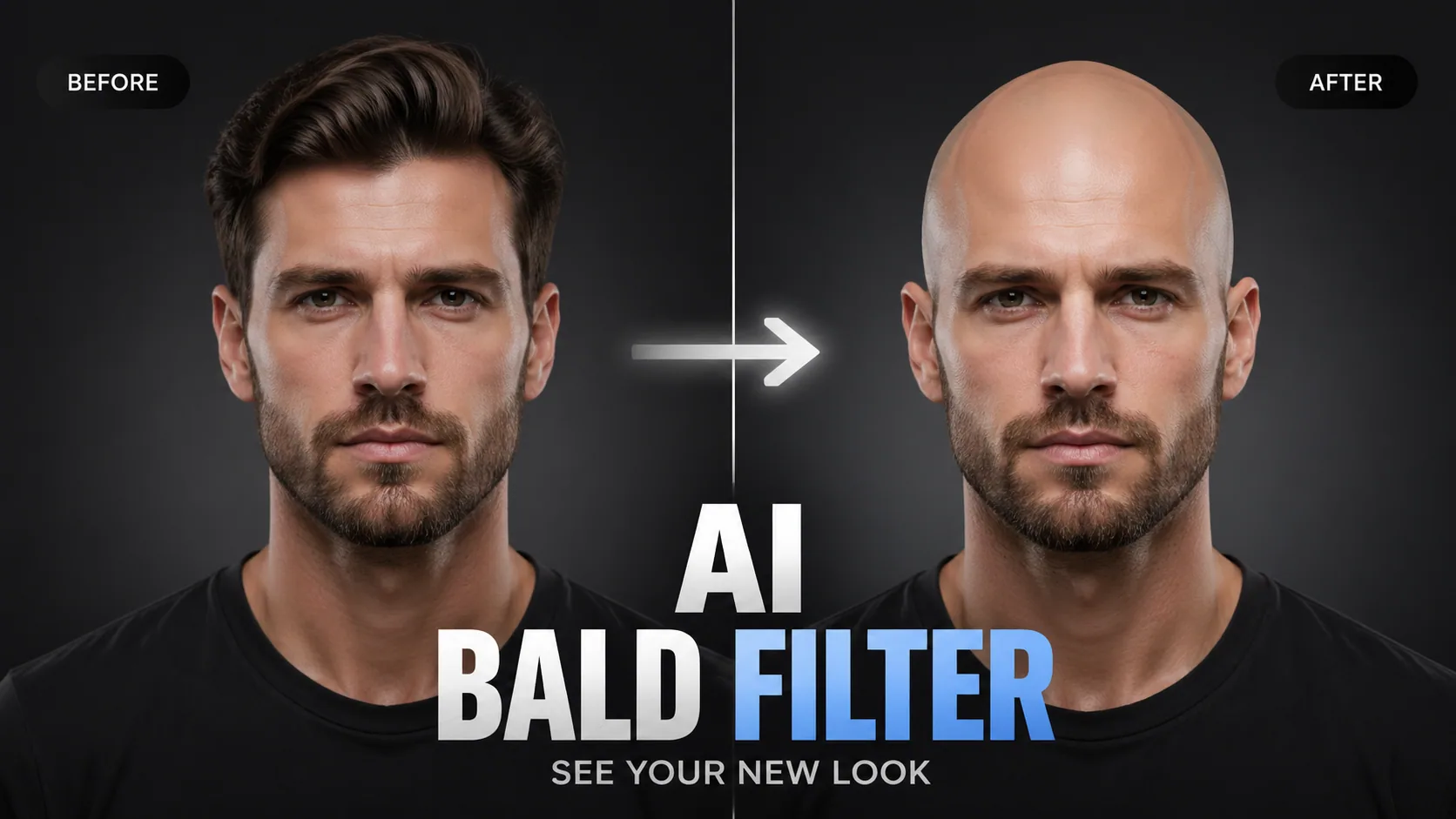
See what you'd look like bald with AI. Photorealistic hair removal that maps your head shape and skin tone.
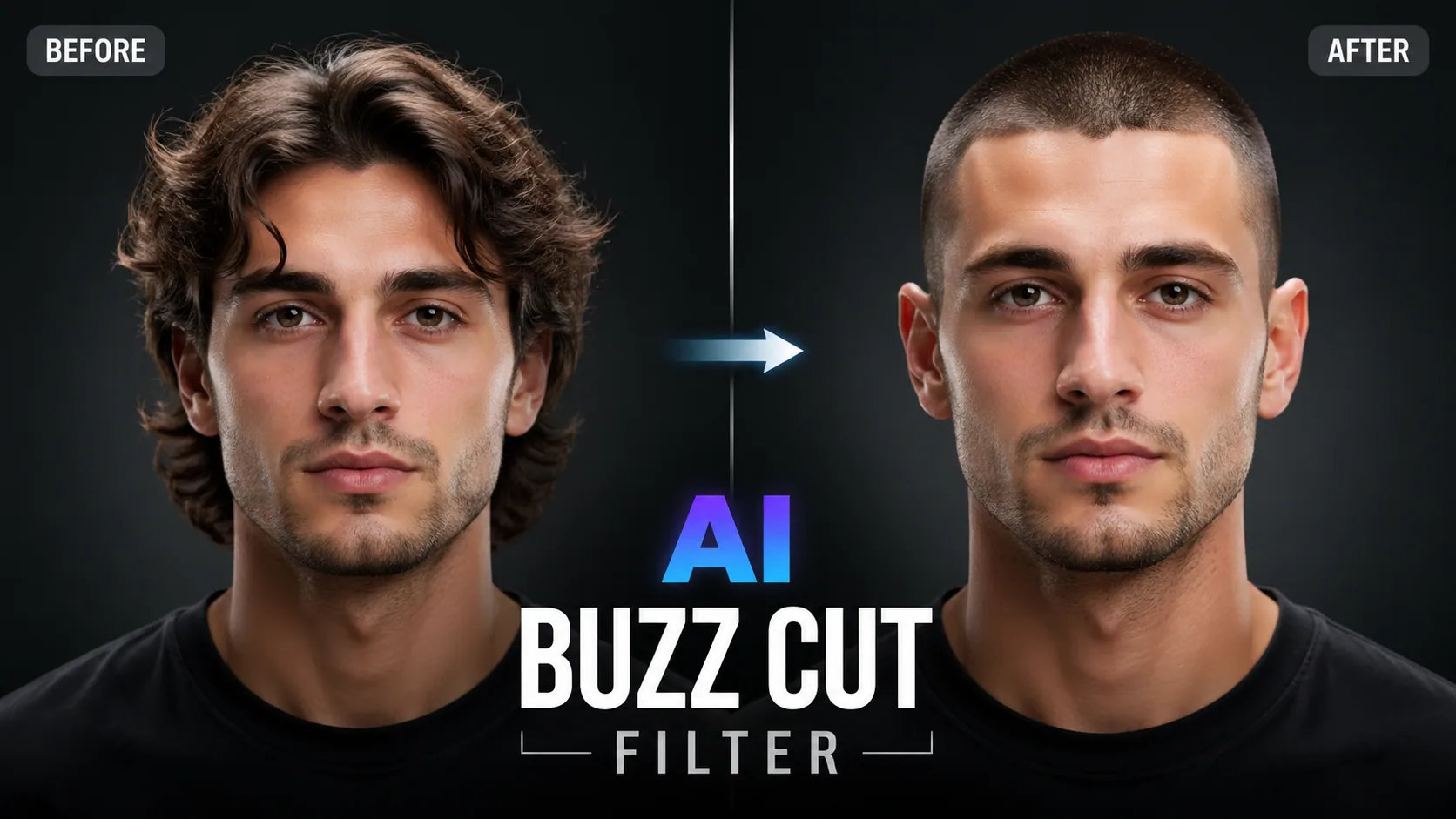
Preview how you'd look with a buzz cut. Try different lengths and fade styles with realistic AI simulation.
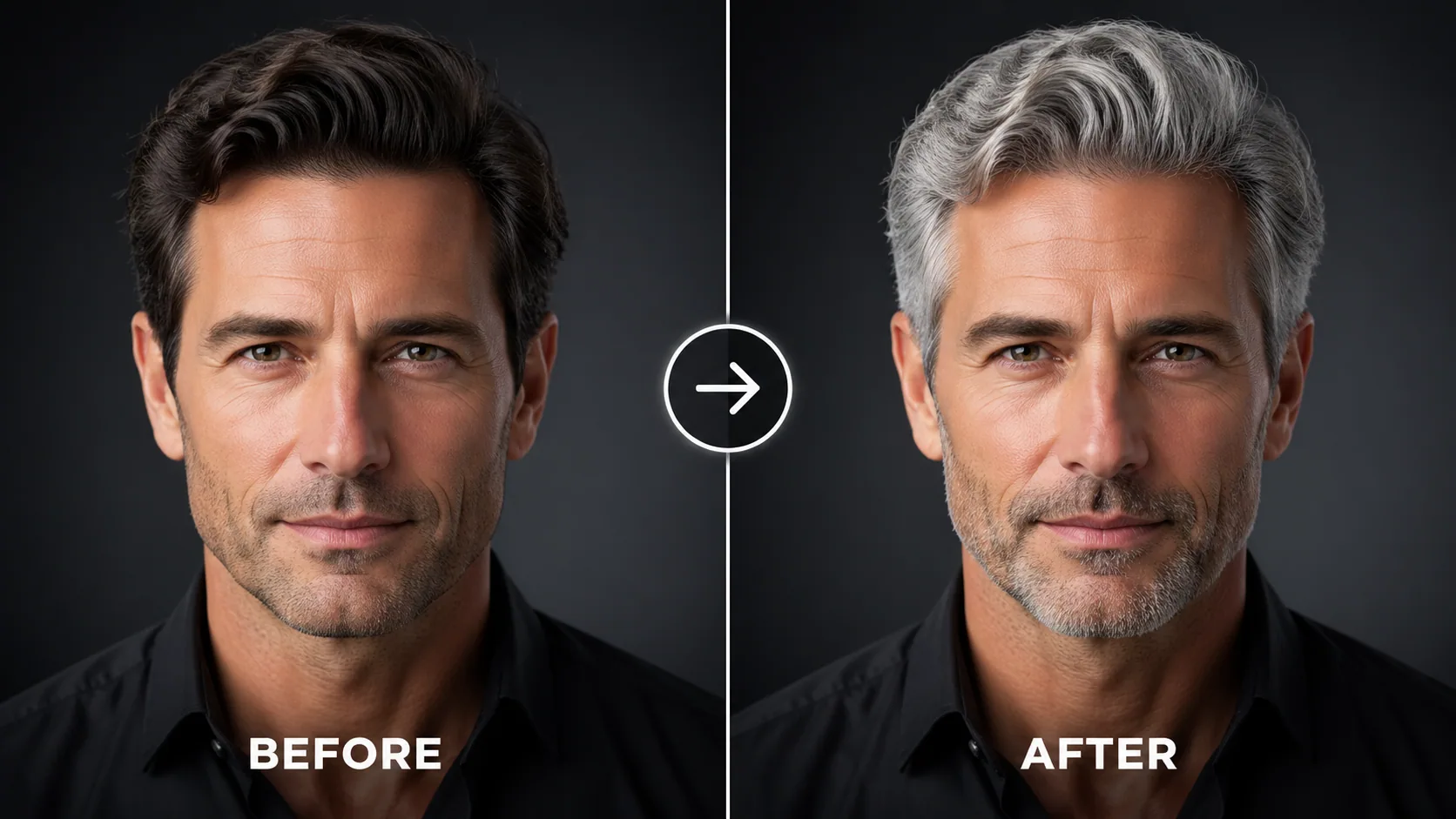
See yourself with grey, silver, or white hair. Try different shades with photorealistic AI hair color change.
Ever wondered what you would look like in a Pixar or Disney animation? With our AI 3D Cartoon Generator, it's no longer just a dream. Using advanced neural transformation technology, we capture your essence and render a cinematic 3D avatar. This isn't just a basic filter—it's a deep understanding of facial anatomy and lighting that brings your 3D character to life with professional appeal.
GPT Image 2.5 stands out by focusing on Physically Based Rendering (PBR) details. We emphasize hair texture, skin translucency, and realistic fabric folds. Our Pixar Style AI is optimized for diverse skin tones and facial structures, ensuring a premium result for every user.
It's simple: 1. Upload a clear photo with even lighting. 2. The AI enters the Neural Render Channel to start reconstruction. 3. Preview and download your final 3D Animation Avatar instantly. This Zero-Barrier AI Creation brings advanced graphics to everyone.
For a perfect 3D Transformation, we recommend: 1. Avoid heavy shadows or masks. 2. Frontal or 45-degree angles work best for feature mapping. 3. Use simple backgrounds to help the AI isolate the subject. All uploads are protected via SSL Encryption, ensuring your visual assets remain private and secure.
"This is insane! It's like I literally walked onto the set of Frozen. My eyes look so sparkly. Best profile picture I've ever had."
Content Creator
"I tried it with my cat's photo and it actually 'Pixar-ified' her too! Those big eyes are so cute. Works for the whole family."
Social Media Manager
"We used this for our team group photo in the Christmas card. Everyone loved their 3D characters, professional and adorable."
Marketing Director
"This is insane! It's like I literally walked onto the set of Frozen. My eyes look so sparkly. Best profile picture I've ever had."
Content Creator
"I tried it with my cat's photo and it actually 'Pixar-ified' her too! Those big eyes are so cute. Works for the whole family."
Social Media Manager
"We used this for our team group photo in the Christmas card. Everyone loved their 3D characters, professional and adorable."
Marketing Director

Open-source instruction-driven AI image editing model by Xiaohongshu FireRed team — 10 editing capabilities covering ...

Supports up to 16 reference images and 3000-character prompts for higher-consistency image generation, brand assets, ...

Professional AI Image Generator with 4K Ultra-HD Output and Perfect Prompt Understanding

Professional AI Video Generator with Native Audio Generation and Realistic Physics Rendering

OpenAI's most advanced general video generation model — create high-quality videos from text prompts and images with ...

ByteDance's next-generation AI video model with the revolutionary @-reference system. Combine text, images, video cli...




 10,000+

