
AI Bald Filter
Ever wondered what you'd look like with a shaved head? Upload a photo and our AI creates a stunningly realistic bald preview in seconds.
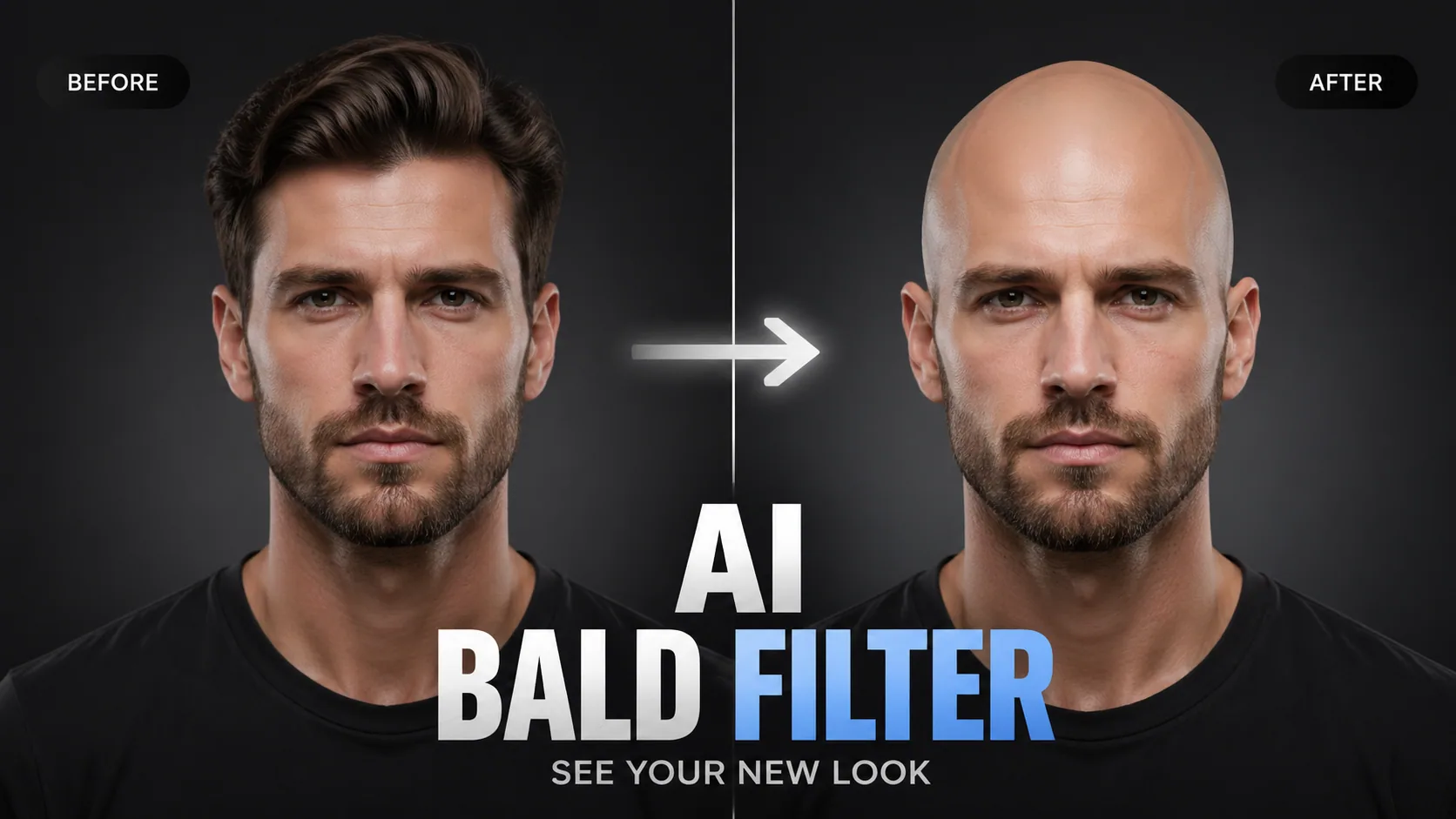
Ever wondered what you'd look like with a shaved head? Upload a photo and our AI creates a stunningly realistic bald preview in seconds.
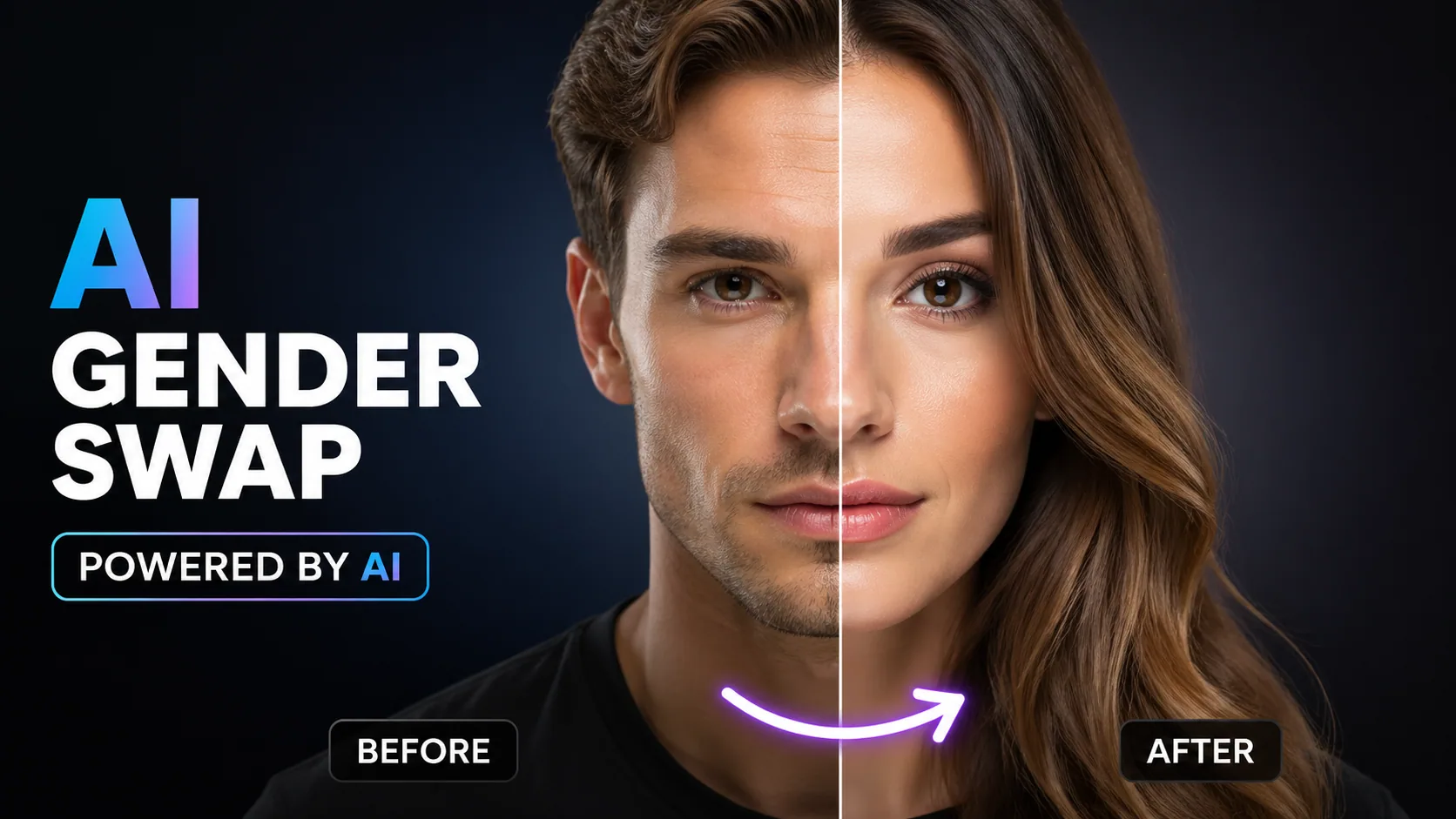
See yourself as the opposite gender with realistic AI face transformation.
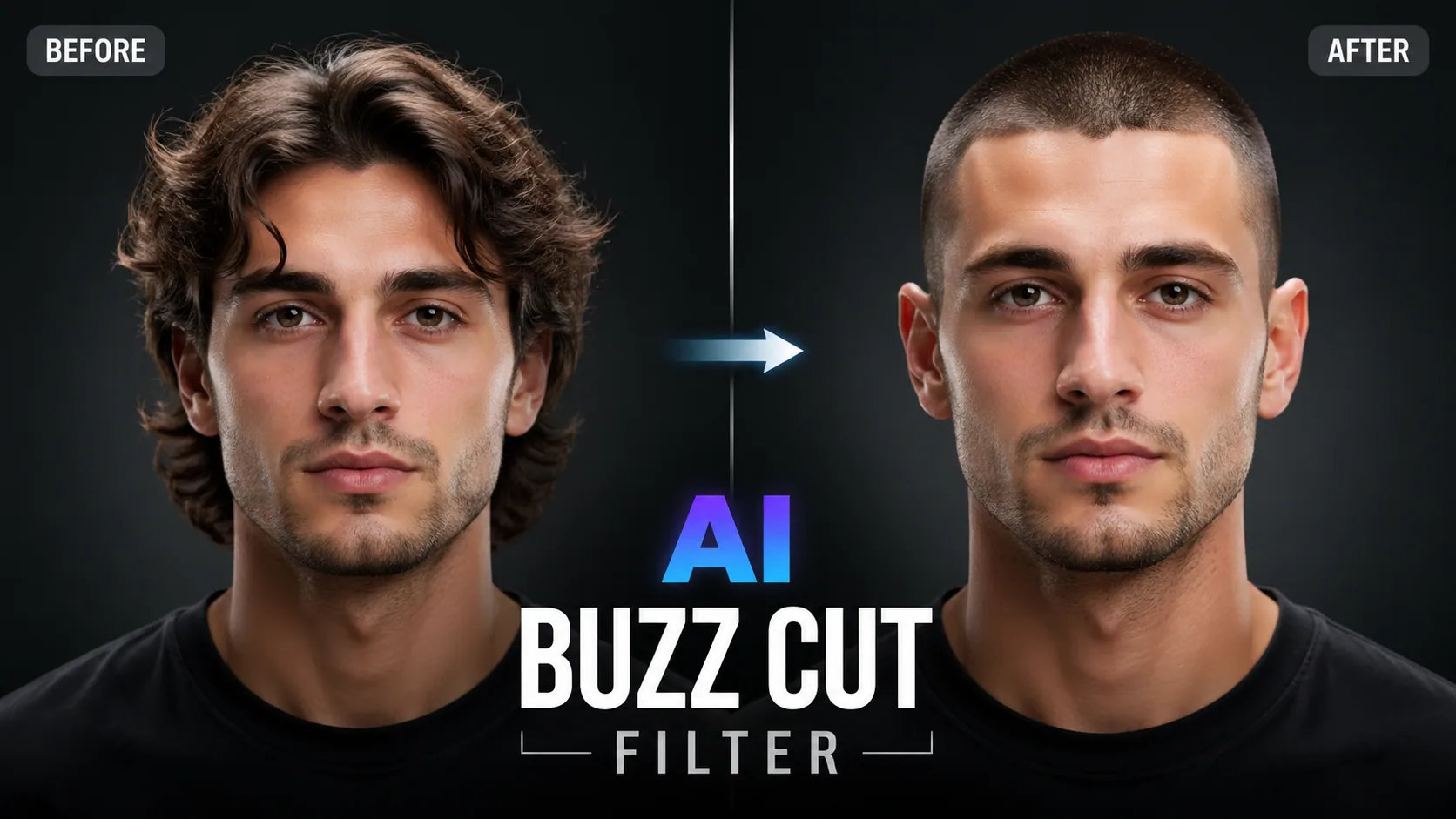
Preview how you'd look with a buzz cut. Try different lengths and fade styles with realistic AI simulation.
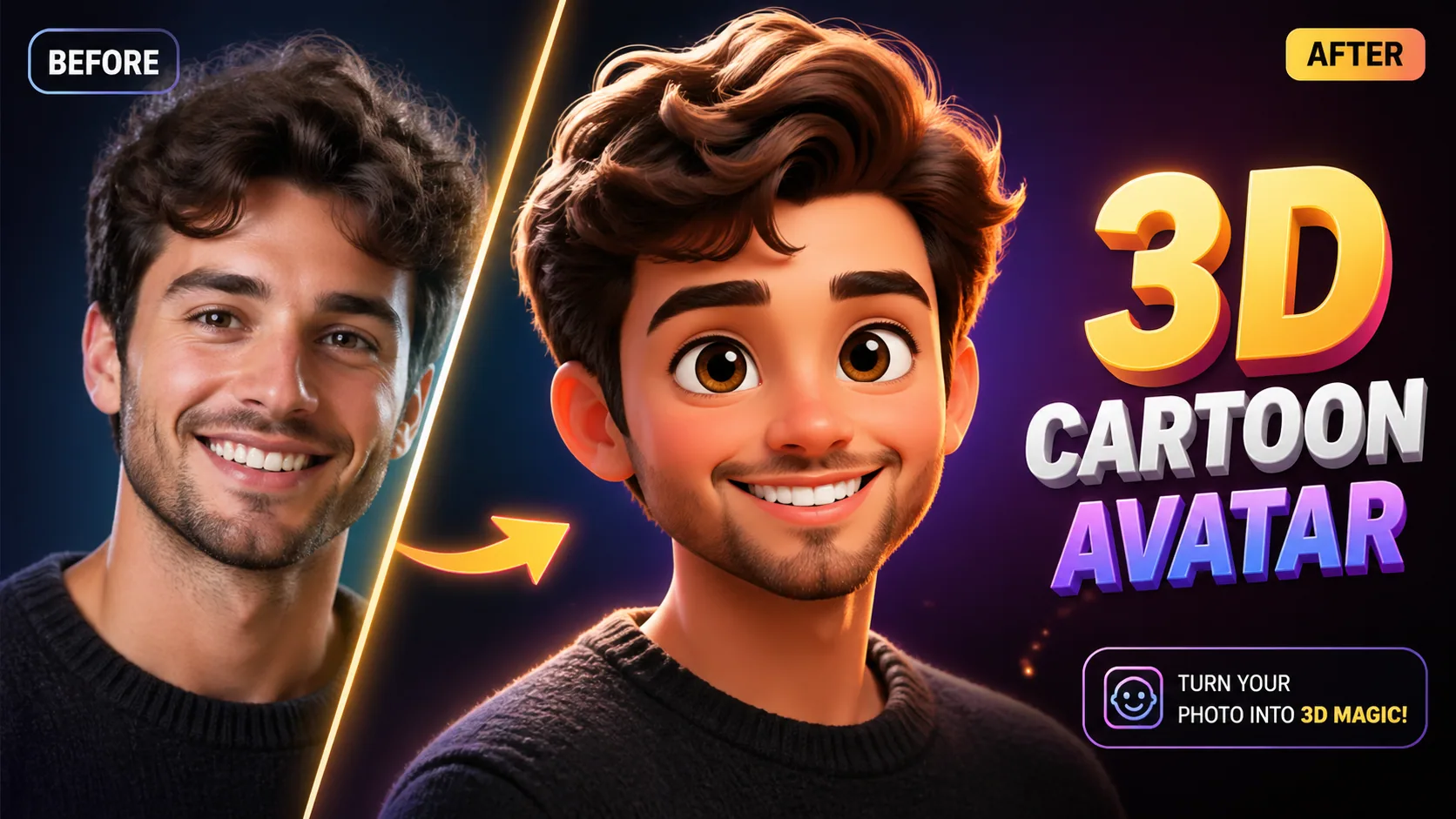
Transform photos into Pixar/Disney-style 3D characters with advanced AI reconstruction.
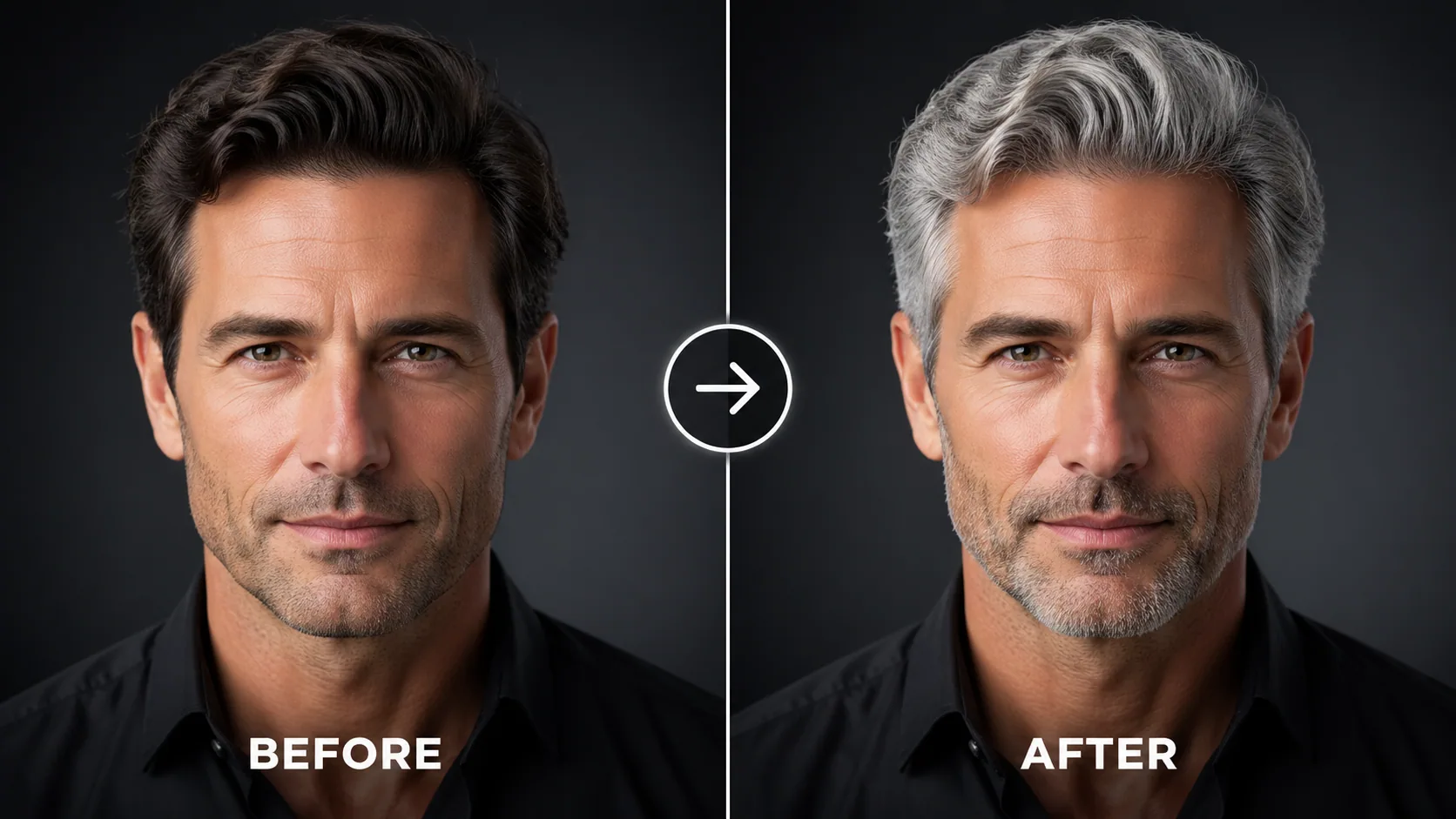
See yourself with grey, silver, or white hair. Try different shades with photorealistic AI hair color change.
Thinking about going bald but not sure if it suits you? Our AI Bald Head Filter uses advanced neural networks to digitally remove your hair and reveal what you'd look like with a completely shaved head. Unlike cheap overlays or basic filters, our technology performs deep facial reconstruction, analyzing your skull shape, skin tone, and natural lighting to produce a photorealistic bald preview that looks genuinely convincing.
GPT Image 2.5's bald filter stands apart from competitors by using generative AI inpainting rather than simple hair erasure. We reconstruct the scalp area with proper skin texture, pores, and light reflections that match your face perfectly.
It's simple: 1. Upload a clear, well-lit photo showing your full head and hair. 2. Our AI analyzes your facial structure and hair boundaries. 3. The system generates a realistic bald version while preserving all other features. Download and share your new look instantly — perfect for social media, personal decisions, or just having fun.
For the most realistic bald head simulation: 1. Use a front-facing photo with even lighting — avoid heavy shadows on the head area. 2. Ensure your full hairline is visible in the photo. 3. Simple backgrounds help the AI focus on accurate hair removal. 4. Higher resolution photos produce more detailed scalp textures. All uploads are protected via SSL encryption and automatically deleted after processing.
"I show this to clients who are thinking about going bald. It's incredibly realistic and helps them make the decision with confidence. Game changer for my shop."
Barber
"The skin texture and lighting on the bald head is remarkably accurate. As a photographer, I can tell this uses serious AI technology. Very impressed."
Photographer
"I show this to clients who are thinking about going bald. It's incredibly realistic and helps them make the decision with confidence. Game changer for my shop."
Barber
"The skin texture and lighting on the bald head is remarkably accurate. As a photographer, I can tell this uses serious AI technology. Very impressed."
Photographer

Open-source instruction-driven AI image editing model by Xiaohongshu FireRed team — 10 editing capabilities covering ...

Supports up to 16 reference images and 3000-character prompts for higher-consistency image generation, brand assets, ...

Professional AI Image Generator with 4K Ultra-HD Output and Perfect Prompt Understanding

Professional AI Video Generator with Native Audio Generation and Realistic Physics Rendering

OpenAI's most advanced general video generation model — create high-quality videos from text prompts and images with ...

ByteDance's next-generation AI video model with the revolutionary @-reference system. Combine text, images, video cli...




 10,000+

