
AI Nuidori Background Changer
Change the background around your plush toy photo. Choose a miniature cafe, garden or cozy room, compare toy details and download a nuidori image.
What this tool creates
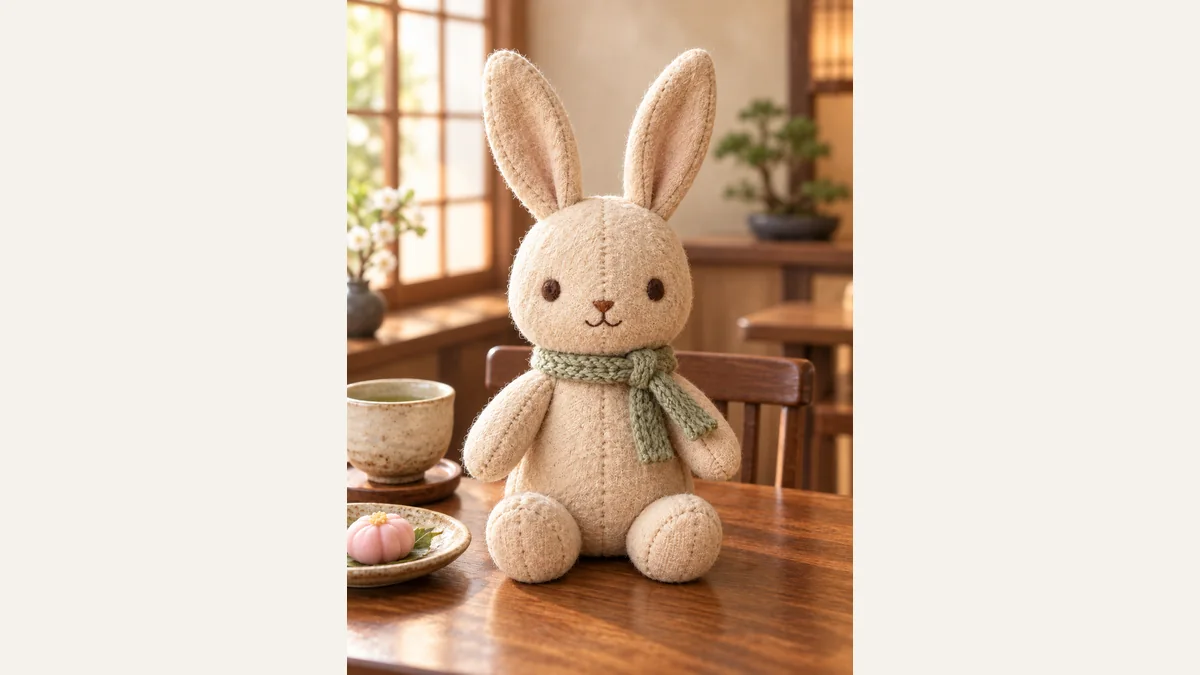
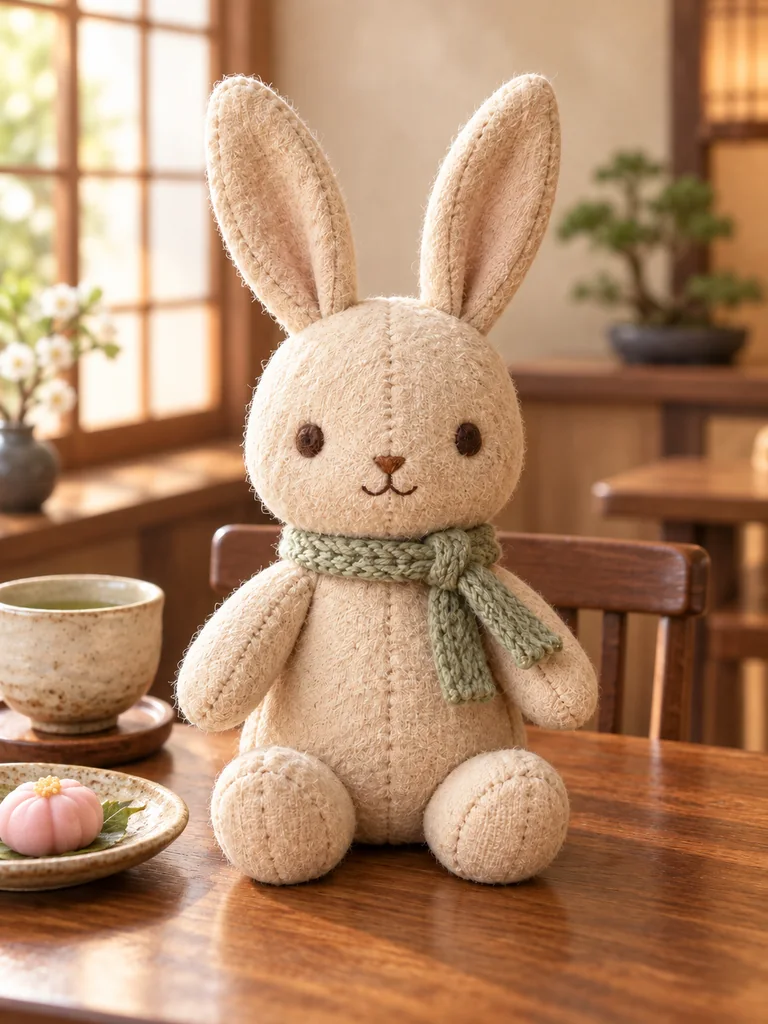
GPT Image 2.5 changes the setting around a plush toy you already own for nuidori photography. The aim is a believable miniature scene with the same recognizable toy, not a new plush design or an illustration of a living animal.
Choose a useful reference photo
Create a new setting for a social post, a seasonal diary or a personal collection. Compare the toy’s eyes, seam lines and accessories with your source. Fine textures can be redrawn even when the overall toy stays recognizable.
One clear subject
Photograph one plush toy with its whole silhouette visible. A clean outline is easier to separate from the original background.
Visible details
Keep the eyes, seams, fur and outfit in focus. Avoid a toy hidden behind objects or photographed through reflective packaging.
A photo you may use
Use your own photo or a photo you may edit. The tool does not supply permission to reuse a character design or a third party’s photograph.
How to create your image
Upload a photo
Upload one photo with an unobstructed subject. A sharp original gives the model more detail than a screenshot or a heavily filtered image.
Choose a scene
Choose one of nine visual templates. Preview the scene, then set the available output ratio and size. The tool supplies the scene keywords automatically.
Generate and review
Check the displayed credit cost before submitting. When generation finishes, inspect the face or subject details, then download a result you want to keep.
Choose your scene
Miniature cafe
A small oak table, a ceramic cup and soft window light. The scene is composed around the toy’s miniature scale.
Seasonal garden
Green foliage and restrained blossoms with believable ground contact and gentle morning light.
Cozy room
An ivory miniature room with oak floor and a linen sofa behind the toy, keeping the subject easy to see.
Review, download and use your image
AI demonstration with a fictional subject. Inspect details against your own original before using a result.
Look closely
Compare the result with your source. Look for changed features, extra fingers or paws, distorted clothing and inconsistent edges before sharing.
Keep room for a crop
Leave some space around the head and body. A square social crop and a portrait frame can cut different parts of the image; review the intended crop before printing.
Check the actual file
The downloaded pixel dimensions determine usable print size. Ask your print shop about its requirements; an AI image or a DPI label alone does not guarantee a sharp large print.
Questions before you create
Related AI tools
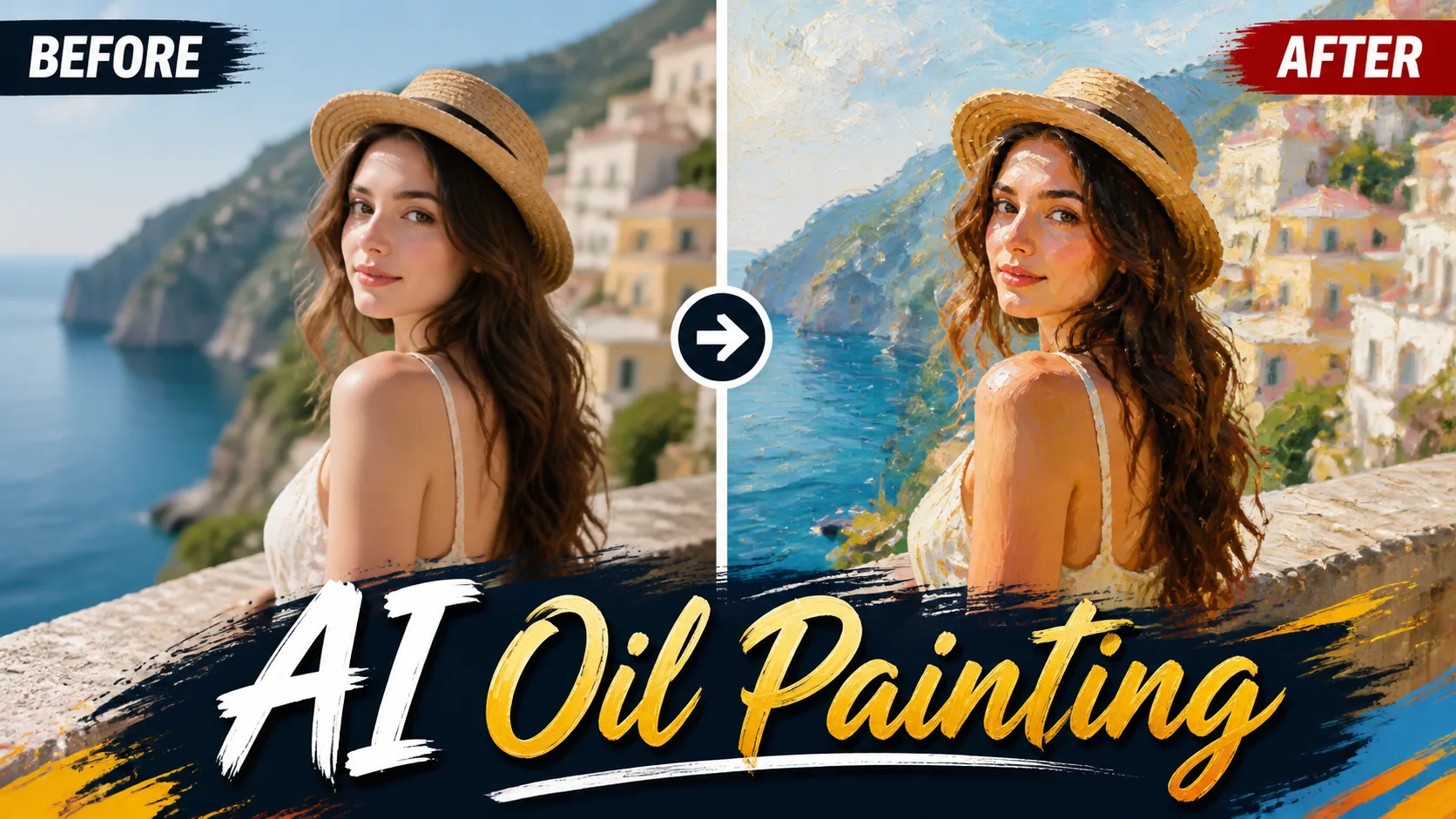
Oil Painting
Transform your photos into stunning oil paintings with realistic brush strokes and canvas texture.
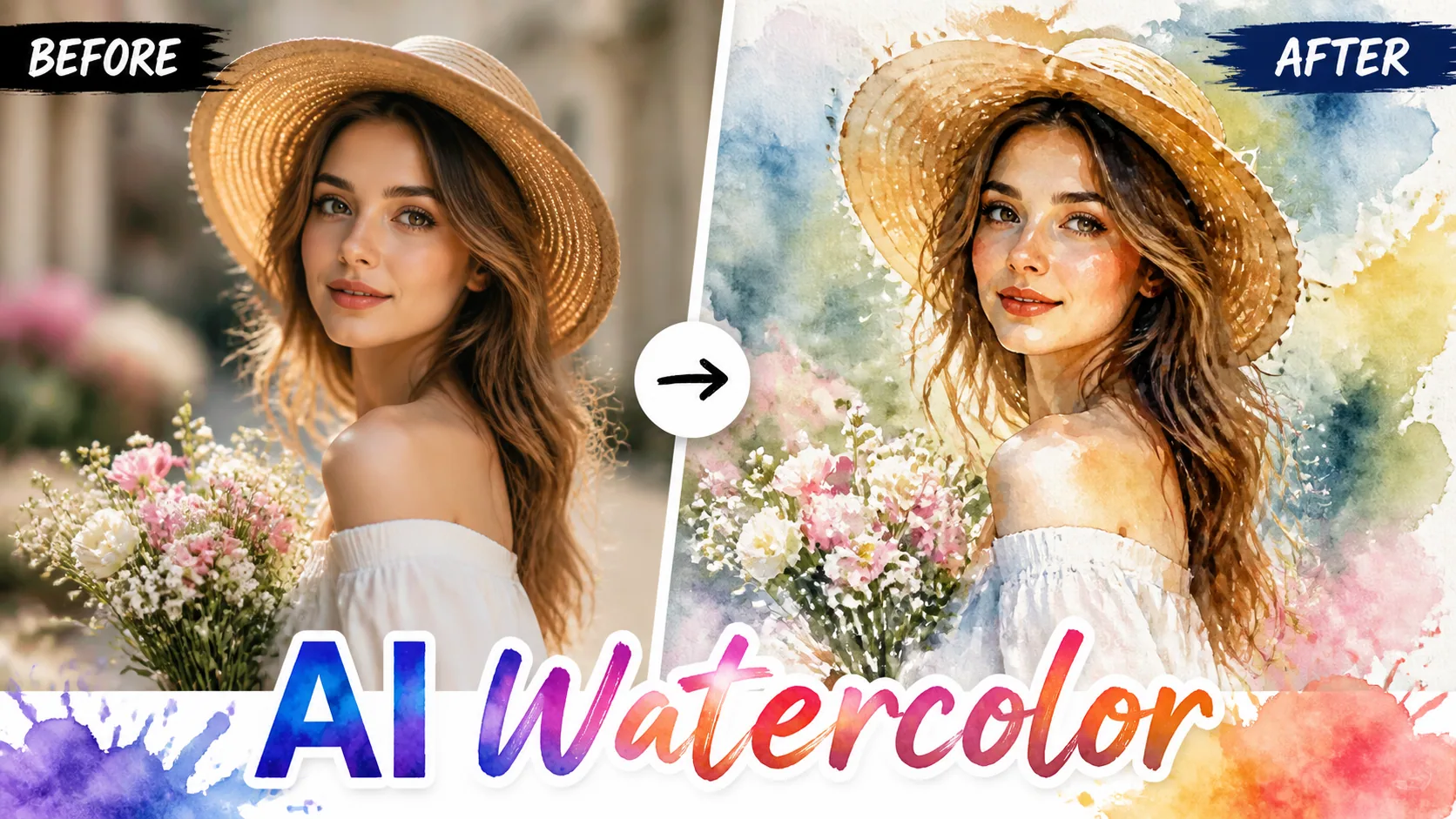
Watercolor
Convert photos into beautiful watercolor paintings with flowing pigments and soft washes.
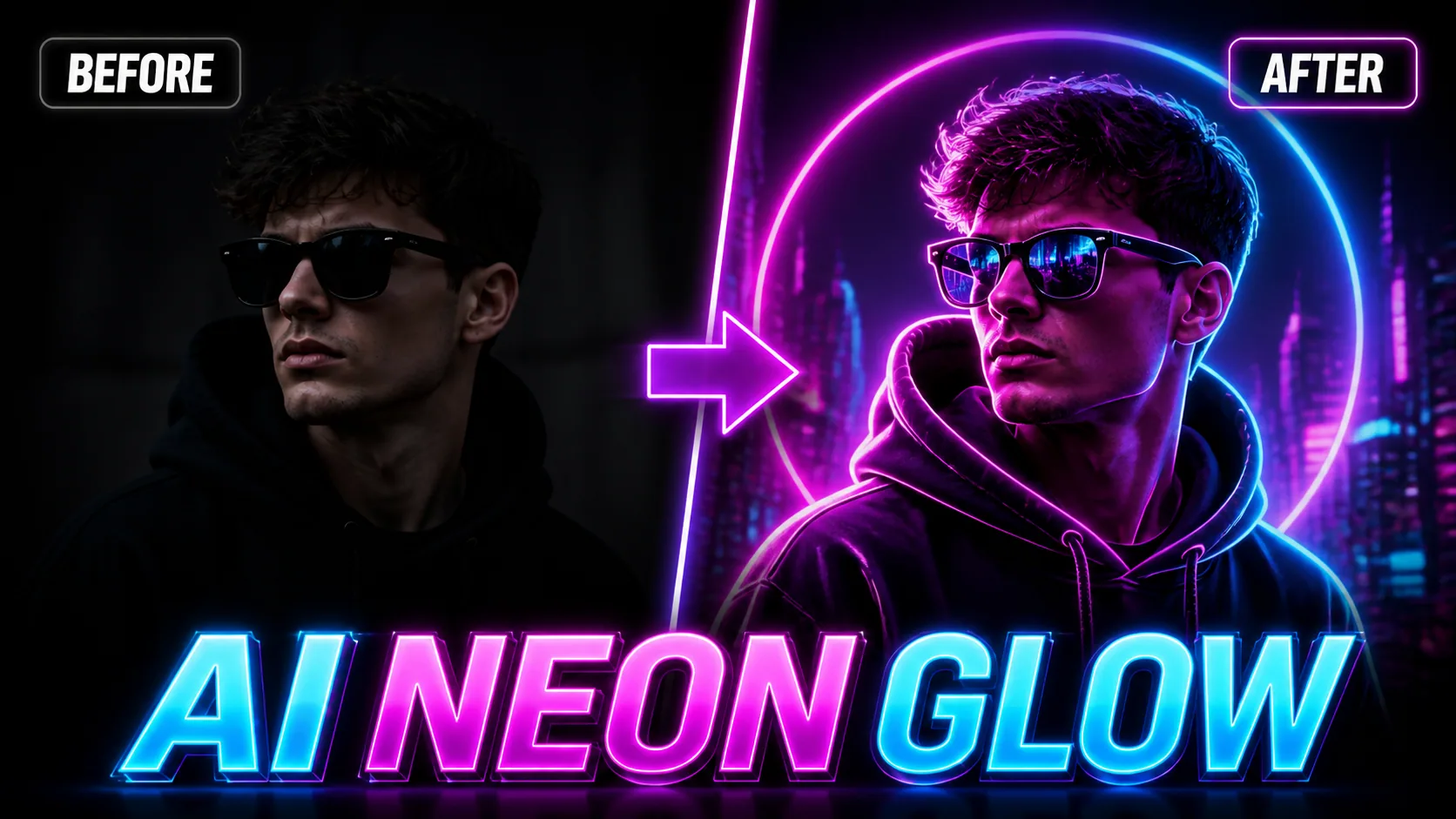
Neon Glow
Add stunning neon glow effects to your photos with vibrant light rendering and cyberpunk aesthetics.
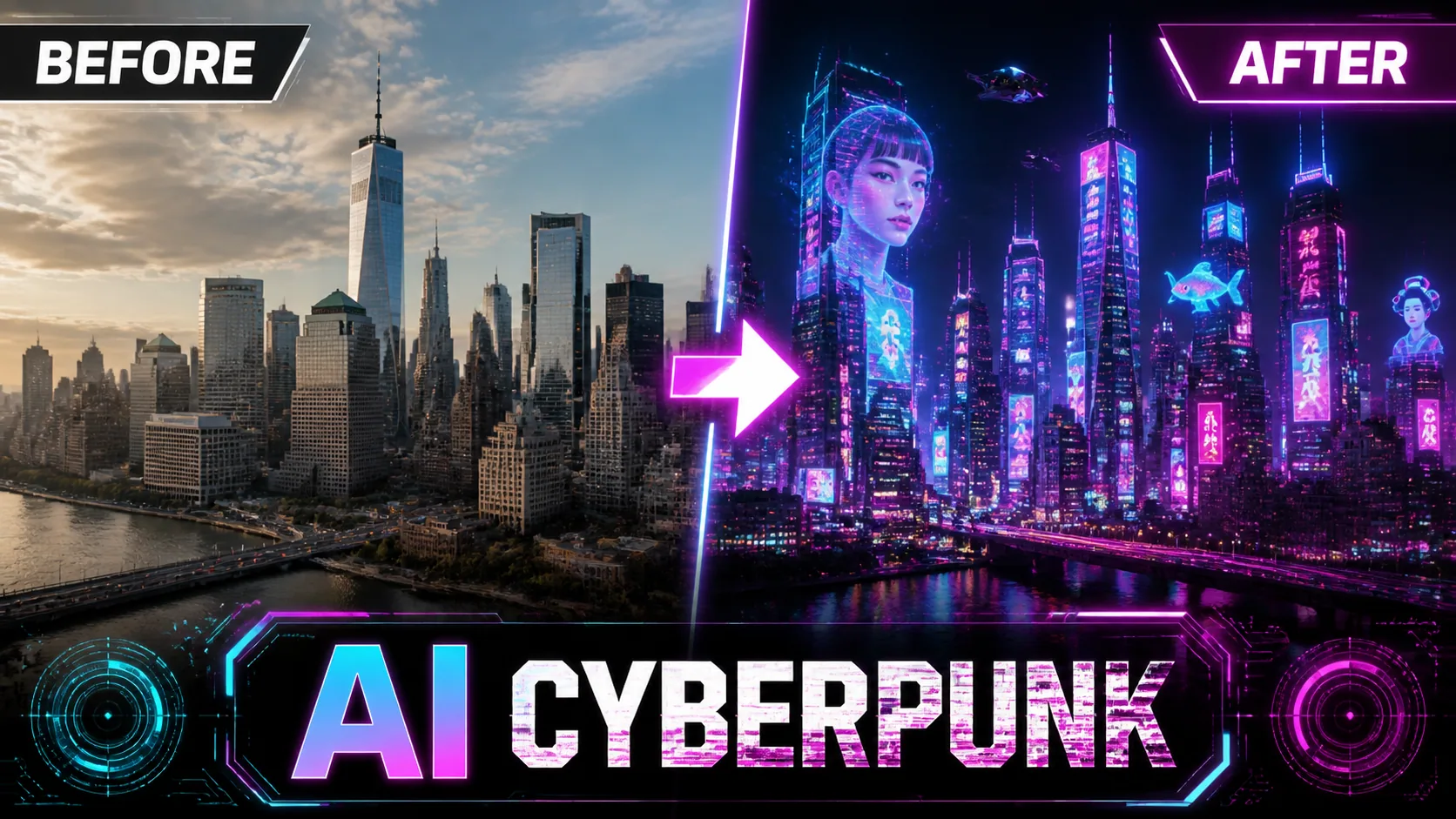
Cyberpunk
Transform photos into futuristic cyberpunk scenes with neon lights and holographic effects.
AI Models You May Like
 Image
ImageFireRed Image Edit
Open-source instruction-driven AI image editing model by Xiaohongshu FireRed team — 10 editing capabilities covering ...
 ImageNEW
GPT Image 2
Supports up to 16 reference images and 3000-character prompts for higher-consistency image generation, brand assets, ...
 Image
ImageNano Banana Pro
Professional AI Image Generator with 4K Ultra-HD Output and Perfect Prompt Understanding
AI Nuidori Background Changer
Change the background around your plush toy photo. Choose a miniature cafe, garden or cozy room, compare toy details and download a nuidori image.
Create image