
AI Baekil Photo Generator
Create a Korean 100-day baby portrait from one photo. Choose a hanbok scene, review your baby’s features and download a commemorative image.
What this tool creates
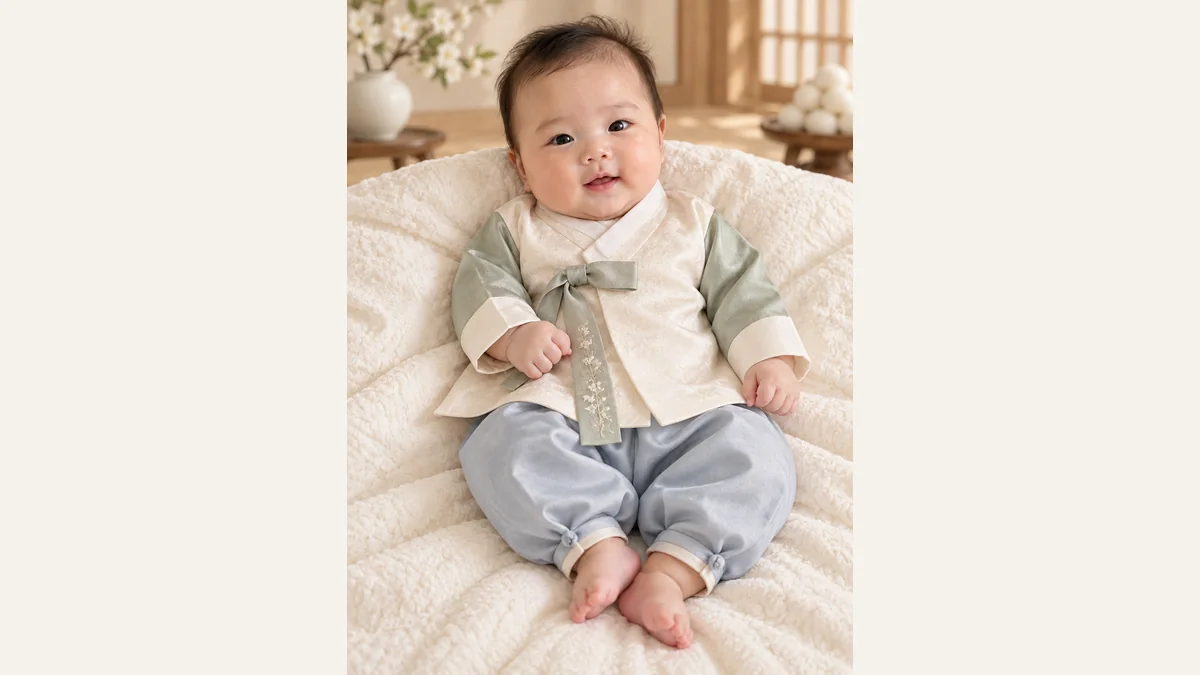
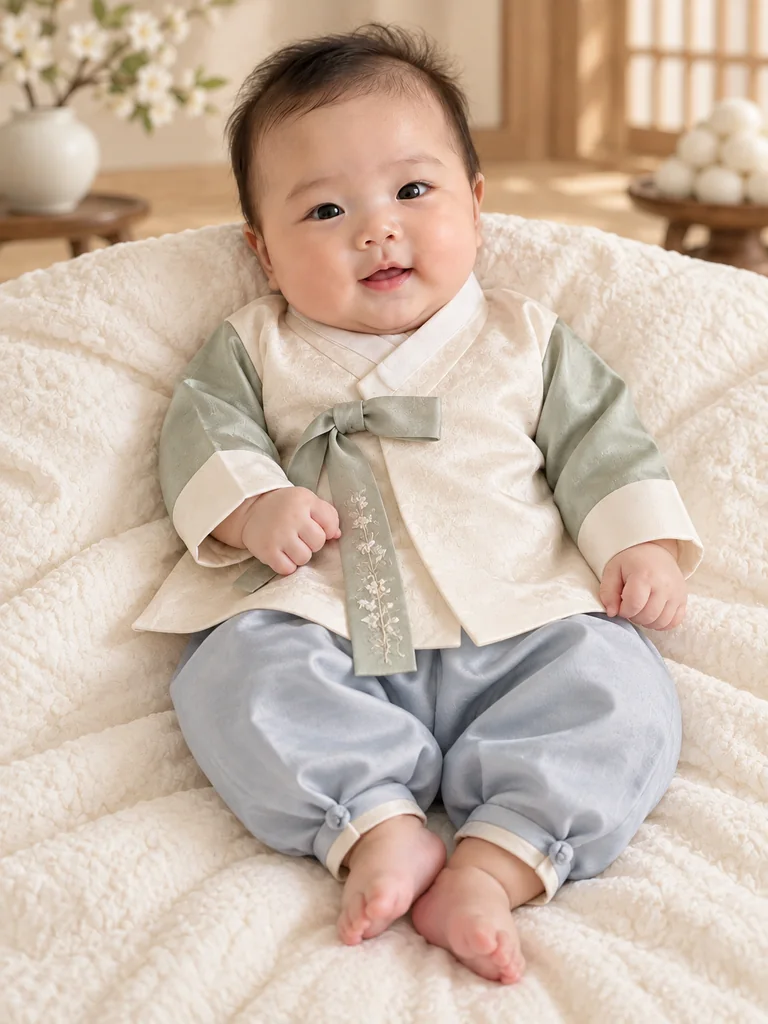
GPT Image 2.5 turns an everyday baby photo into a baekil-style 100-day portrait with Korean hanbok and a restrained celebration setting. It is a way to create a commemorative illustration at home, not a record of a studio session or ceremony.
Choose a useful reference photo
Use the result for a family message, a 100-day keepsake or an album page. Choose a portrait ratio for a frame and leave enough room around the face for trimming. This page focuses on baekil; it does not supply a full first-birthday album.
One clear subject
Choose a photo of one baby with the face visible and naturally lit. Avoid covered eyes, strong shadows and heavy beauty filters.
Visible details
A clear seated or reclining pose helps retain the baby’s age and proportions. Do not choose a photo where an adult’s hand covers the face.
A photo you may use
Use a photo you have permission to upload. Keep your own original; do not assume a generated portrait replaces the family photograph.
How to create your image
Upload a photo
Upload one photo with an unobstructed subject. A sharp original gives the model more detail than a screenshot or a heavily filtered image.
Choose a scene
Choose one of nine visual templates. Preview the scene, then set the available output ratio and size. The tool supplies the scene keywords automatically.
Generate and review
Check the displayed credit cost before submitting. When generation finishes, inspect the face or subject details, then download a result you want to keep.
Choose your scene
Traditional hanbok
Ivory and sage infant hanbok, a subtle folding screen and linen cushions. For a quiet traditional baekil look.
Warm celebration
Peach and cream hanbok with warm wooden details and a small floral arrangement in the background.
Minimal studio
Pale blue and white hanbok against an ivory backdrop, with attention on the baby’s face and expression.
Review, download and use your image
AI demonstration with a fictional subject. Inspect details against your own original before using a result.
Look closely
Compare the result with your source. Look for changed features, extra fingers or paws, distorted clothing and inconsistent edges before sharing.
Keep room for a crop
Leave some space around the head and body. A square social crop and a portrait frame can cut different parts of the image; review the intended crop before printing.
Check the actual file
The downloaded pixel dimensions determine usable print size. Ask your print shop about its requirements; an AI image or a DPI label alone does not guarantee a sharp large print.
Questions before you create
Related AI tools
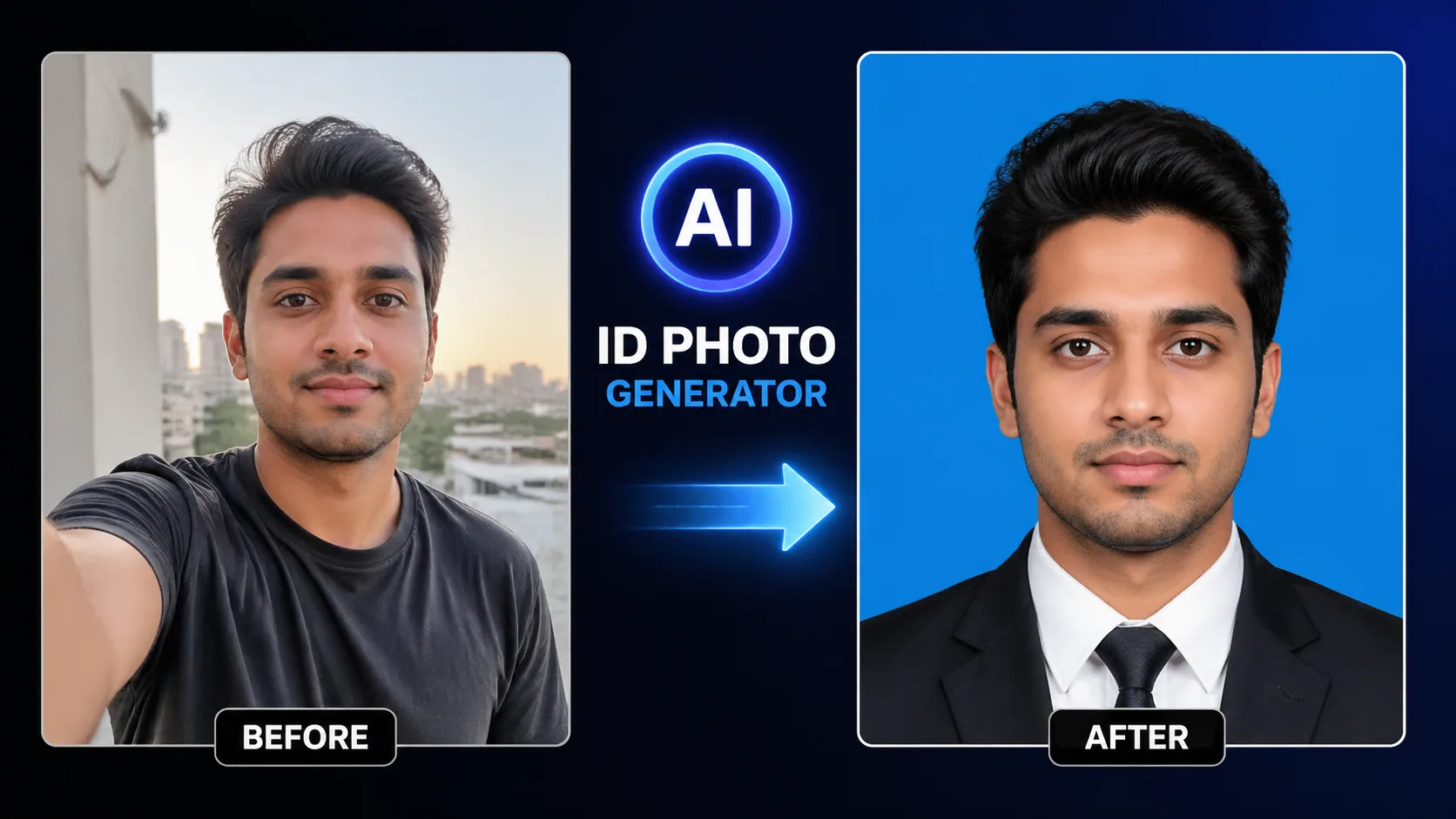
AI ID Photo
Professional ID photo creation with automatic background change and skin retouching.
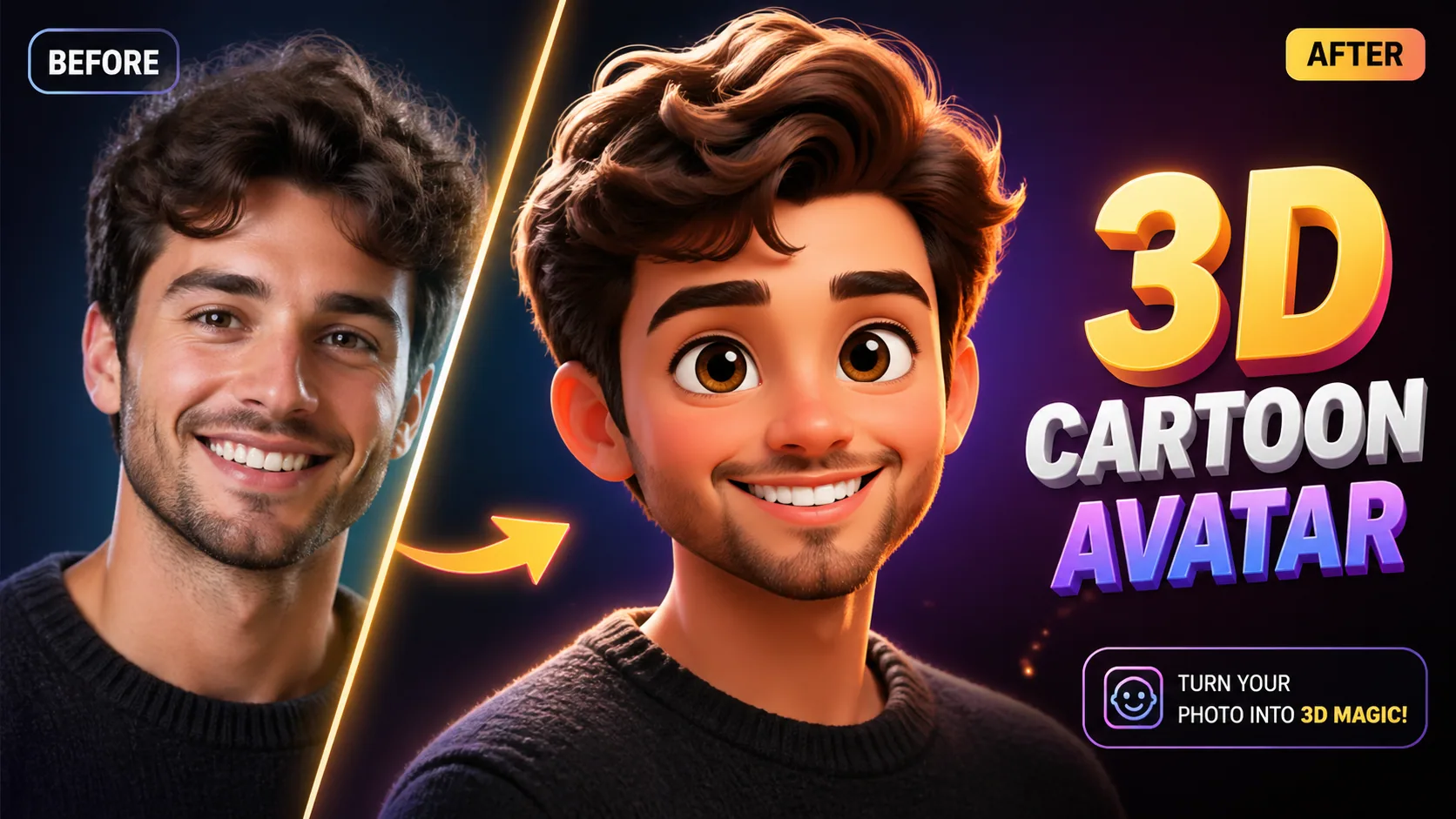
3D Cartoon Avatar
Transform photos into Pixar/Disney-style 3D characters with advanced AI reconstruction.
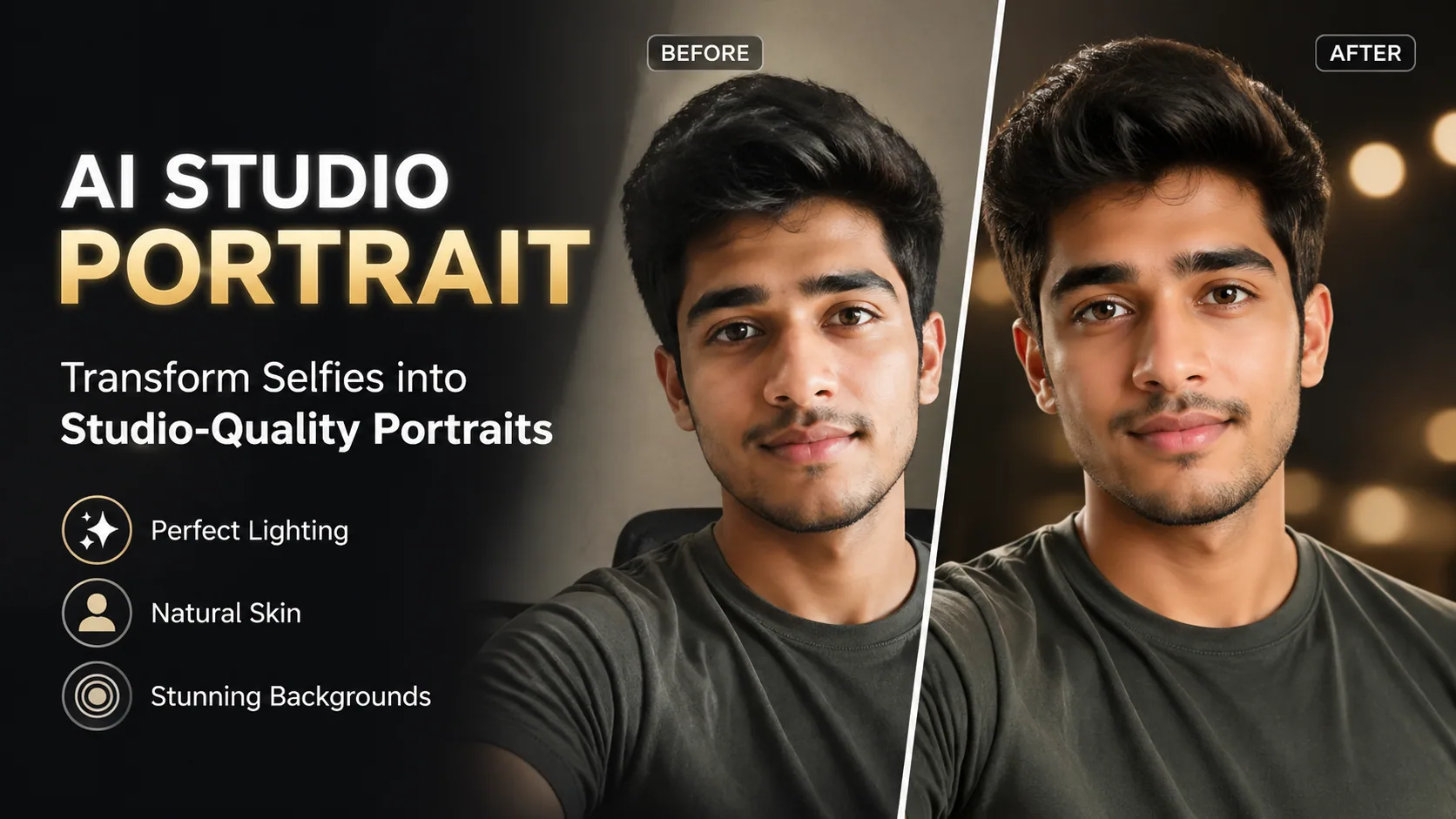
Studio Portrait
Turn selfies into professional studio-quality headshots for LinkedIn and business profiles.
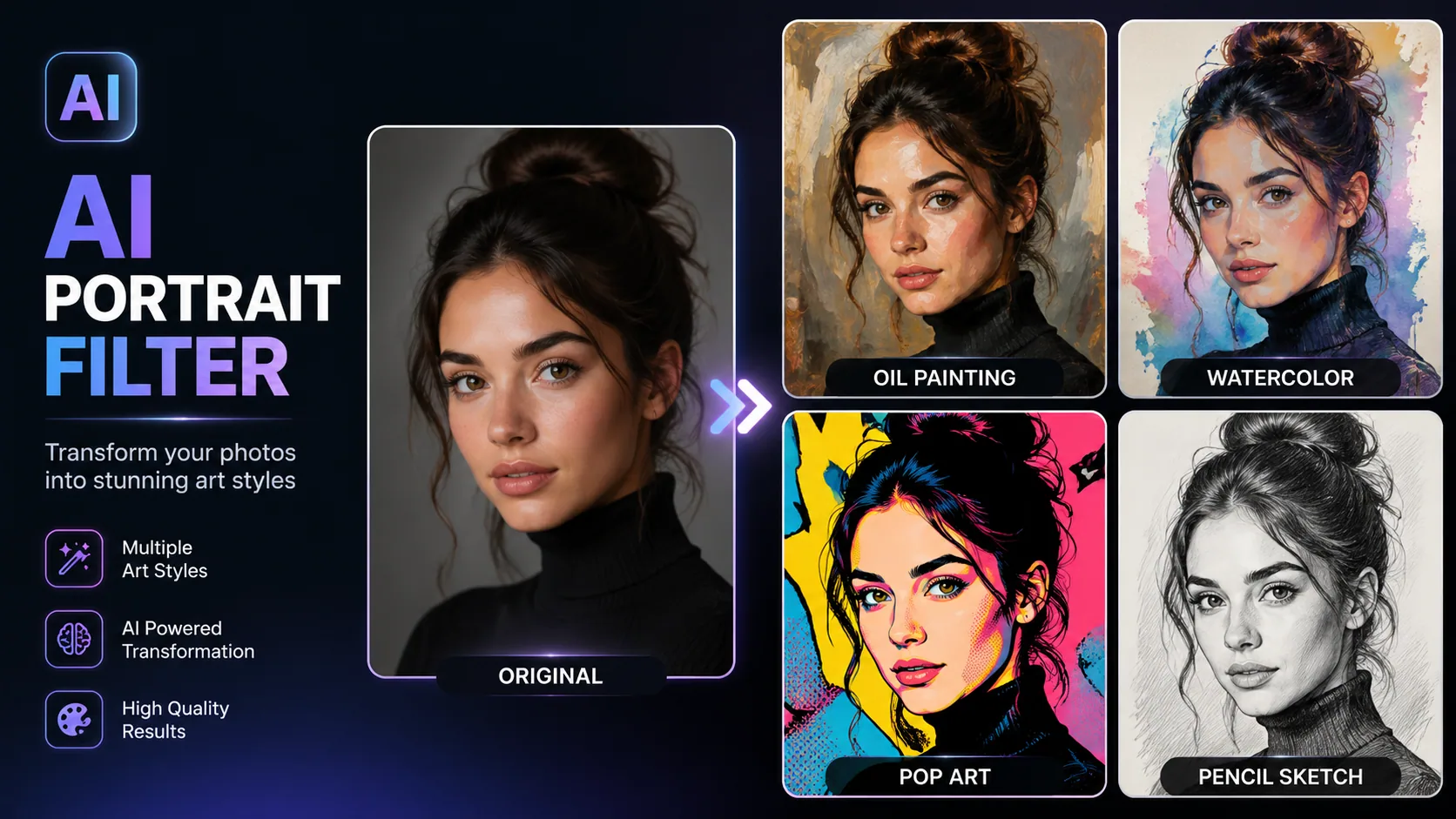
Portrait Filter
Apply 50+ AI art style filters to portraits — oil painting, watercolor, anime, pop art and more.
AI Models You May Like
 Image
ImageFireRed Image Edit
Open-source instruction-driven AI image editing model by Xiaohongshu FireRed team — 10 editing capabilities covering ...
 ImageNEW
GPT Image 2
Supports up to 16 reference images and 3000-character prompts for higher-consistency image generation, brand assets, ...
 Image
ImageNano Banana Pro
Professional AI Image Generator with 4K Ultra-HD Output and Perfect Prompt Understanding
AI Baekil Photo Generator
Create a Korean 100-day baby portrait from one photo. Choose a hanbok scene, review your baby’s features and download a commemorative image.
Create image