
Plushie Design Sheet Generator | GPT Image 2.5
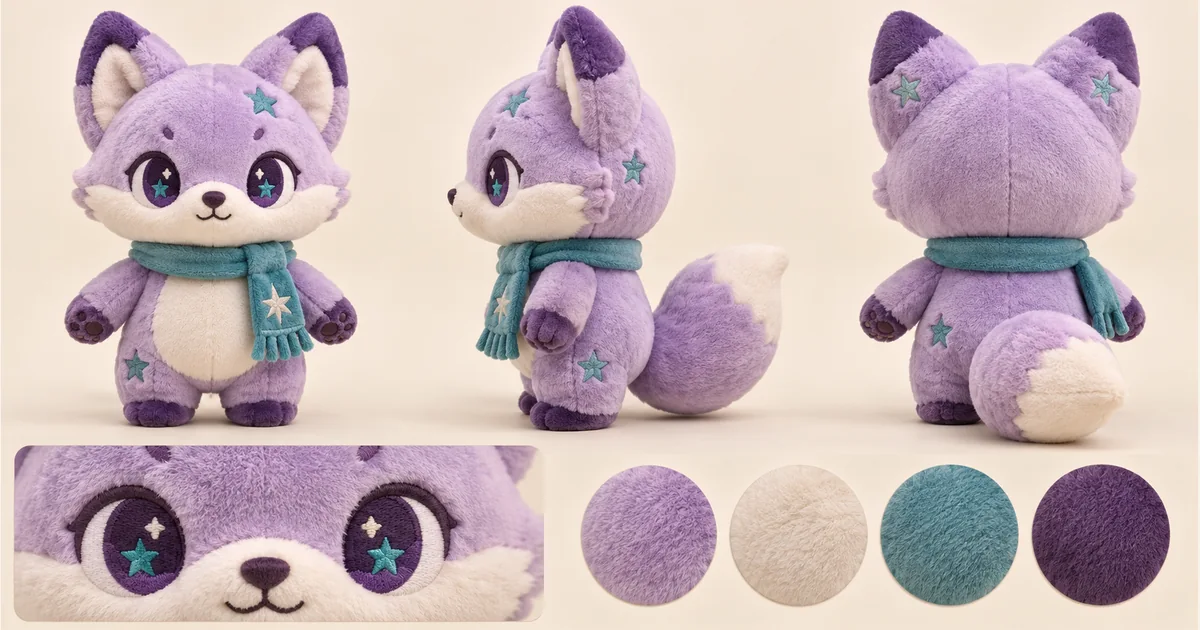
Create and refine the visual concept in GPT Image 2.5 from an uploaded reference; verify its practical suitability before use. Turn one character reference into a plush toy concept sheet with front, side and back views, a face detail and a color palette.
Related AI tools

AI Logo Generator
AI Logo Generator: Explore a concept from your uploaded reference with GPT Image 2.5; review details before real-world use.
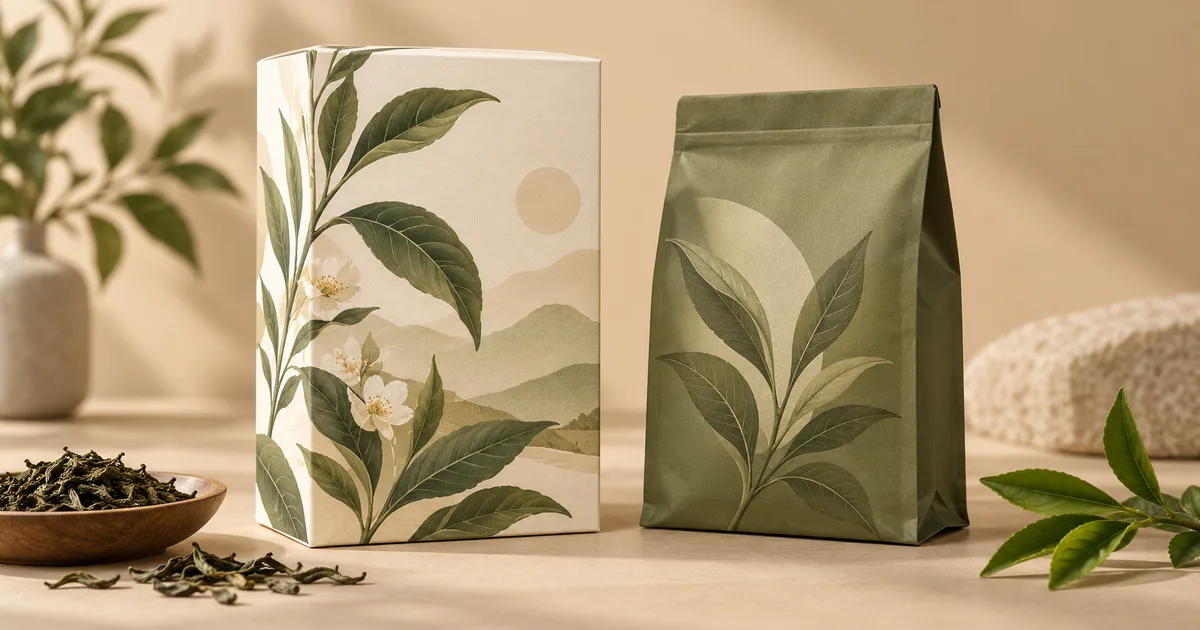
AI Packaging Design
AI Packaging Design: Explore a concept from your uploaded reference with GPT Image 2.5; review details before real-world use.
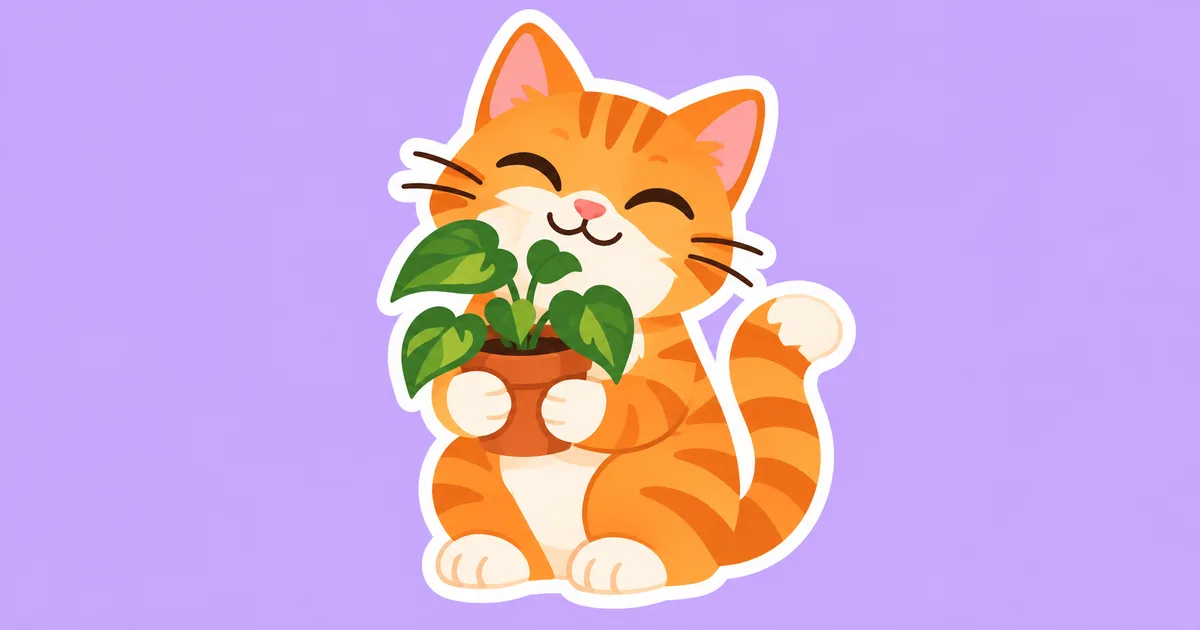
AI Sticker Generator
AI Sticker Generator: Explore a concept from your uploaded reference with GPT Image 2.5; review details before real-world use.
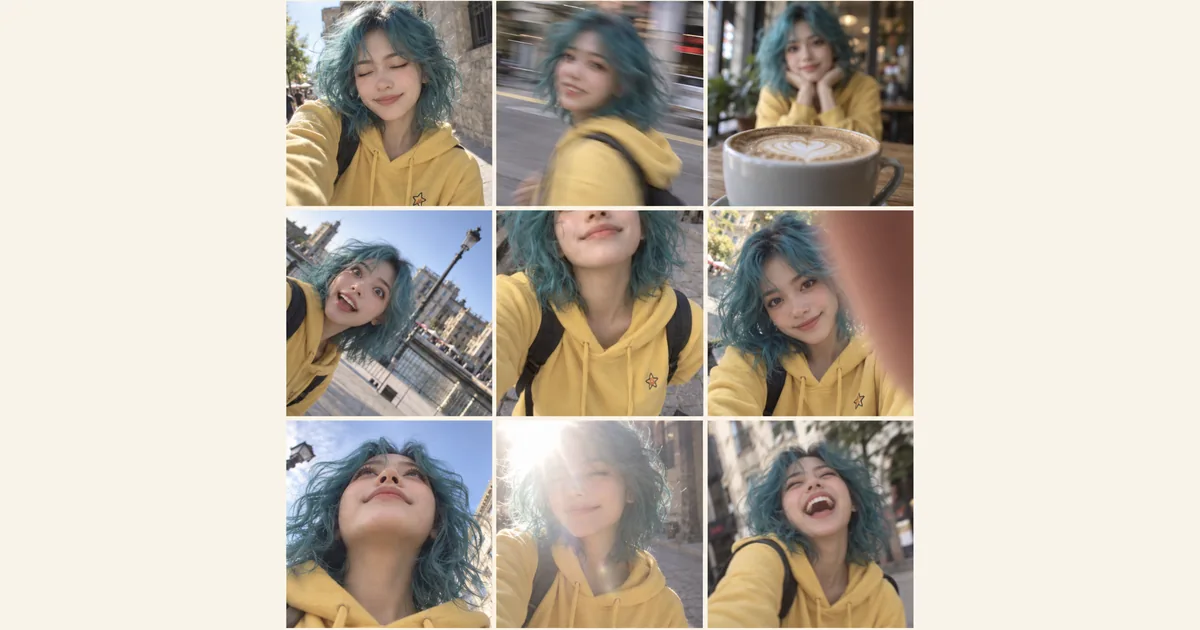
Photo Fail Generator
Photo Fail Generator: Explore a concept from your uploaded reference with GPT Image 2.5; review details before real-world use.
Plushie Design Sheet Generator: Create with GPT Image 2.5
Create and refine the visual concept in GPT Image 2.5 from an uploaded reference; verify its practical suitability before use. Turn one character reference into a plush toy concept sheet with front, side and back views, a face detail and a color palette.
Prepare a reference with clear character details
Choose a full-body image with the face, ears, limbs and important accessories visible. A simple background makes the silhouette easier to understand. If the reference only shows the front, the side and back need interpretation: check those invented details rather than assuming they match a hidden original.
Create your first plushie sheet
Upload a clear character reference, choose an available model and image settings, and check the displayed credits before generating. Open the finished image at full size to explore the shape, face and colors, then download the version you want to develop.
Front, side and back in one design sheet
Explore the same plush character from the front, side and back, alongside a face close-up and a coordinated palette. Soft shapes, embroidered features and seam details help you picture how the character could look as a toy.
Choose the plushie details you want to keep
Compare the ears, hair, outfit, tail and accessories from every angle to choose a version that suits your character. A matching face close-up and palette make it easier to discuss the expression and colors. Keep the views together when sharing your favorite idea with a maker.
Use the concept for a plush-making discussion
Bring the chosen sheet to a maker to discuss fabric, embroidery, seams and which small accessories should be simplified. The output is one concept image, not a sewing pattern, dimensioned drawing or manufacturing specification. A maker still needs to resolve construction, size, material availability and safety requirements before production.
Practical questions before you start
AI Models
 Image
ImageFireRed Image Edit
Open-source instruction-driven AI image editing model by Xiaohongshu FireRed team — 10 editing capabilities covering ...
 ImageNEW
GPT Image 2
Supports up to 16 reference images and 3000-character prompts for higher-consistency image generation, brand assets, ...
 Image
ImageNano Banana Pro
Professional AI Image Generator with 4K Ultra-HD Output and Perfect Prompt Understanding
 VideoNEW
Veo 3.1
Professional AI Video Generator with Native Audio Generation and Realistic Physics Rendering
 Video
VideoSora 2
OpenAI's most advanced general video generation model — create high-quality videos from text prompts and images with ...
 VideoNEW
Seedance 2.0
ByteDance's next-generation AI video model with the revolutionary @-reference system. Combine text, images, video cli...
Try AI Bald Filter, Cartoon Avatar & More — Free







 10,000+