
AI Logo Generator | GPT Image 2.5
Build visual concepts in GPT Image 2.5 with an uploaded reference; assess composition and consistency before practical use. Explore a logo symbol from a sketch or visual reference. Choose a graphic style and palette, then review the raster concept at a small size.

Related AI tools
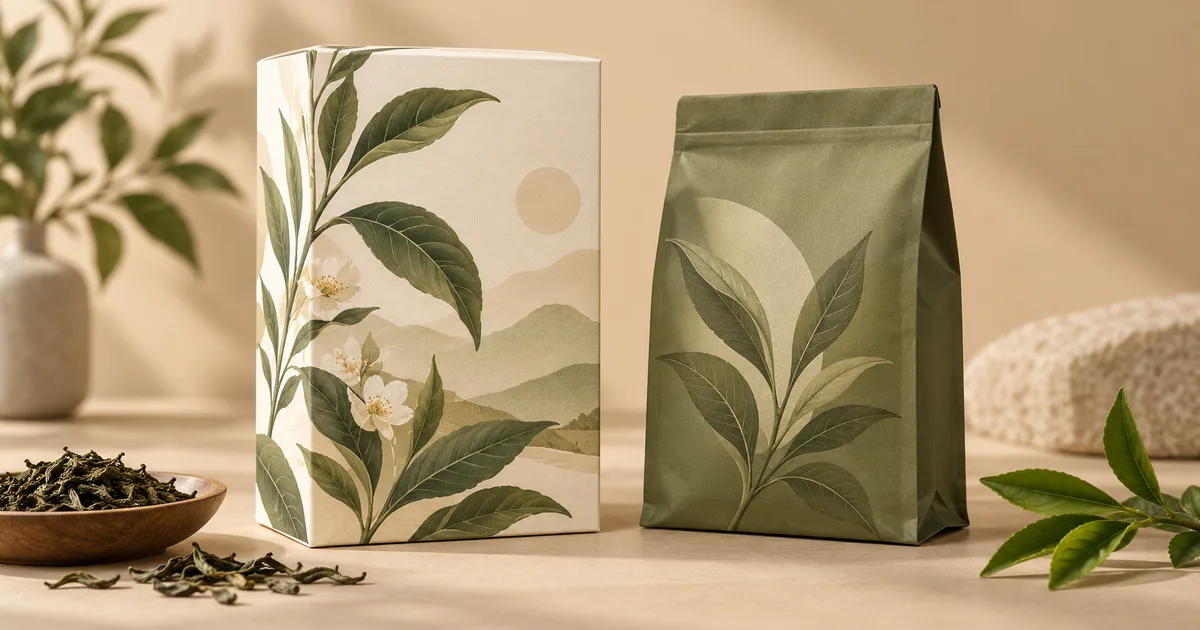
AI Packaging Design
AI Packaging Design: Explore a concept from your uploaded reference with GPT Image 2.5; review details before real-world use.
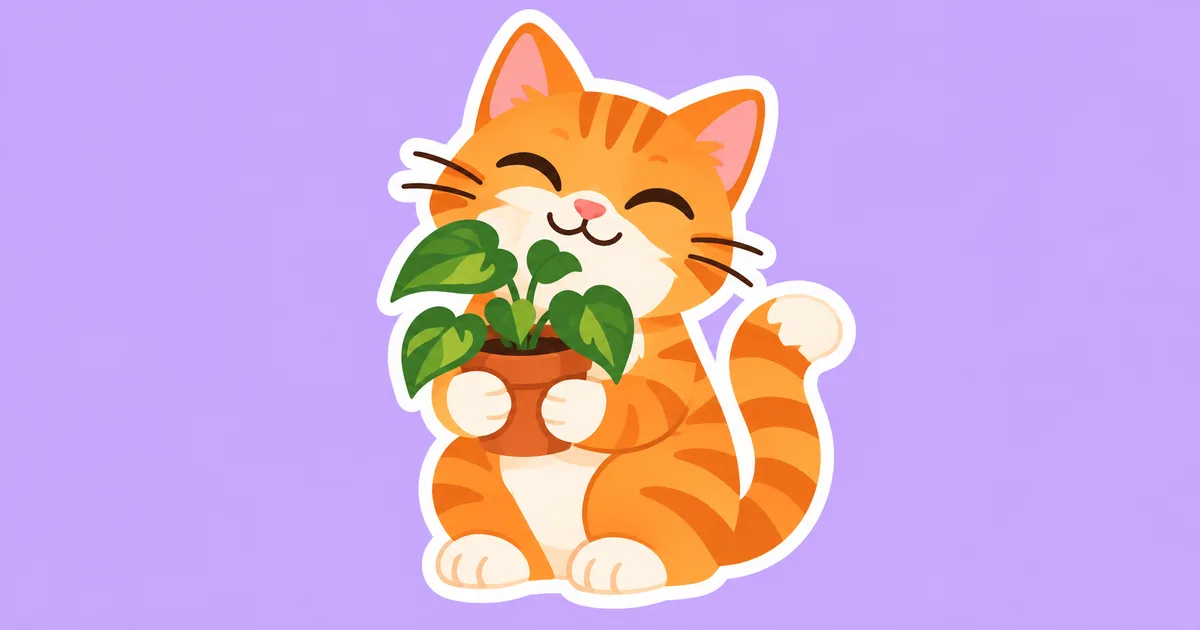
AI Sticker Generator
AI Sticker Generator: Explore a concept from your uploaded reference with GPT Image 2.5; review details before real-world use.
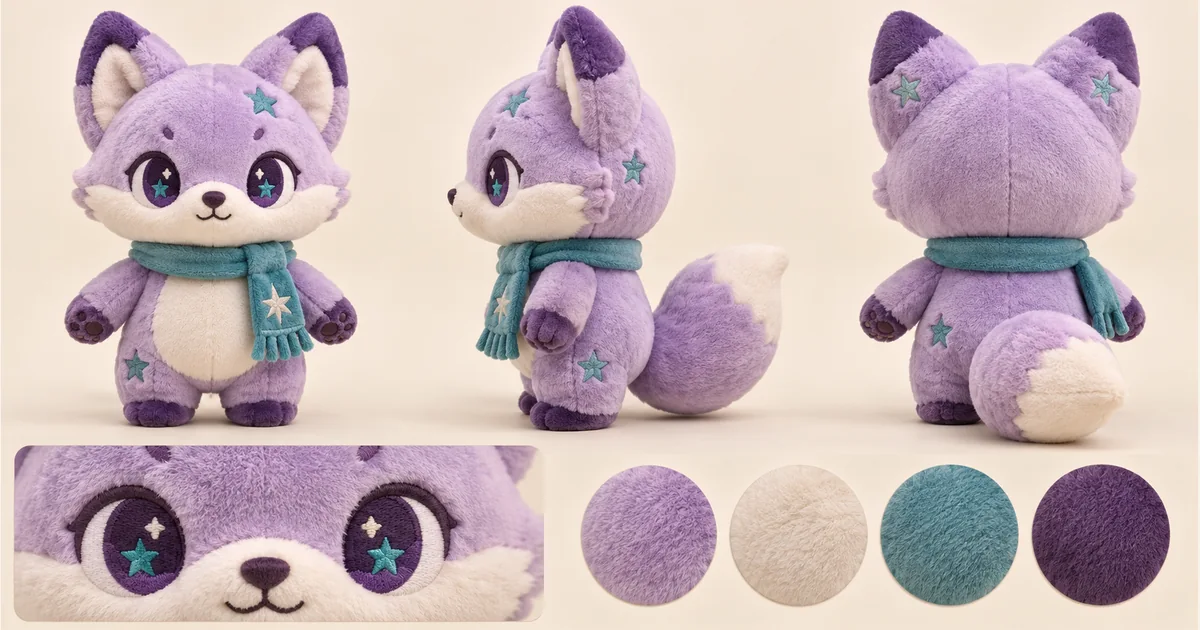
Plushie Design Sheet Generator
Plushie Design Sheet Generator: Explore a concept from your uploaded reference with GPT Image 2.5; review details before real-world use.
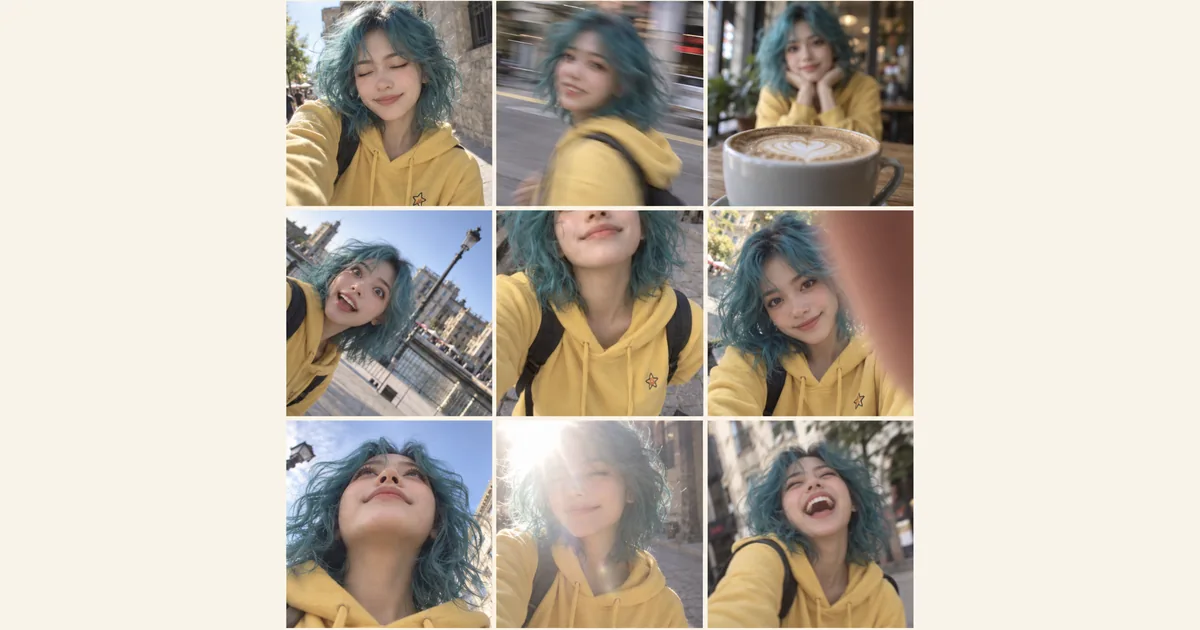
Photo Fail Generator
Photo Fail Generator: Explore a concept from your uploaded reference with GPT Image 2.5; review details before real-world use.
AI Logo Generator: GPT Image 2.5 workflow
Build visual concepts in GPT Image 2.5 with an uploaded reference; assess composition and consistency before practical use. Build visual concepts in GPT Image 2.5 with an uploaded reference; assess composition and consistency before practical use. Explore a logo symbol from a sketch or visual reference. Choose a graphic style and palette, then review the raster concept at a small size.
Concept illustration, not a tested output from this tool
Prepare a useful reference image
Use a simple sketch with a readable silhouette, or a reference you are entitled to use. One clear symbol idea is easier to explore than a collage of lettering and unrelated styles. The form selects symbol style and palette; precise brand lettering is finished in a design application.
From your reference to a design concept
Choose the two options below, check the model and credit amount, then generate a first concept. Compare it with the reference before changing one setting at a time.
Symbol style
Palette
Three ready-to-select directions
These are suggested option combinations to explore, not tested results. Select the matching settings in the form; there is no prompt to copy.
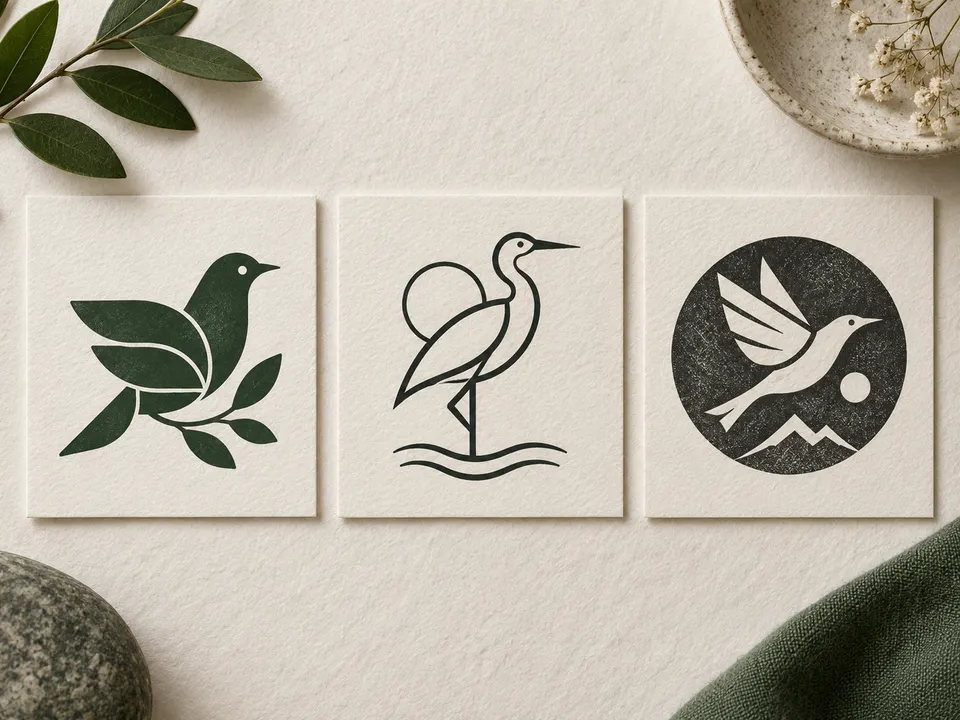
Geometric · Forest green
Minimal · Warm brown
Playful · Navy blue
Review the details before using the result
Inspect the outline, negative space and whether the mark still reads in one color. Check for accidental letters, distorted words and similarity to familiar logos. A detailed illustration may look attractive at full size but fail as an app icon, stamp or small profile image.
Take the concept into your next step
Give the chosen image and design brief to a designer for lettering, vector artwork and size-specific versions. Check trademark availability separately before adopting the mark. The tool helps with visual exploration; it does not establish ownership or produce a brand identity system.
Practical questions before you start
AI Models
 Image
ImageFireRed Image Edit
Open-source instruction-driven AI image editing model by Xiaohongshu FireRed team — 10 editing capabilities covering ...
 ImageNEW
GPT Image 2
Supports up to 16 reference images and 3000-character prompts for higher-consistency image generation, brand assets, ...
 Image
ImageNano Banana Pro
Professional AI Image Generator with 4K Ultra-HD Output and Perfect Prompt Understanding
 VideoNEW
Veo 3.1
Professional AI Video Generator with Native Audio Generation and Realistic Physics Rendering
 Video
VideoSora 2
OpenAI's most advanced general video generation model — create high-quality videos from text prompts and images with ...
 VideoNEW
Seedance 2.0
ByteDance's next-generation AI video model with the revolutionary @-reference system. Combine text, images, video cli...
Try AI Bald Filter, Cartoon Avatar & More — Free







 10,000+