
AI Packaging Design | GPT Image 2.5
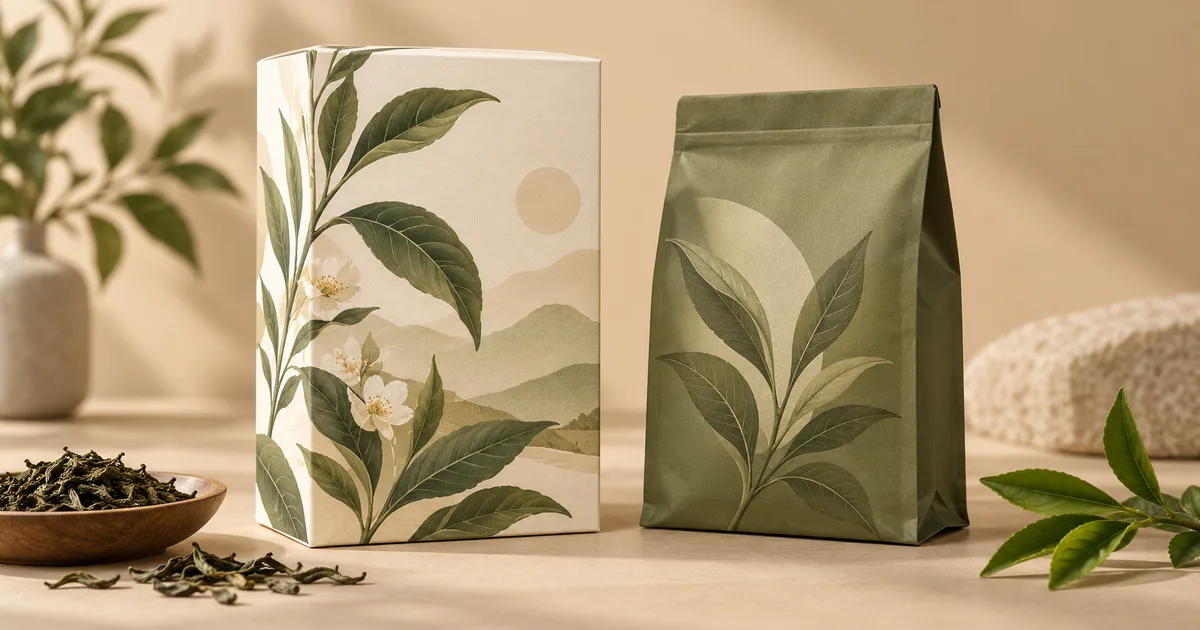
Create and refine the visual concept in GPT Image 2.5 from an uploaded reference; verify its practical suitability before use. Explore a new packaging concept from a package reference. Choose a package format and visual style, then review graphics, folds and label space.
Related AI tools
AI Logo Generator
AI Logo Generator: Explore a concept from your uploaded reference with GPT Image 2.5; review details before real-world use.

AI Sticker Generator
AI Sticker Generator: Explore a concept from your uploaded reference with GPT Image 2.5; review details before real-world use.
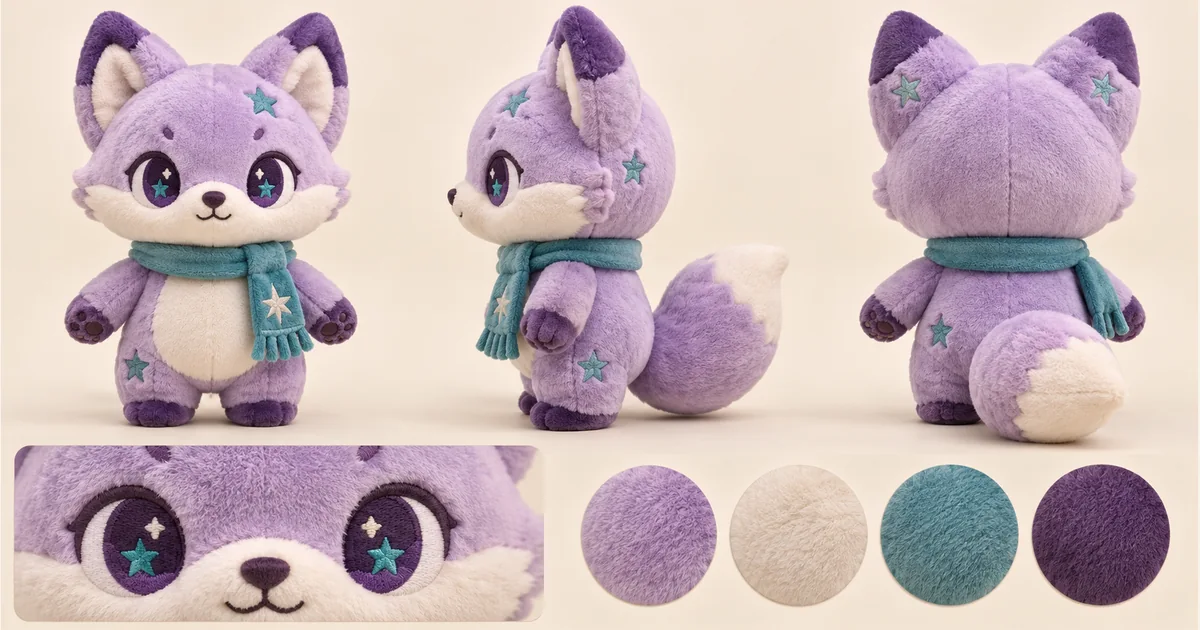
Plushie Design Sheet Generator
Plushie Design Sheet Generator: Explore a concept from your uploaded reference with GPT Image 2.5; review details before real-world use.
Photo Fail Generator
Photo Fail Generator: Explore a concept from your uploaded reference with GPT Image 2.5; review details before real-world use.
AI Packaging Design: Create with GPT Image 2.5
Create and refine the visual concept in GPT Image 2.5 from an uploaded reference; verify its practical suitability before use. Explore a new packaging concept from a package reference. Choose a package format and visual style, then review graphics, folds and label space.
Concept illustration, not a tested output from this tool
Prepare a useful reference image
Upload a blank or simply printed package with a clear shape. A front or three-quarter view helps show panels, folds and closures. Choose the package format and visual style in the form; product details must be handled separately when preparing accurate labels.
From your reference to a design concept
Choose the two options below, check the model and credit amount, then generate a first concept. Compare it with the reference before changing one setting at a time.
Package format
Visual style
Three ready-to-select directions
These are suggested option combinations to explore, not tested results. Select the matching settings in the form; there is no prompt to copy.
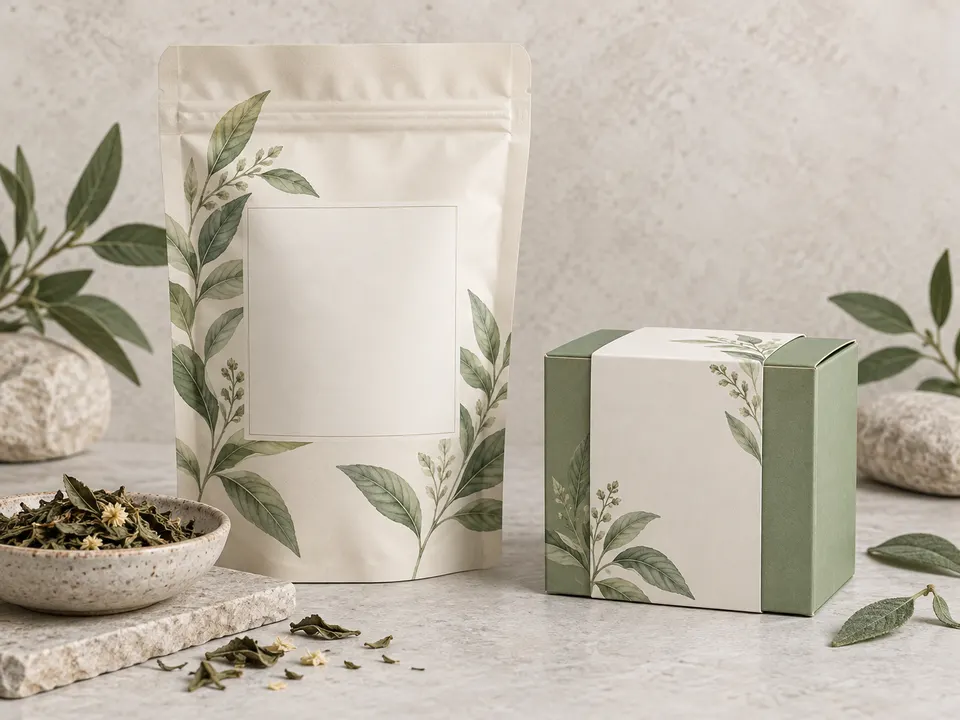
Box · Botanical
Stand-up pouch · Playful
Paper sleeve · Restrained premium
Review the details before using the result
Check panel proportions, folds, seams and whether artwork crosses edges awkwardly. Inspect every generated word and remove invented certifications or product claims. A realistic rendering does not confirm material performance, readable fine print or the dimensions of a manufactured pack.
Take the concept into your next step
Use the image as a briefing mockup for a packaging designer. Build the final layout on the manufacturer’s approved dieline, add verified text and barcodes, and check print specifications. Obtain a physical proof before treating the concept as production artwork.
Practical questions before you start
AI Models
 Image
ImageFireRed Image Edit
Open-source instruction-driven AI image editing model by Xiaohongshu FireRed team — 10 editing capabilities covering ...
 ImageNEW
GPT Image 2
Supports up to 16 reference images and 3000-character prompts for higher-consistency image generation, brand assets, ...
 Image
ImageNano Banana Pro
Professional AI Image Generator with 4K Ultra-HD Output and Perfect Prompt Understanding
 VideoNEW
Veo 3.1
Professional AI Video Generator with Native Audio Generation and Realistic Physics Rendering
 Video
VideoSora 2
OpenAI's most advanced general video generation model — create high-quality videos from text prompts and images with ...
 VideoNEW
Seedance 2.0
ByteDance's next-generation AI video model with the revolutionary @-reference system. Combine text, images, video cli...
Try AI Bald Filter, Cartoon Avatar & More — Free







 10,000+