
Photo Fail Generator | GPT Image 2.5
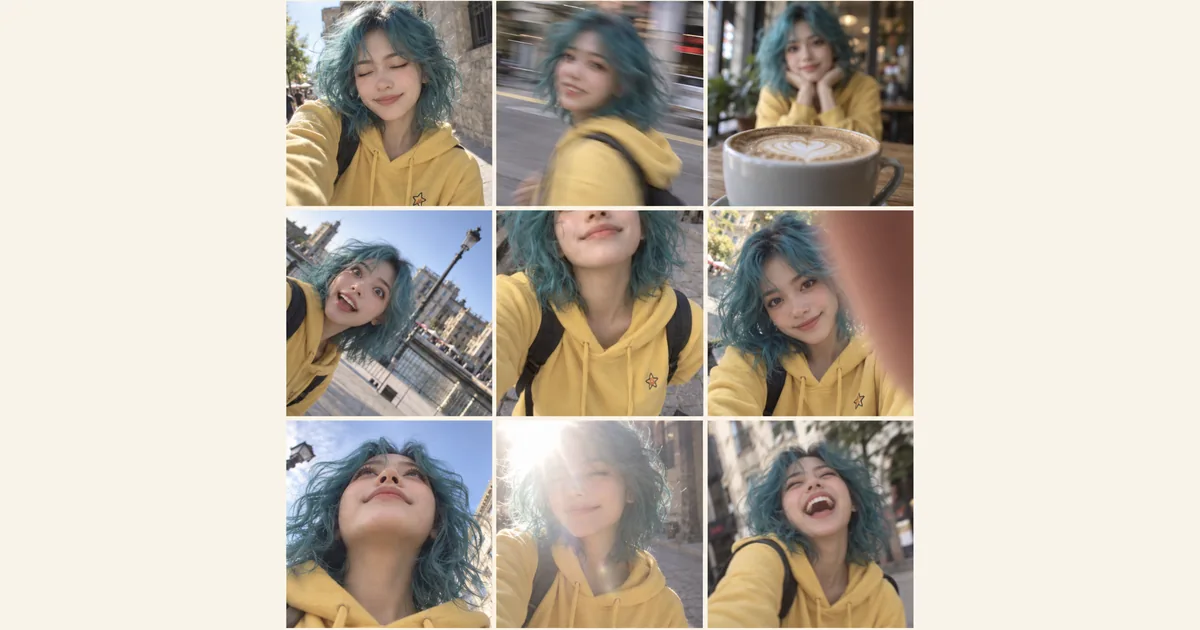
Create and refine the visual concept in GPT Image 2.5 from an uploaded reference; verify its practical suitability before use. Make a playful 3×3 contact sheet of the same character: blinking, motion blur, missed focus and awkward framing.
Related AI tools
AI Logo Generator
AI Logo Generator: Explore a concept from your uploaded reference with GPT Image 2.5; review details before real-world use.
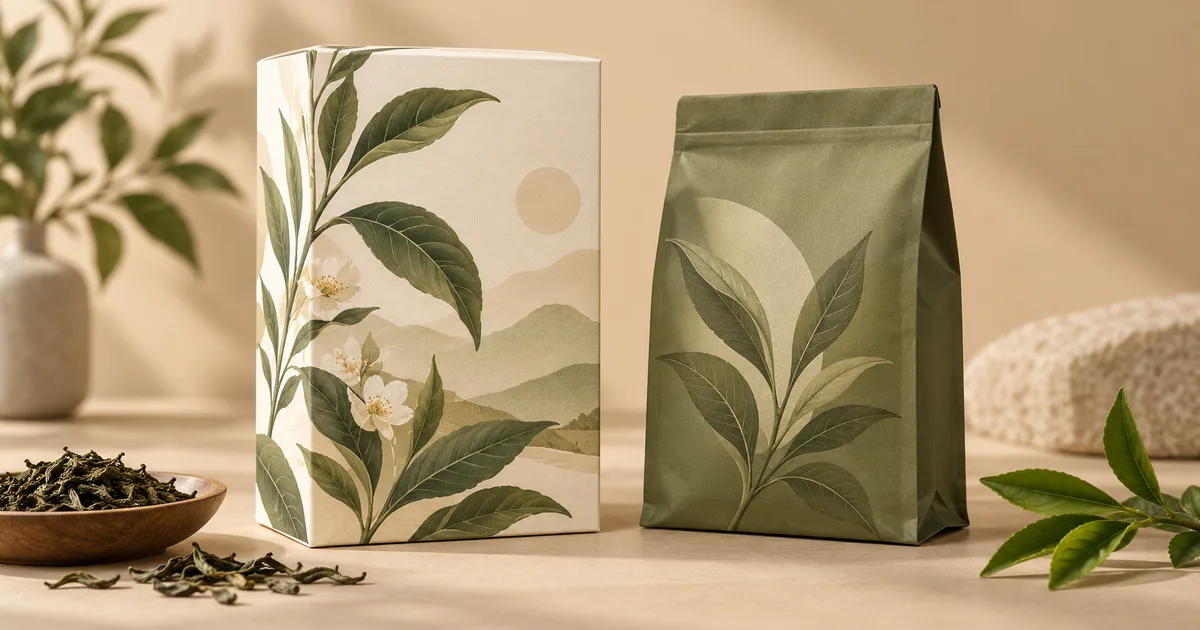
AI Packaging Design
AI Packaging Design: Explore a concept from your uploaded reference with GPT Image 2.5; review details before real-world use.
AI Sticker Generator
AI Sticker Generator: Explore a concept from your uploaded reference with GPT Image 2.5; review details before real-world use.
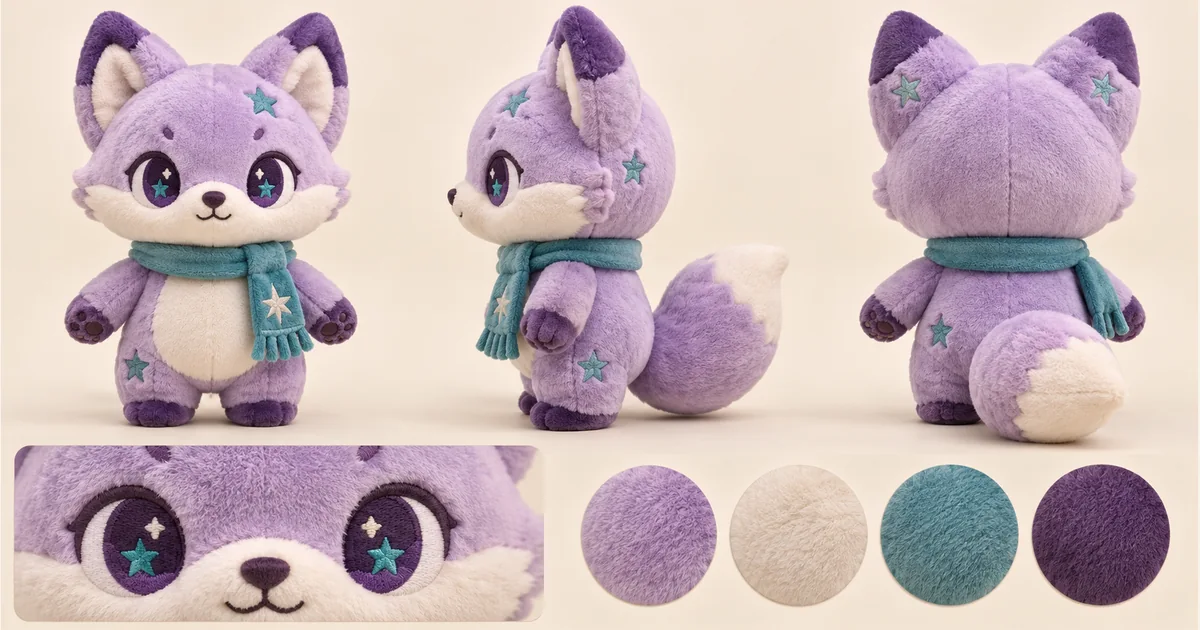
Plushie Design Sheet Generator
Plushie Design Sheet Generator: Explore a concept from your uploaded reference with GPT Image 2.5; review details before real-world use.
Photo Fail Generator: Create with GPT Image 2.5
Create and refine the visual concept in GPT Image 2.5 from an uploaded reference; verify its practical suitability before use. Make a playful 3×3 contact sheet of the same character: blinking, motion blur, missed focus and awkward framing.
Choose a reference that remains recognizable
Use a clear face and visible hair, clothing and distinctive colors. A front or three-quarter view is easier to compare across panels than a distant silhouette. Avoid a busy group photo: the nine frames should follow one subject, so a crowded input makes identity and anatomy harder to assess.
Turn one reference into a playful collage
Upload a clear character image, choose a model and aspect ratio, and check the credits before generating. Open the collage to compare the moments, download your favorite version, or crop a panel for your next post.
Nine ways to miss the perfect shot
Explore blinking, slight motion blur, missed focus, a tilted horizon, awkward cropping, a finger over the lens, a low camera angle, mild overexposure and an unexpected expression. The 3×3 collage brings these playful moments together while keeping the character recognizable.
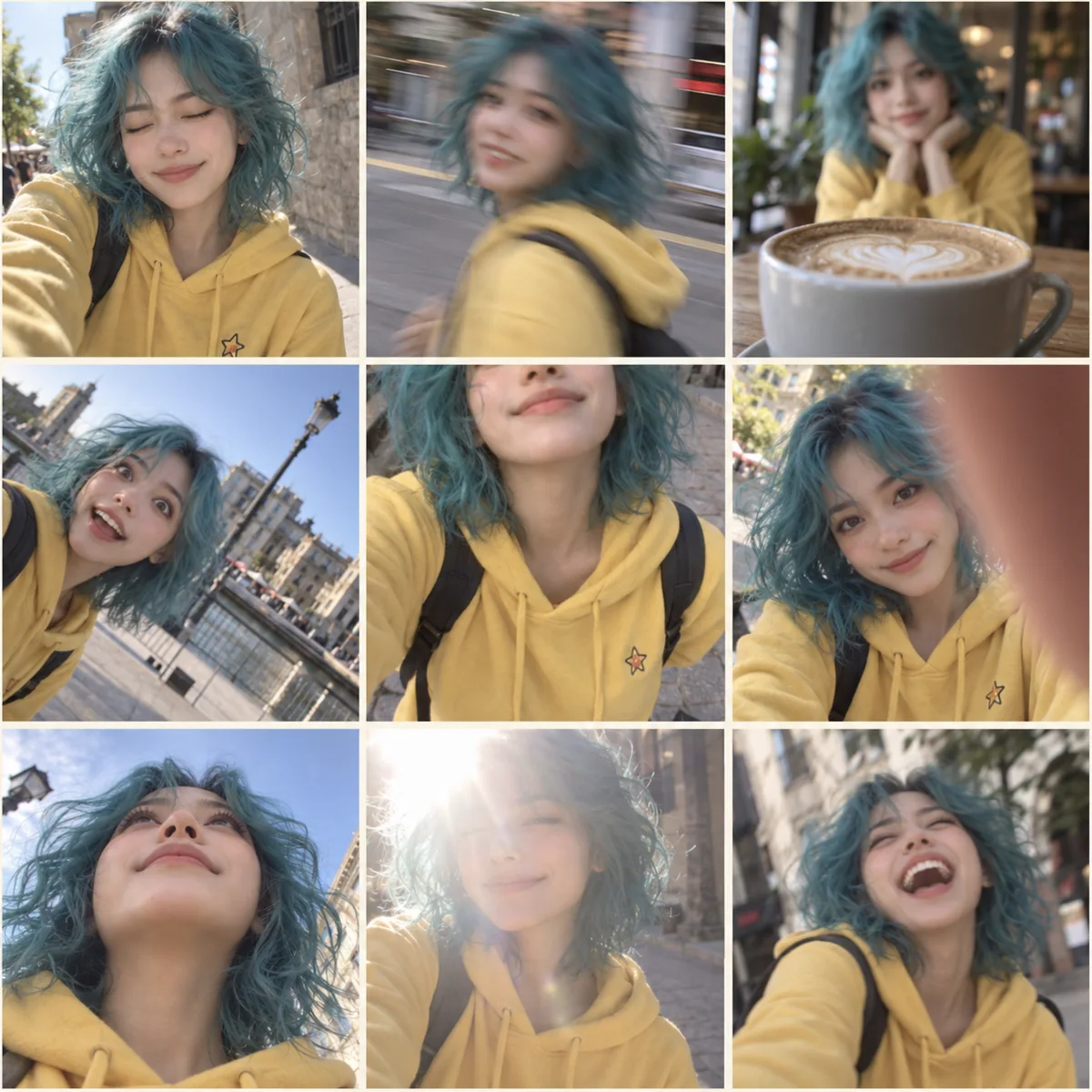
Pick your favorite imperfect moment
Look through the collage for expressions and mishaps that suit your character. Face shape, hair, clothing and color help you recognize the same subject across the panels. Choose moments with enough visible detail for your post; an illustrated reference can remain part of an illustrated visual style.
Share or crop the collage thoughtfully
Your download is one collage image, not nine separately downloadable photographs. You can crop individual cells in an editor and review them before sharing. Describe the result as an AI-created fictional visual when context matters; the generated scenes do not establish that a real person experienced any depicted moment.
Practical questions before you start
AI Models
 Image
ImageFireRed Image Edit
Open-source instruction-driven AI image editing model by Xiaohongshu FireRed team — 10 editing capabilities covering ...
 ImageNEW
GPT Image 2
Supports up to 16 reference images and 3000-character prompts for higher-consistency image generation, brand assets, ...
 Image
ImageNano Banana Pro
Professional AI Image Generator with 4K Ultra-HD Output and Perfect Prompt Understanding
 VideoNEW
Veo 3.1
Professional AI Video Generator with Native Audio Generation and Realistic Physics Rendering
 Video
VideoSora 2
OpenAI's most advanced general video generation model — create high-quality videos from text prompts and images with ...
 VideoNEW
Seedance 2.0
ByteDance's next-generation AI video model with the revolutionary @-reference system. Combine text, images, video cli...
Try AI Bald Filter, Cartoon Avatar & More — Free







 10,000+